

AetherSX2 Emulator
Play on PC with BlueStacks – the Android Gaming Platform, trusted by 500M+ gamers.

Page Modified on: Aug 5, 2026
Play AetherSX2 Emulator on PC or Mac
Step into the World of AetherSX2 Emulator, a thrilling Arcade game from the house of STE RIDA AGENCY. Play this Android game on BlueStacks App Player and experience immersive gaming on PC or Mac.
About the Game
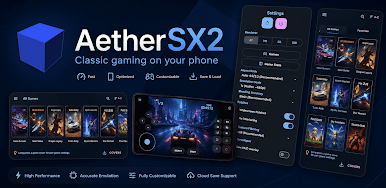
Remember a stack of PS2 favorites you’ve been meaning to revisit? AetherSX2 Emulator brings that era back with a slick, library-first design that makes your collection easy to browse, tweak, and play the way you want. It lands in the Genre: Arcade, but think of it as your all‑in‑one console vault with modern comforts, deep settings, and controls that actually fit how you play.
Game Features
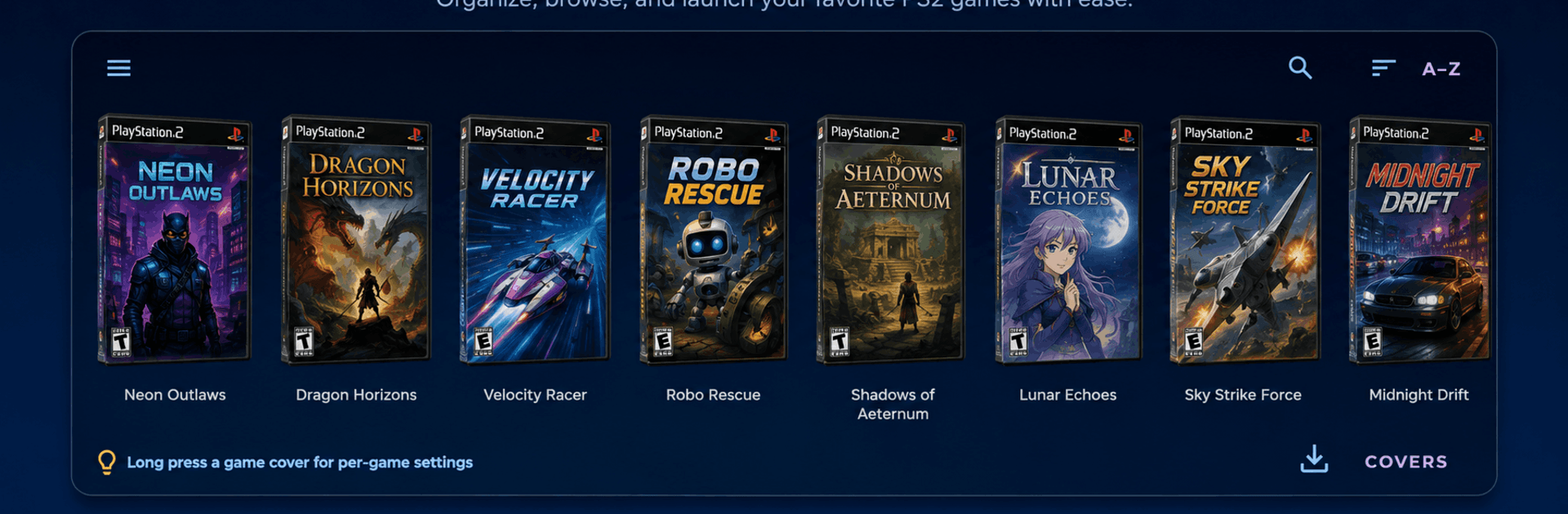
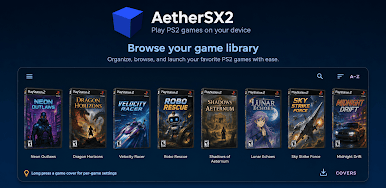
- Real Library, Not Just Files: Point it at your folders and watch a clean, cover‑art gallery appear. Swipe through box art, search by name, sort your list, and even set custom covers for titles that need a personal touch.
- Everything in One Screen: A side drawer and quick‑actions panel keep the library, settings, save states, texture packs, and achievements within thumb’s reach—no menu maze.
- Save States plus Memory Cards: Snap the exact moment you’re in and jump back instantly, or manage virtual memory cards per game so your progress stays organized.
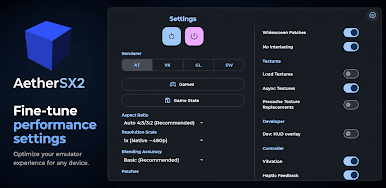
- Graphics Your Way: Pick Vulkan or OpenGL, upscale resolutions, adjust blending, set aspect ratios, toggle V‑Sync, apply widescreen patches, and clean up shimmer with no‑interlacing.
- HD Texture Packs Inside: Browse, download, and manage community texture packs right in the app. Precache them or toggle per title—downloads run quietly in the background.
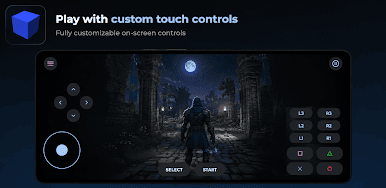
- Controls That Fit: Plug in a USB or Bluetooth gamepad and it maps automatically (with a tester to confirm every button). Prefer touch? Move, resize, and fine‑tune the on‑screen layout, including an optional right‑stick.
- Per‑Game Profiles: Give tricky titles their own renderer or settings without touching your global setup. Changes stick and reapply next time you launch.
- Cheats and Achievements: Load compatible cheat lists and flip codes on or off. Track progress, unlock badges, or try a tougher hardcore mode.
- Collection Helpers: Merge multiple folders into one view, fetch missing art in a tap, rescan when you add new games, and fix unmatched covers manually.
- Smart Extras: Picture‑in‑picture play, optional custom GPU drivers, support for select arcade‑board releases, a short guided setup, and a clean dark theme built for comfort.
- Runs Great on BlueStacks: Prefer a bigger display and easy keyboard/gamepad mapping? AetherSX2 Emulator feels right at home on BlueStacks without fuss.
Start your journey now. Download the game on BlueStacks, invite your friends, and march on a new adventure.
Play AetherSX2 Emulator on PC. It’s easy to get started.
-
Download and install BlueStacks on your PC
-
Complete Google sign-in to access the Play Store, or do it later
-
Look for AetherSX2 Emulator in the search bar at the top right corner
-
Click to install AetherSX2 Emulator from the search results
-
Complete Google sign-in (if you skipped step 2) to install AetherSX2 Emulator
-
Click the AetherSX2 Emulator icon on the home screen to start playing

