

Stable Champions
Play on PC with BlueStacks – the Android Gaming Platform, trusted by 500M+ gamers.

Page Modified on: Jul 20, 2025
Play Stable Champions on PC or Mac
Stable Champions brings the Racing genre to life, and throws up exciting challenges for gamers. Developed by Bad Jump Games, this Android game is best experienced on BlueStacks, the World’s #1 app player for PC and Mac users.
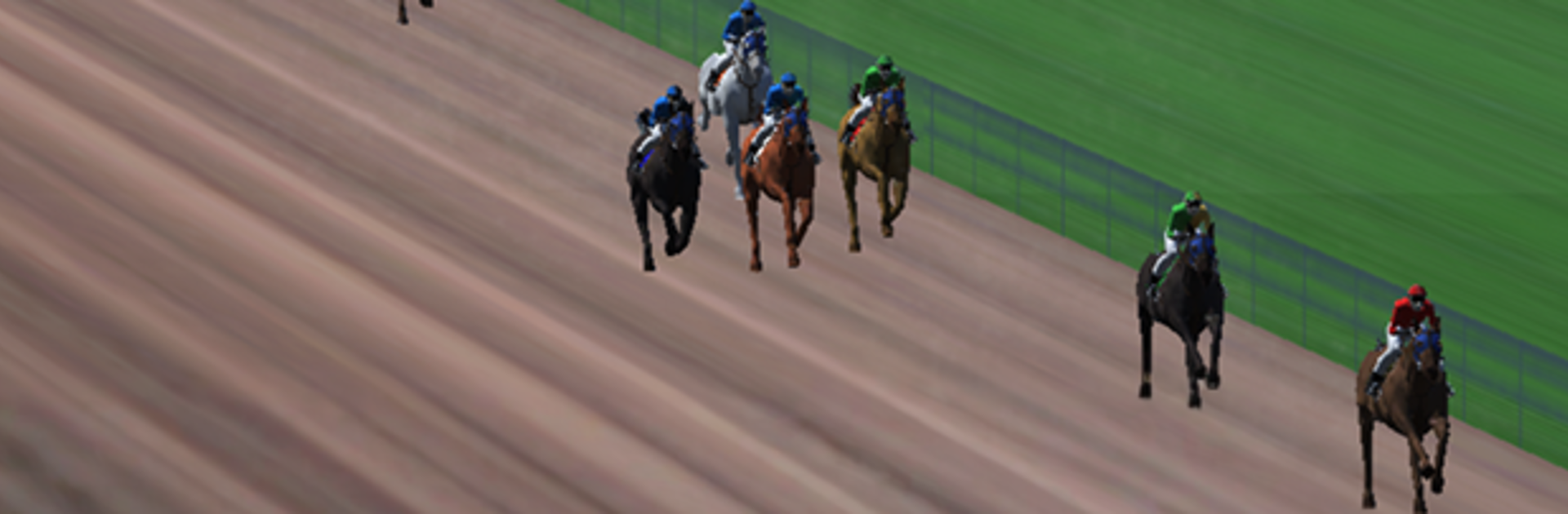
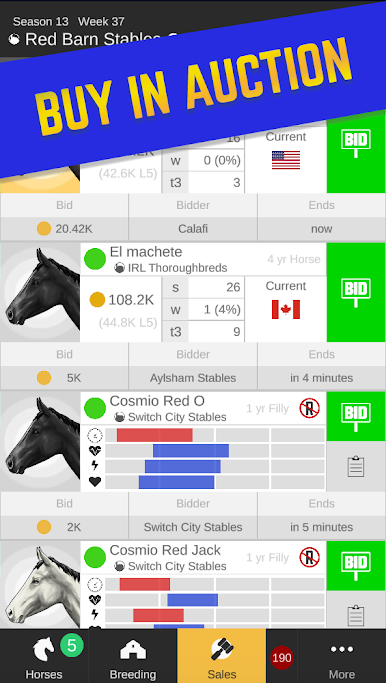
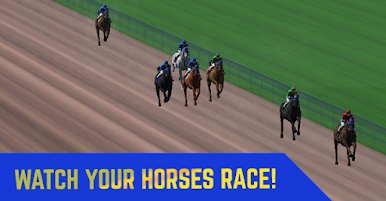
Stable Champions plays like a chill horse racing manager where the fun is in building a stable that actually feels yours. A player buys, sells, and breeds to fill out the barn, then enters horses into different race types and watches them run in full 3D. The camera rides along with the jockey, so the last stretch gets tense when the pack bunches up and someone finally pulls clear. It is more about planning and selection than twitchy controls, since races play out on their own, but there is still that little stomach flip when a photo finish pops.
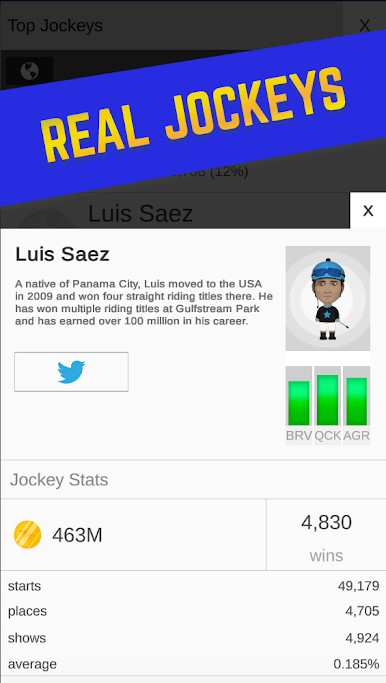
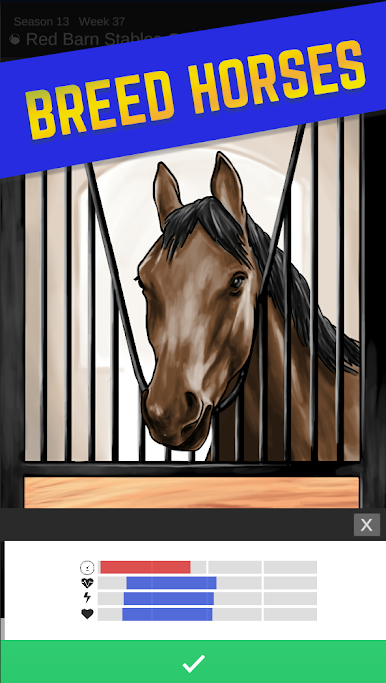
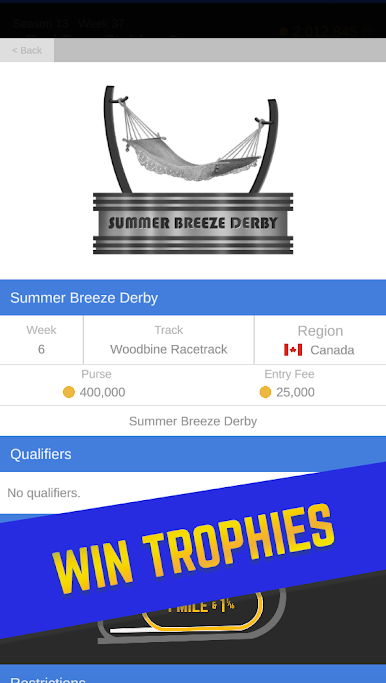
There are regional circuits with their own flavor. Canada leans into straightforward racing, Hong Kong brings that rated racing scene, and Dubai has its own tracks and pace. Each region stacks special stakes events and trophies, which ends up turning the barn into a shelf of wins if things go well. Real jockeys are in the roster too, and picking the right rider for a horse becomes part of the puzzle. Breeding is a big deal: retire a mare, match her with a strong stud, hope the foal gets the right mix, then register and send the youngster out for a first career start. On PC with BlueStacks, the bigger screen helps a lot for the 3D race view and the stable menus, and simple mouse clicks make the management loop feel smoother. It scratches that race fan itch without pretending it is an arcade riding game, which is exactly the point.
Slay your opponents with your epic moves. Play it your way on BlueStacks and dominate the battlefield.


Play Stable Champions on PC. It’s easy to get started.
-
Download and install BlueStacks on your PC
-
Complete Google sign-in to access the Play Store, or do it later
-
Look for Stable Champions in the search bar at the top right corner
-
Click to install Stable Champions from the search results
-
Complete Google sign-in (if you skipped step 2) to install Stable Champions
-
Click the Stable Champions icon on the home screen to start playing

