


Game Vault:Casino 999
Play on PC with BlueStacks – the Android Gaming Platform, trusted by 500M+ gamers.

Page Modified on: Mar 1, 2026
Play Game Vault:Casino 999 on PC
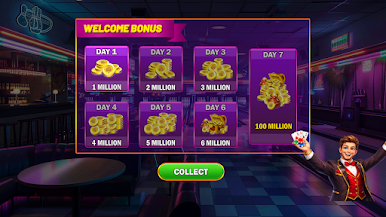
Experience the fun of a true virtual casino with lucky spins, daily rewards, and exciting spin-and-win moments designed to keep the excitement going. Whether you enjoy classic fruit machines or modern jackpot slots, Game Vault 777 brings a complete casino slot app experience that’s easy to play anytime, anywhere — no pressure, just pure fun.
Disclaimer: Game Vault 999: Money Casino is intended strictly for entertainment purposes only. This game does not offer real money gambling, and players cannot win real cash or real-world prizes. All coins, rewards, and virtual currency used within the game have no monetary value and cannot be exchanged for real money. By installing and playing, you acknowledge that this is a virtual money slots experience designed solely for fun and responsible enjoyment.



Play Game Vault:Casino 999 on PC. It’s easy to get started.
-
Download and install BlueStacks on your PC
-
Complete Google sign-in to access the Play Store, or do it later
-
Look for Game Vault:Casino 999 in the search bar at the top right corner
-
Click to install Game Vault:Casino 999 from the search results
-
Complete Google sign-in (if you skipped step 2) to install Game Vault:Casino 999
-
Click the Game Vault:Casino 999 icon on the home screen to start playing

