


Untold Story: The Last Photo
Play on PC with BlueStacks – the Android Gaming Platform, trusted by 500M+ gamers.

Page Modified on: Oct 27, 2026
Play Untold Story: The Last Photo on PC
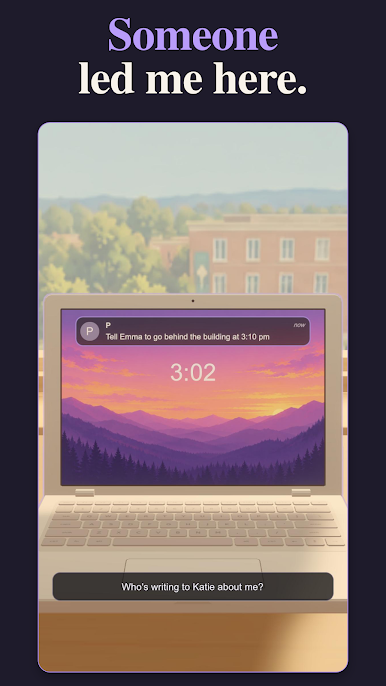
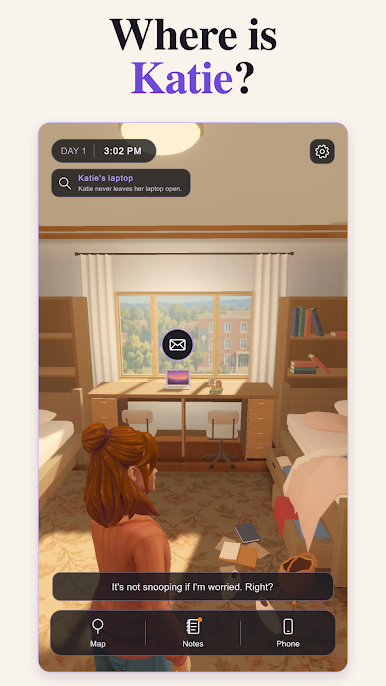
Then her roommate Katie, the queen of campus, disappears without a trace. Her things are gone. Her photos are gone. And in their place, someone has left a picture of Emma, taken just hours ago.
Untold Story: The Last Photo is an interactive mystery drama where you play as Emma and decide how far she'll go to find the truth.
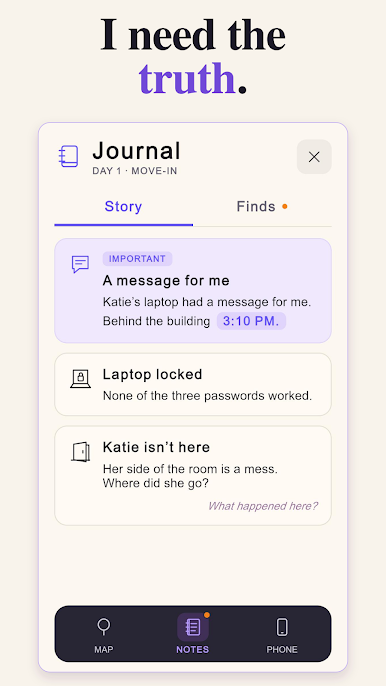
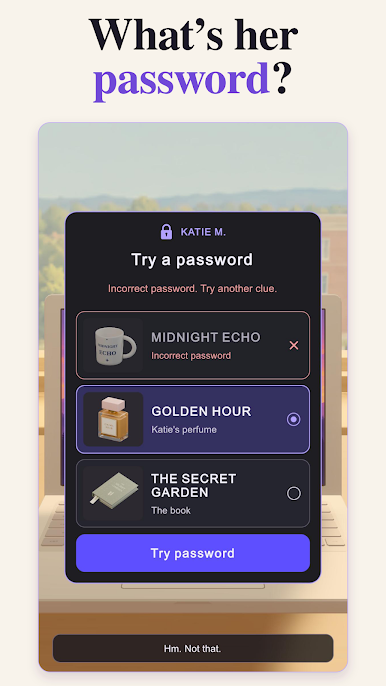
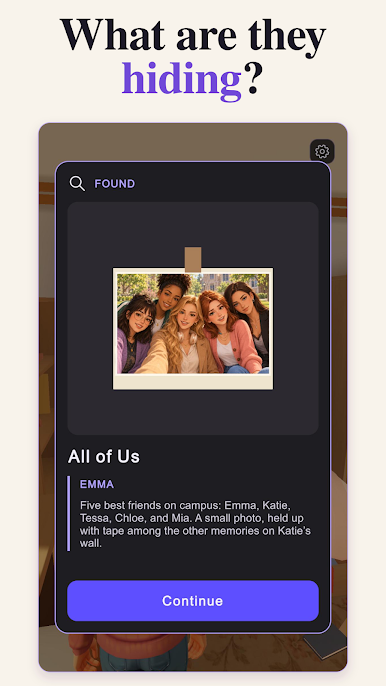
🔍 Investigate: search rooms for clues, notes, and hidden details
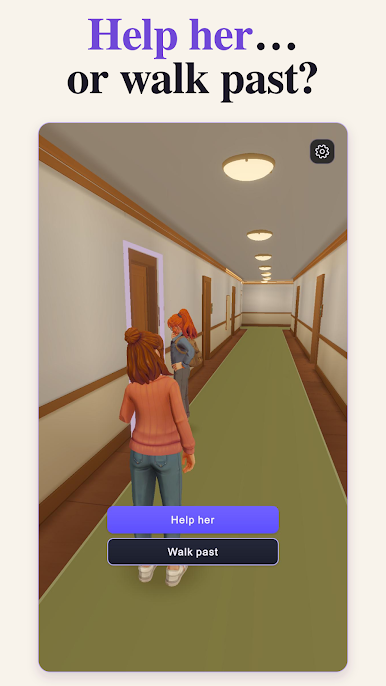
💬 Choose: your answers shape who trusts Emma and what she uncovers
🤫 Uncover secrets: five friends, one last photo, and everyone is hiding something
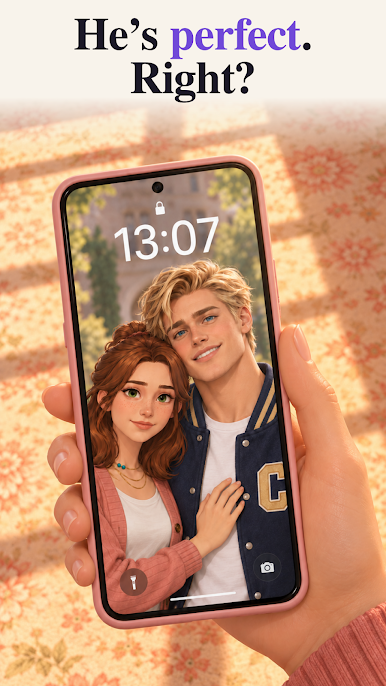
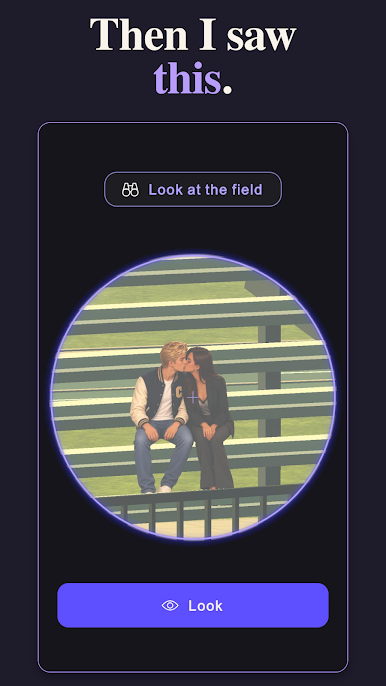
💔 Love and betrayal: forgive the boy she's loved for eight years, or let someone new in
👁 Who is P?: the stranger who knows everything about Emma, and wants something from her
Katie's perfect life was a lie. The campus has secrets older than anyone remembers. And P is only getting started.
How much of the truth can Emma handle?
Play Untold Story: The Last Photo on PC. It’s easy to get started.
-
Download and install BlueStacks on your PC
-
Complete Google sign-in to access the Play Store, or do it later
-
Look for Untold Story: The Last Photo in the search bar at the top right corner
-
Click to install Untold Story: The Last Photo from the search results
-
Complete Google sign-in (if you skipped step 2) to install Untold Story: The Last Photo
-
Click the Untold Story: The Last Photo icon on the home screen to start playing

