


my work shifts PRO
Play on PC with BlueStacks – the Android Gaming Platform, trusted by 500M+ gamers.

Page Modified on: Dec 29, 2025
Overview
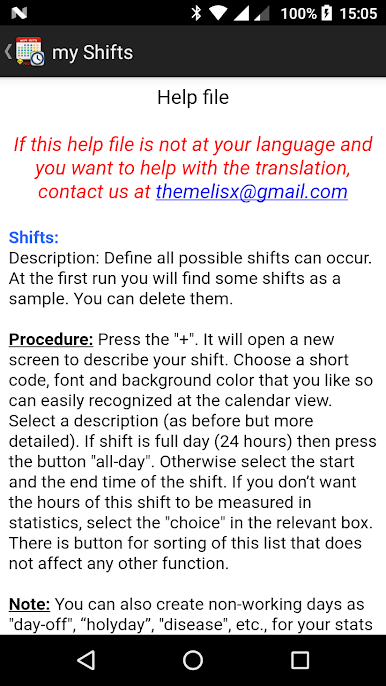
It is simple and easy to use so you can easily and quickly be informed.
Features:
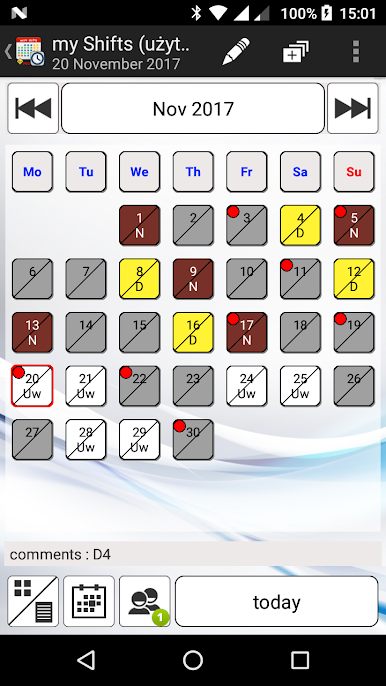
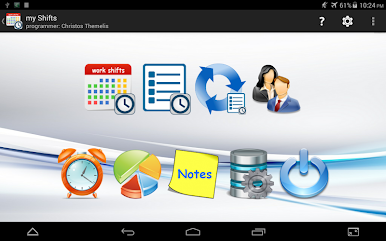
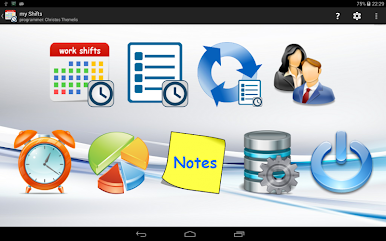
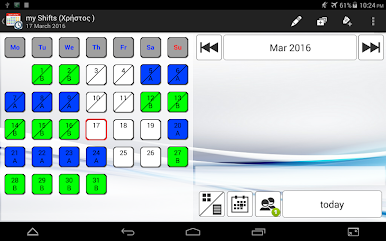
* create / change one work day
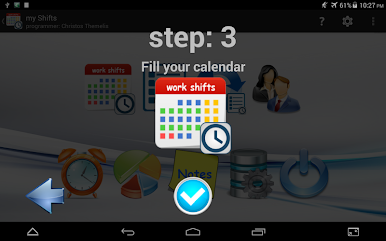
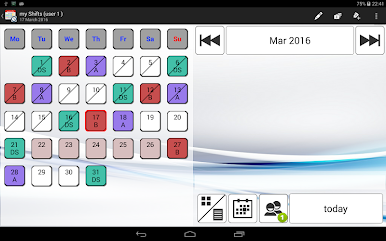
* create / change multiple work days
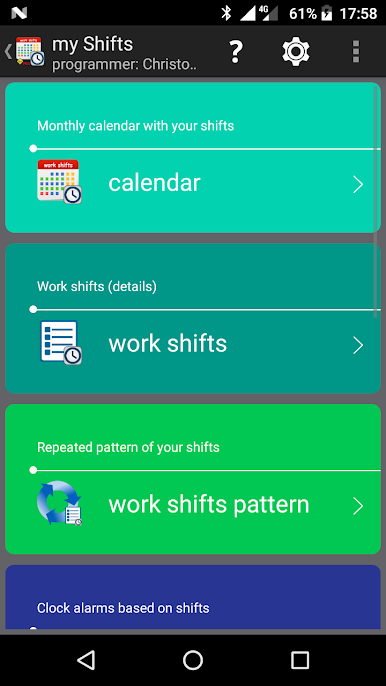
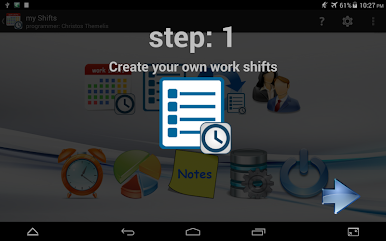
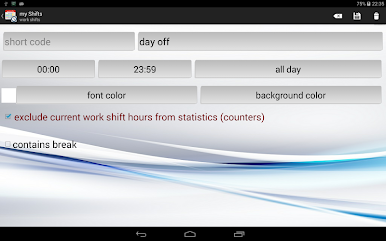
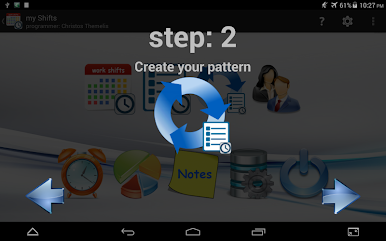
* create your own work shift pattern
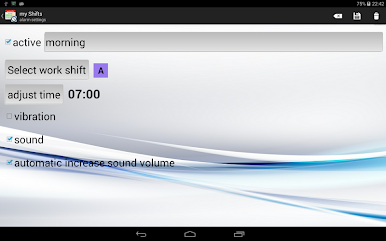
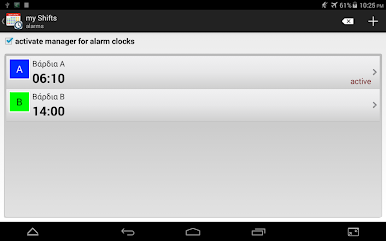
* alarm clock for a specific work shift
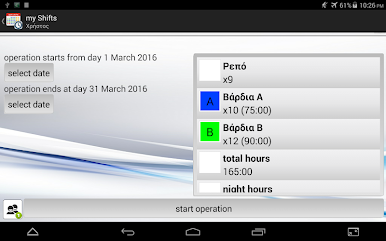
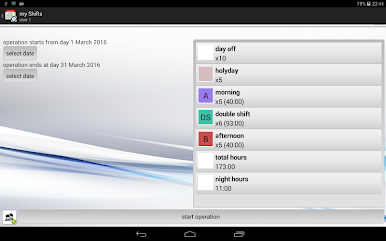
* export month work schedule and send it via email, viber, etc
* grid and list schedule view
* extra notepad (with notes priority)
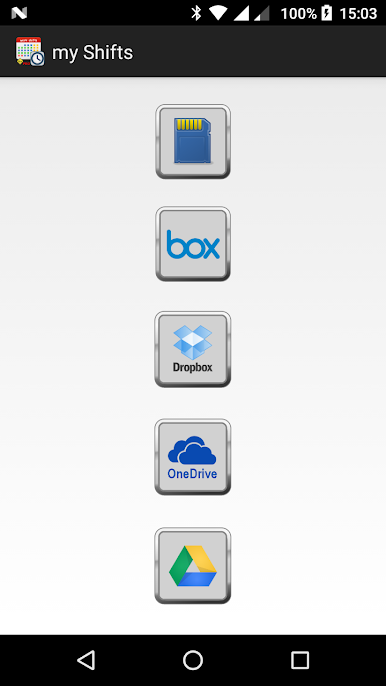
* backup database to DropBox, Google Drive, OneDrive, SD card
* select work shift in color of your choice
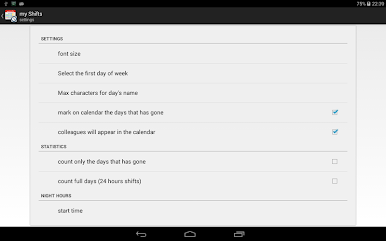
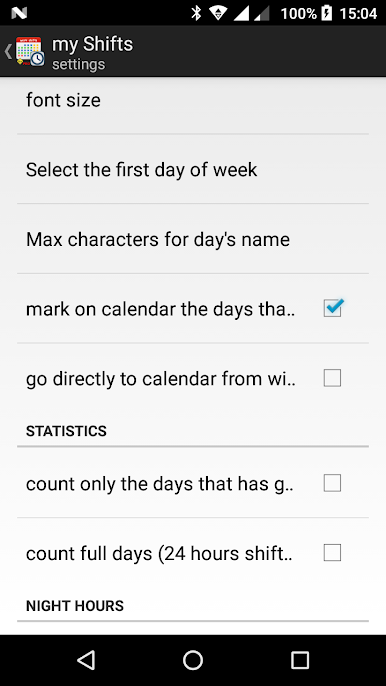
* select first day of week
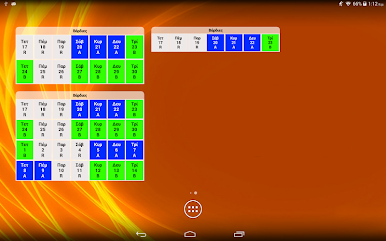
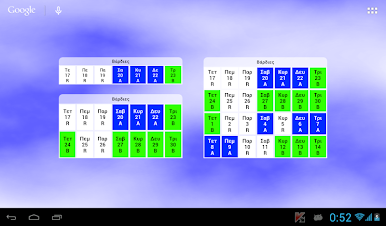
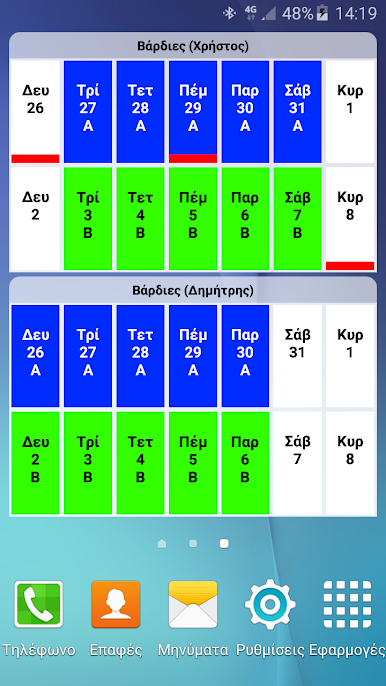
* Widget 1x4 (7 days preview)
* Widget 2x4 (14 days preview)
* Widget 3x4 (28 days preview)
* Widget 4x4 (35 days preview)
Supports 7 and 10 inches Tablets

Play my work shifts PRO on PC. It’s easy to get started.
-
Download and install BlueStacks on your PC
-
Complete Google sign-in to access the Play Store, or do it later
-
Look for my work shifts PRO in the search bar at the top right corner
-
Click to install my work shifts PRO from the search results
-
Complete Google sign-in (if you skipped step 2) to install my work shifts PRO
-
Click the my work shifts PRO icon on the home screen to start playing

