


Parimatch Steps
Play on PC with BlueStacks – the Android Gaming Platform, trusted by 500M+ gamers.

Page Modified on: Apr 13, 2026
Play Parimatch Steps on PC
Are you ready to take the journey from a tiny spark to a golden legend? Welcome to Parimatch Steps, the ultimate challenge of patience, strategy, and growth! 🌟
How to Play? 🎮
It starts with a single, humble ball. Your mission is simple but addictive:
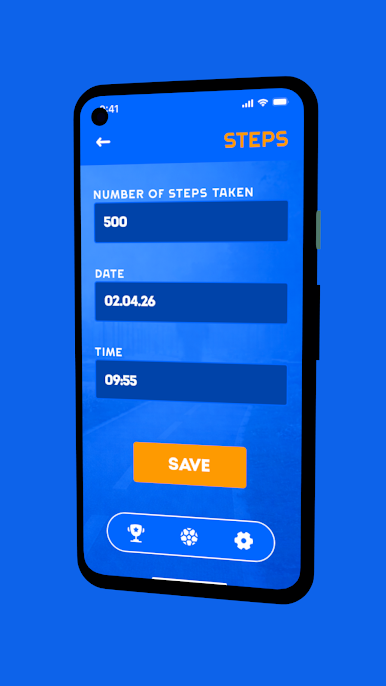
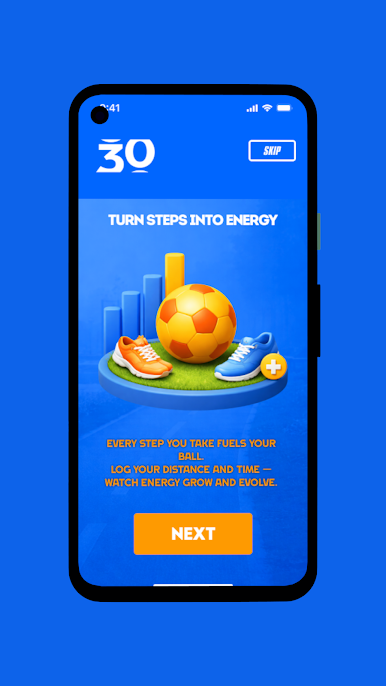
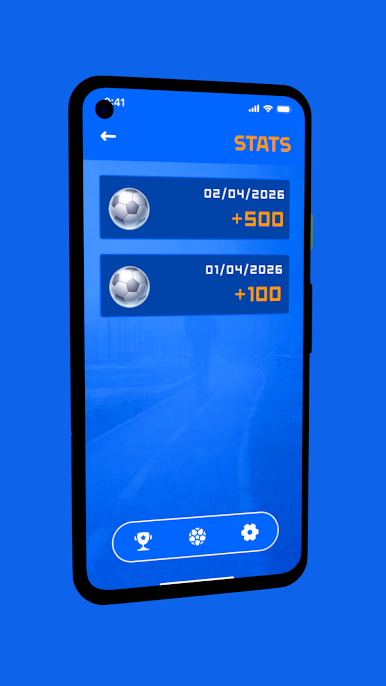
Generate Energy: Every time you pass a milestone or complete a task, your ball gains power. 🔋
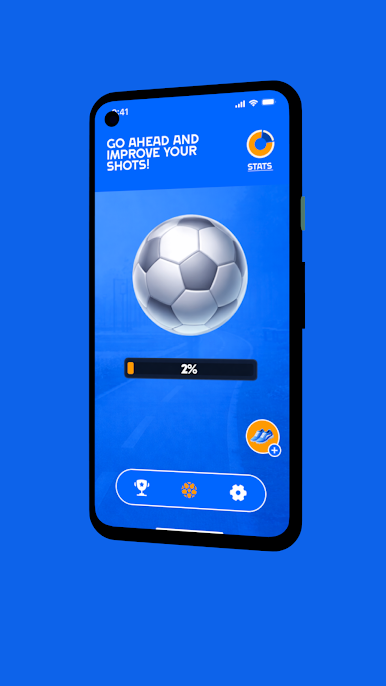
Charge Up: Watch the energy meter climb. Every step counts toward your ultimate goal! 📈
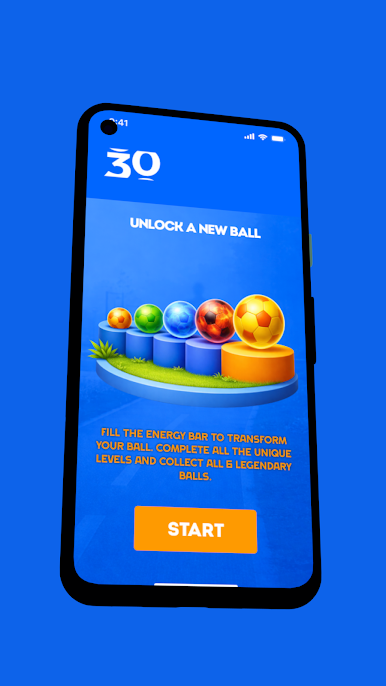
Go for Gold: Once the energy hits 100%, witness the transformation as your ball turns into a magnificent Parimatch Ball! 🏆
The Challenge Escalates 🚀
Don't get too comfortable! As you progress through the 30 levels:
Higher Stakes: Each new stage requires more energy than the last. 💎
Strategic Growth: Plan your moves to maximize energy efficiency. 🧠
Visual Evolution: Feel the satisfaction of seeing your ball grow and change as you climb the ranks. ✨
Game Features 🌟
Simple & Intuitive: Easy to pick up, but hard to put down! 👍
Rewarding Progression: Nothing beats the feeling of hitting that 100% mark. 🎯
Minimalist Design: Clean graphics that keep you focused on the evolution. 🎨
Can you reach the final stage and unlock the ultimate Golden Ball? 👑
Play Parimatch Steps on PC. It’s easy to get started.
-
Download and install BlueStacks on your PC
-
Complete Google sign-in to access the Play Store, or do it later
-
Look for Parimatch Steps in the search bar at the top right corner
-
Click to install Parimatch Steps from the search results
-
Complete Google sign-in (if you skipped step 2) to install Parimatch Steps
-
Click the Parimatch Steps icon on the home screen to start playing

