


Reference for Unix & Linux
Play on PC with BlueStacks – the Android Gaming Platform, trusted by 500M+ gamers.

Page Modified on: Sep 21, 2023
Play Reference for Unix & Linux on PC
👍👍👍👍👍
Note : Please give 5 Star, It will encourage us. Please Don't give negative feedback, It is not solution for your need. If you have any problem, please mail @ android@thiyagaraaj.com.
Suggestion are welcome. please mail @ android@thiyagaraaj.com
👍👍👍👍👍
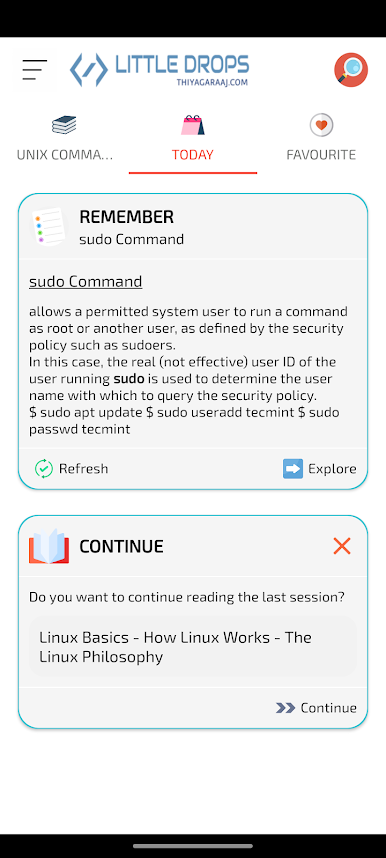
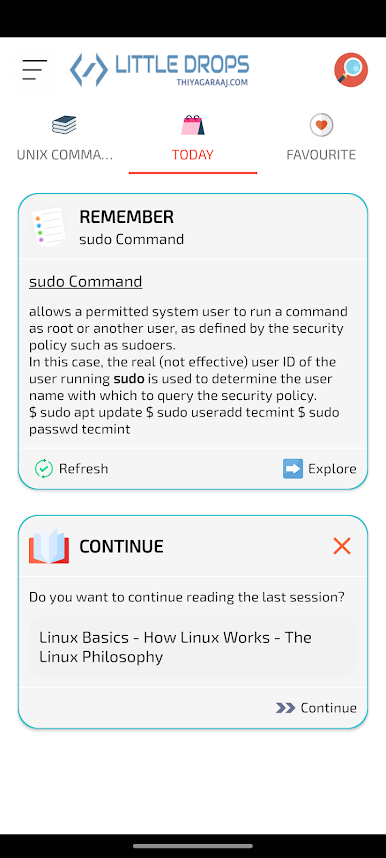
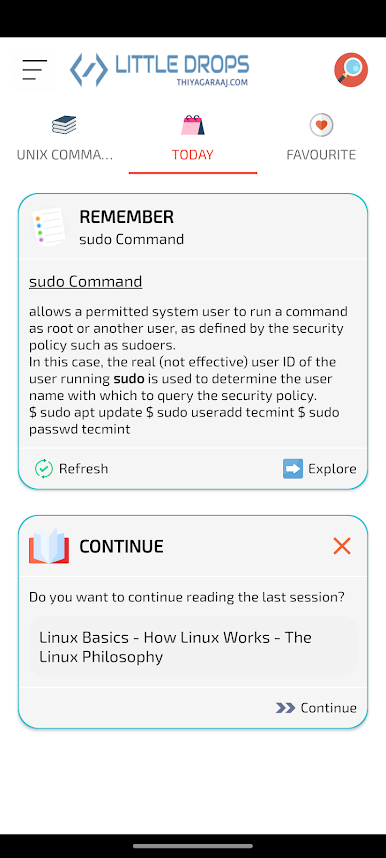
Excellent Navigation and More Offline Contents In Version 6.0 Based On User Response and Expectations
🌷Main Features🌷
✔ Redesign UI based on User Experience
✔ Enhanced Search for Unix Tutorials and Commands
✔ Bookmark Options
✔ Optimized Design Reading Content
✔ More New Chapters for Unix and Linux
✔ Optimized Image for Mobile and Full Offline Content
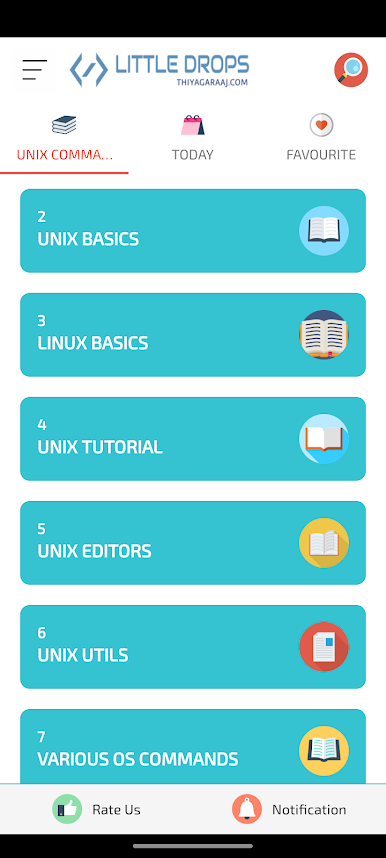
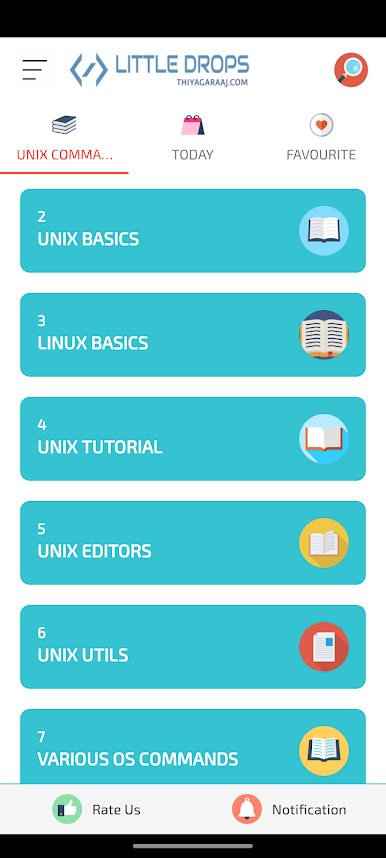
Commands are under these parts:
Access Control
Communications
Programming Tools
Documentation
Editors
File and Directory Management
File Display and Printing
File Transfer
News/Networks
Process Control
Status Information
Image Processing
Sound
Text Processing
X windows
Web
Miscellaneous
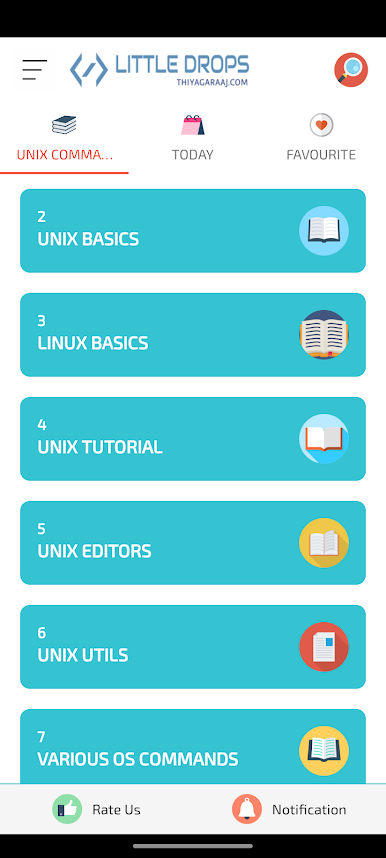
- Commands
- Tutorials
- Unix Administrative and Networking Commands
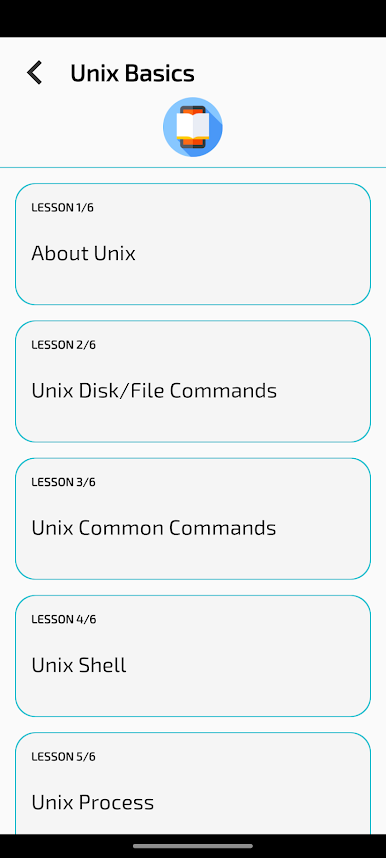
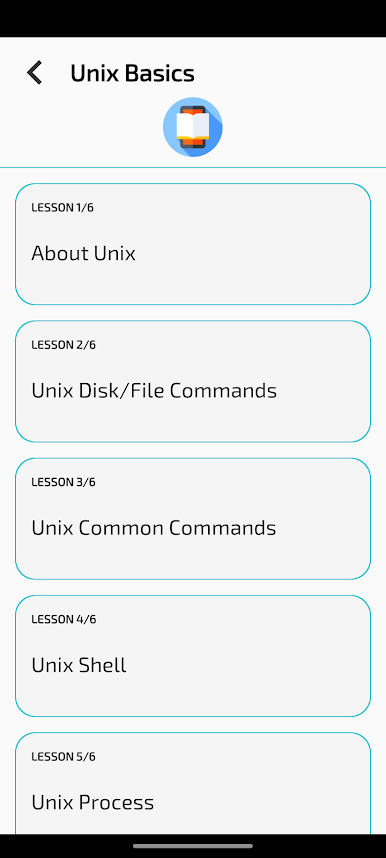
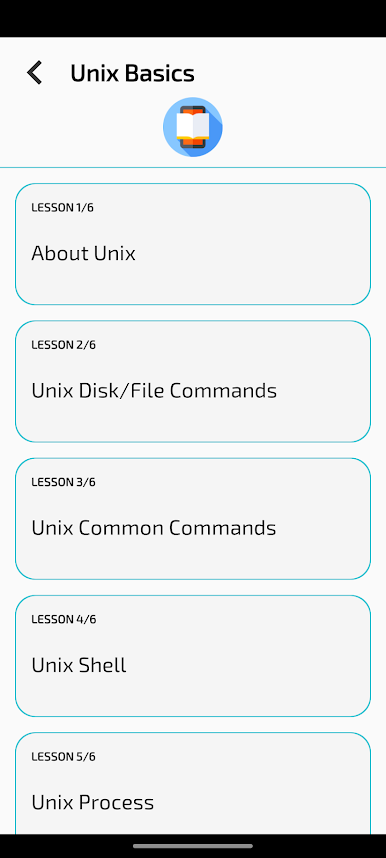
- About Unix
- VI Editor and Commands
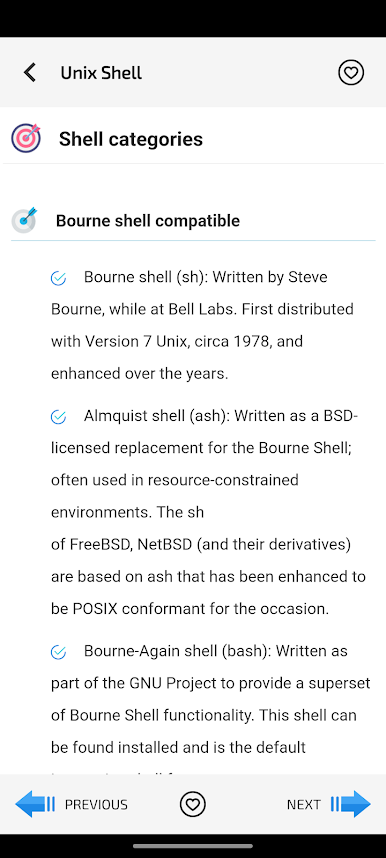
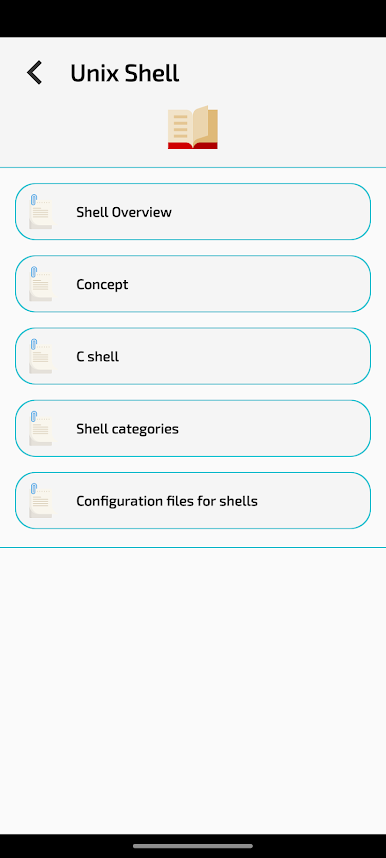
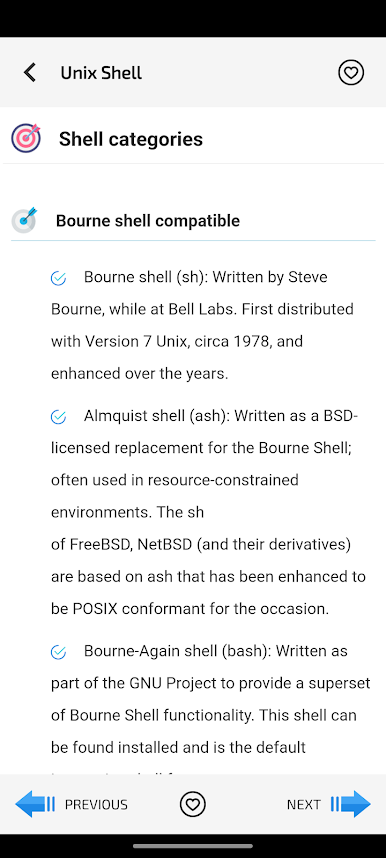
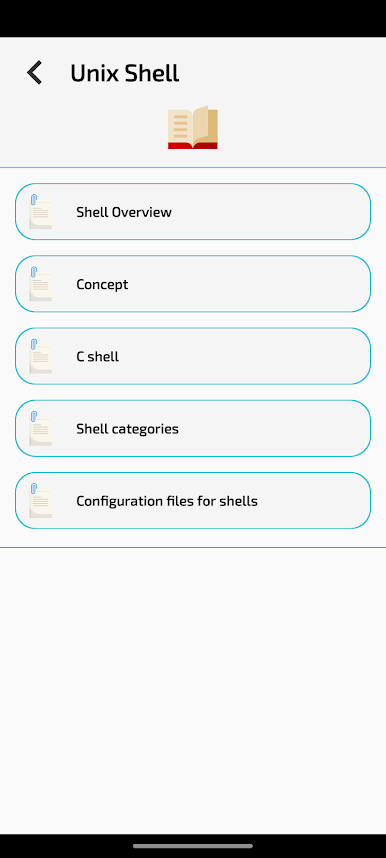
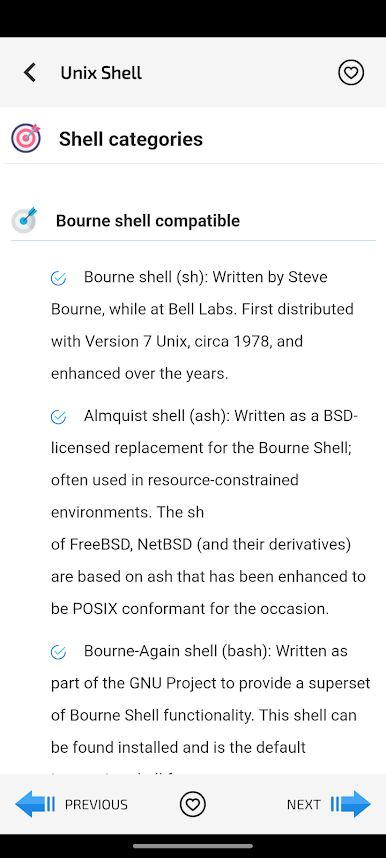
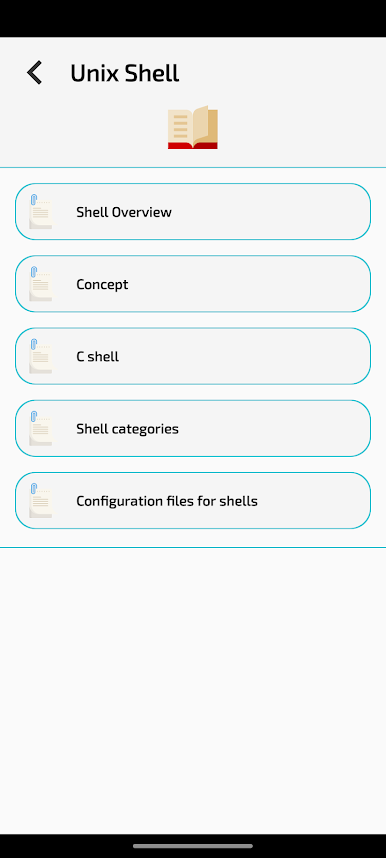
- Unix Shell
- Unix Other Useful Commands
- Unix Advanced Commands
- How Linux Works
- Desktop Linux
- Ubuntu Linux Commands
- Useful Linux Commands
- Linux Advanced Commands
- Linux Network Commands
- Linux Network Configuration Commands
- Solaris System Process Commands
Quick Reference - New
- Unix Quick Reference
- Unix Dummies Reference
- Redhat / Fedora Linux Commands
Play Reference for Unix & Linux on PC. It’s easy to get started.
-
Download and install BlueStacks on your PC
-
Complete Google sign-in to access the Play Store, or do it later
-
Look for Reference for Unix & Linux in the search bar at the top right corner
-
Click to install Reference for Unix & Linux from the search results
-
Complete Google sign-in (if you skipped step 2) to install Reference for Unix & Linux
-
Click the Reference for Unix & Linux icon on the home screen to start playing

