


Bow Smash: Archery King
Play on PC with BlueStacks – the Android Gaming Platform, trusted by 500M+ gamers.

Page Modified on: Oct 27, 2025
Play Bow Smash on PC or Mac
Step into the World of Bow Smash, a thrilling Arcade game from the house of Freeplay Inc. Play this Android game on BlueStacks App Player and experience immersive gaming on PC or Mac.
About the Game
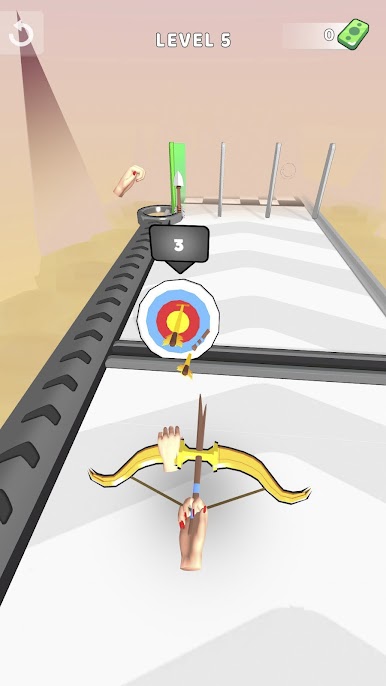
Bow Smash throws you right into a fast-paced world where every shot counts. Here, your bow is your best friend, and it’s all about outsmarting tricky targets, taking down massive bosses, and snagging some seriously cool loot. Expect quick rounds and a little bit of chaos as you upgrade on the fly and try to stay ahead of the game.
Game Features
-
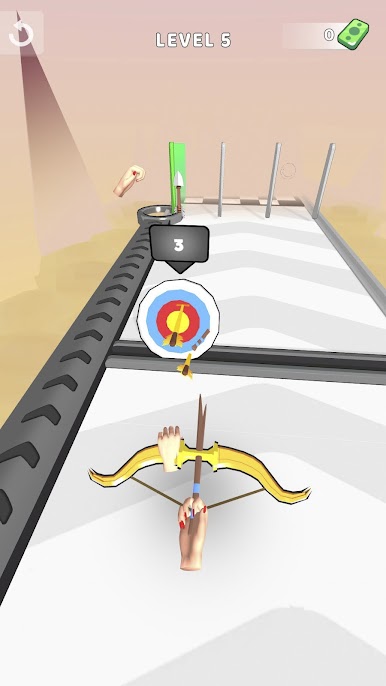
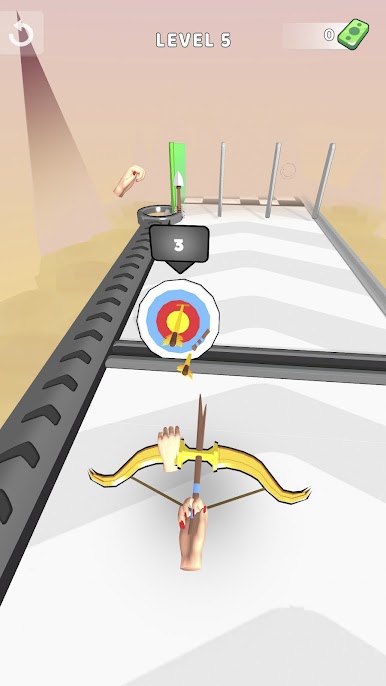
Target Shooting Madness
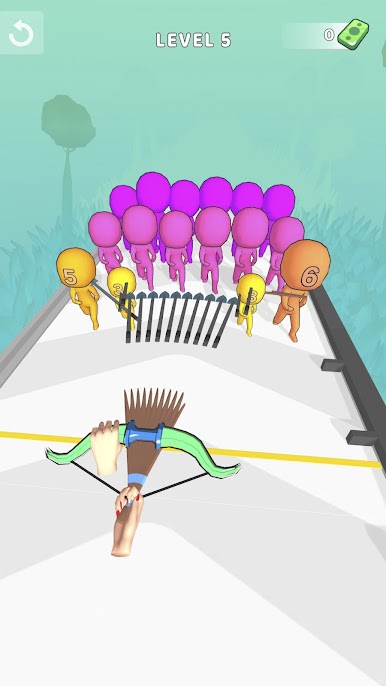
Think you’ve got good aim? There’s no shortage of targets that pop up in your path. Each one offers its own challenge, keeping things fresh and making every round unpredictable. -
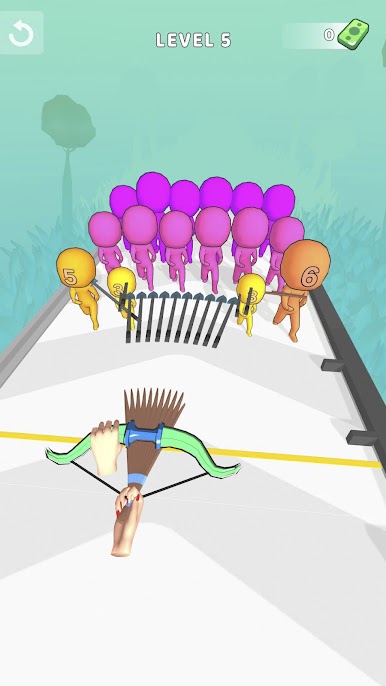
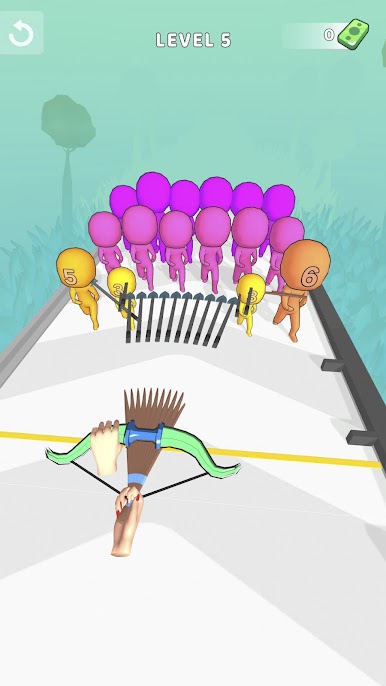
Epic Boss Battles
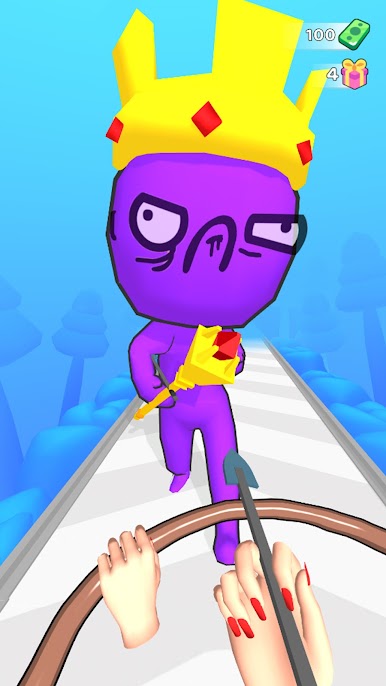
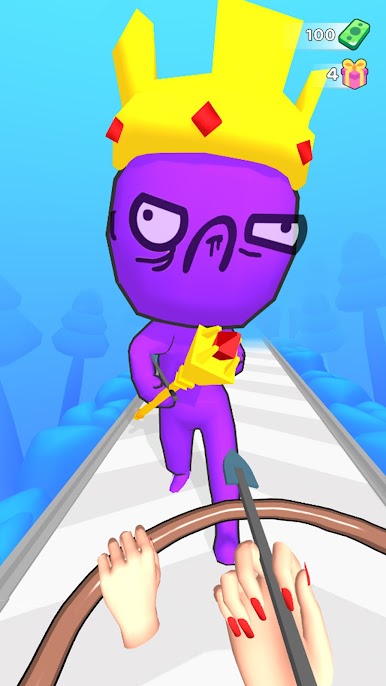
Every now and then, an epic boss shows up—way bigger, nastier, and more unpredictable than standard targets. Beating these guys means thinking fast and staying sharp with your timing. -
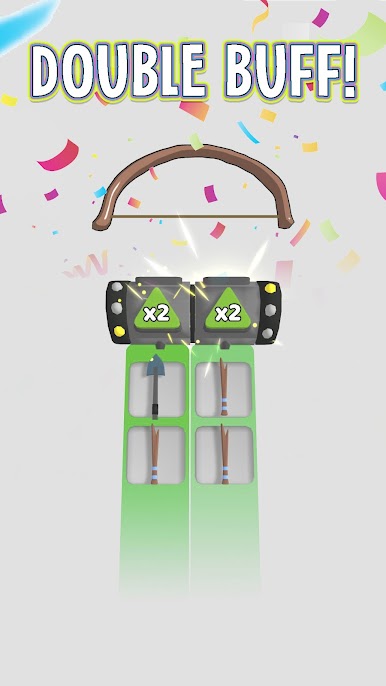
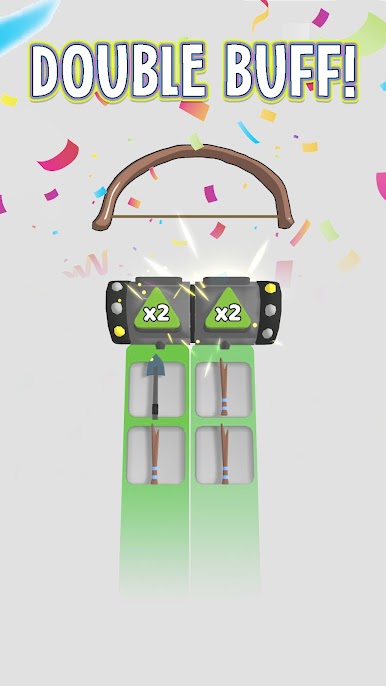
Merge Your Arrows
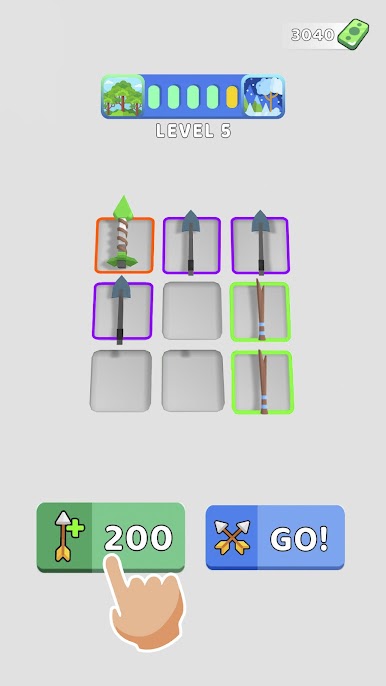
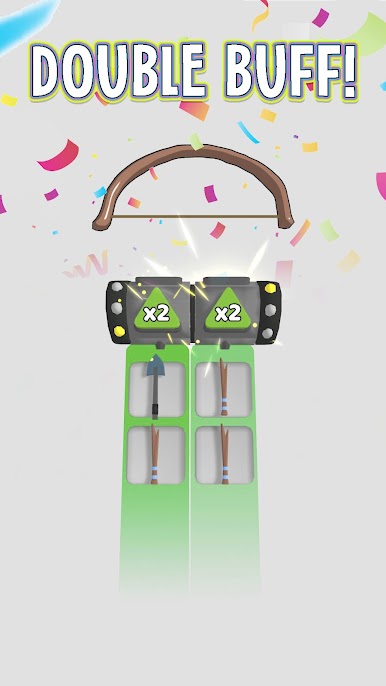
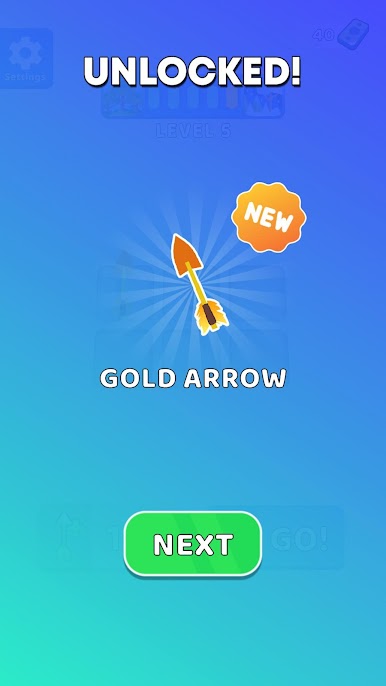
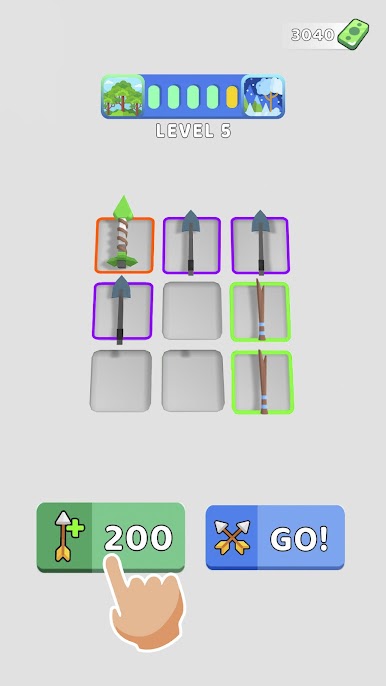
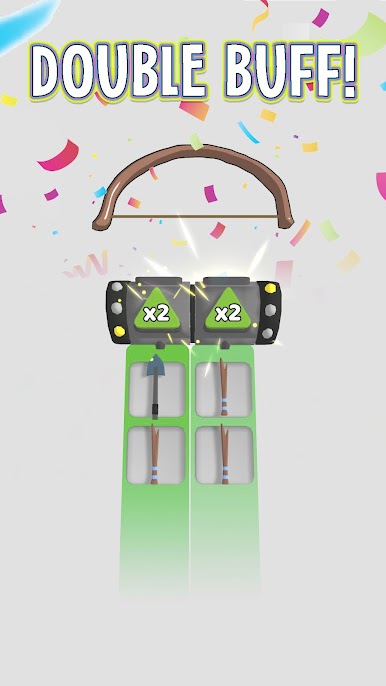
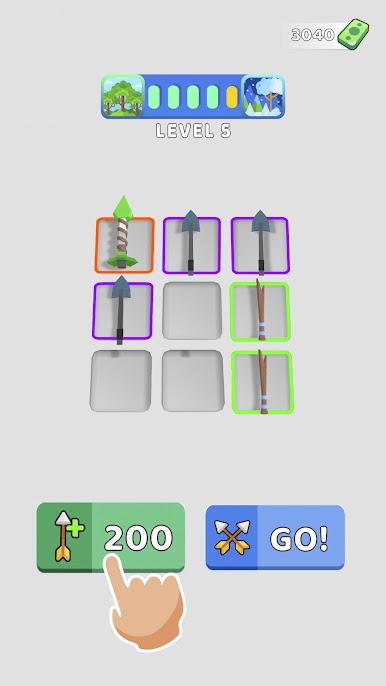
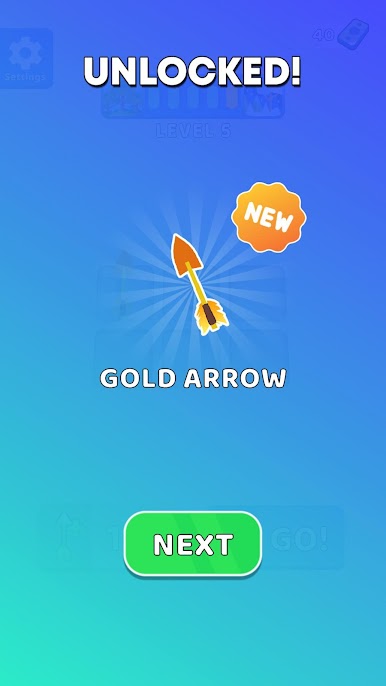
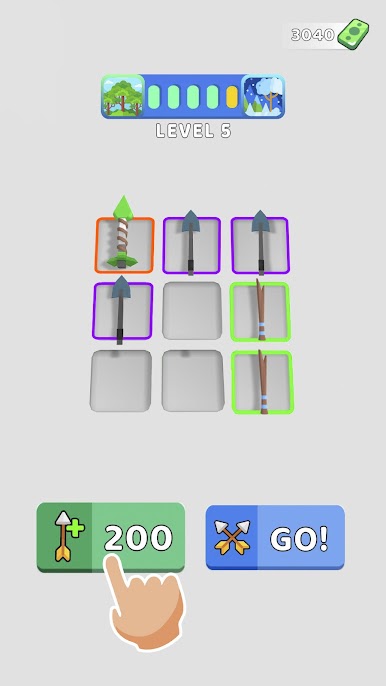
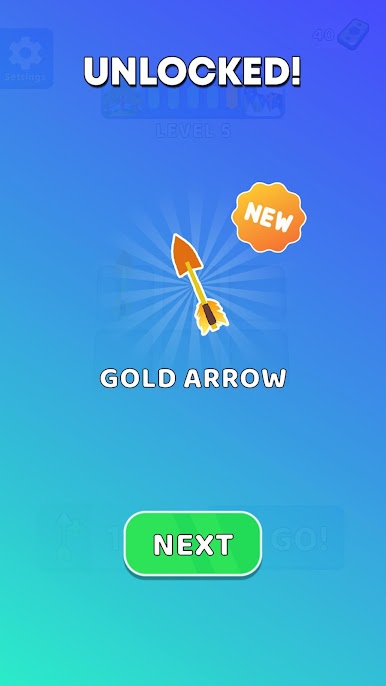
It’s not just about shooting, it’s about strategy too. Merge your arrows as you play to create more powerful ones. The better your ammo, the easier it’ll be to crush those tough levels and bosses. -
Chase That Treasure
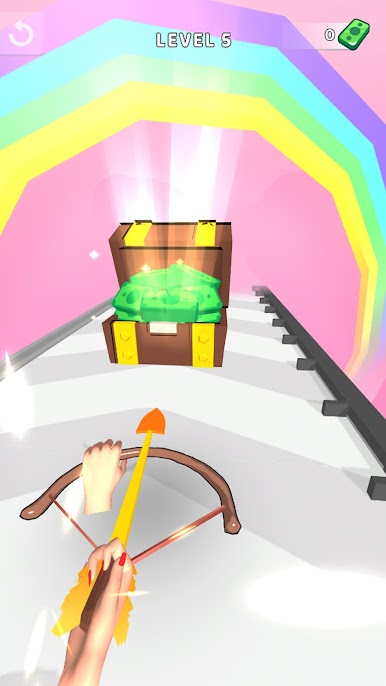
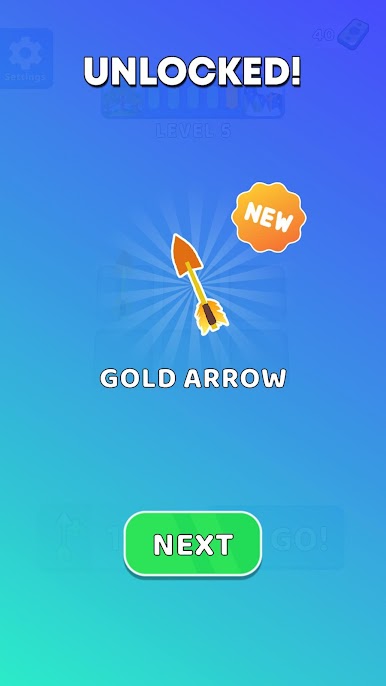
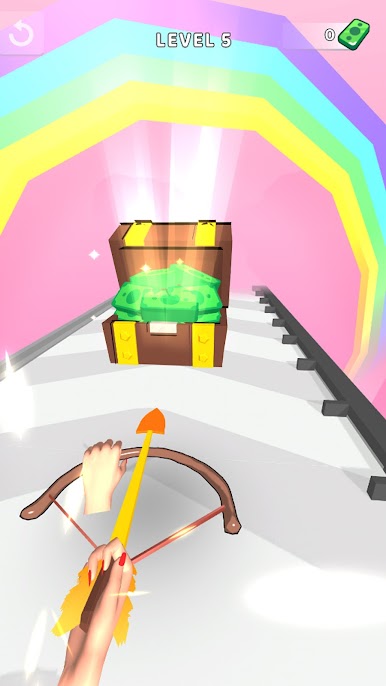
There’s treasure to win if you can keep your cool under pressure. With each victory, you’ll walk away with bigger rewards to improve your arsenal. -
Built for Quick Play
Rounds are snappy, so you can jump in for just a few minutes or keep playing if you’re on a roll. It’s all about fast fun, perfect for breaks or long sessions. -
Smooth on BlueStacks
Bow Smash by Freeplay Inc plays seamlessly on BlueStacks, giving you crisp controls and quick action whenever you want an arcade fix.
Get ready for a buttery smooth, high-performance gaming action only on BlueStacks.
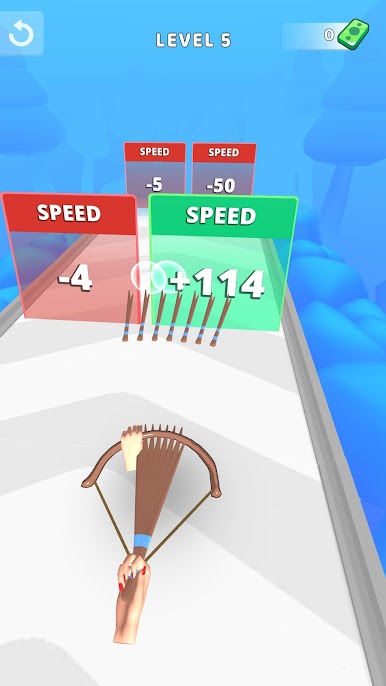
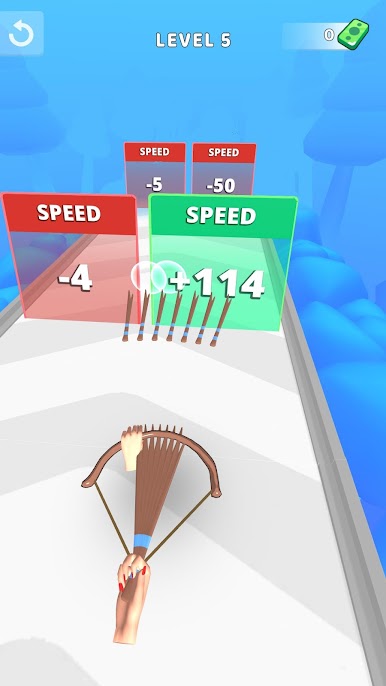
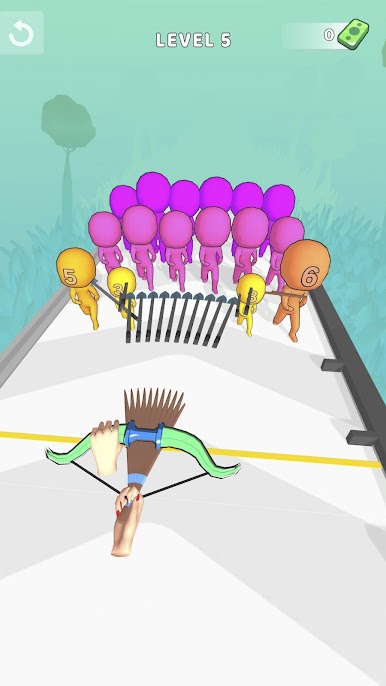
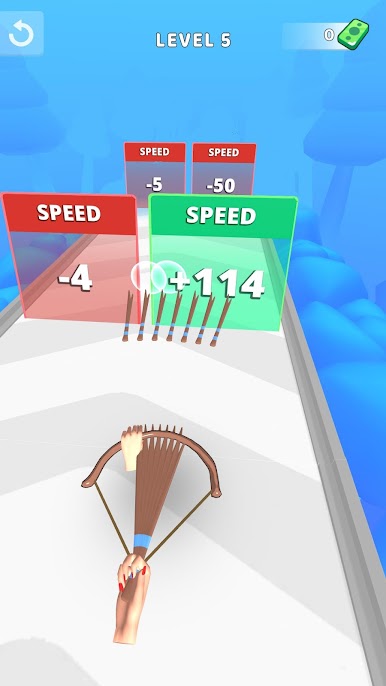
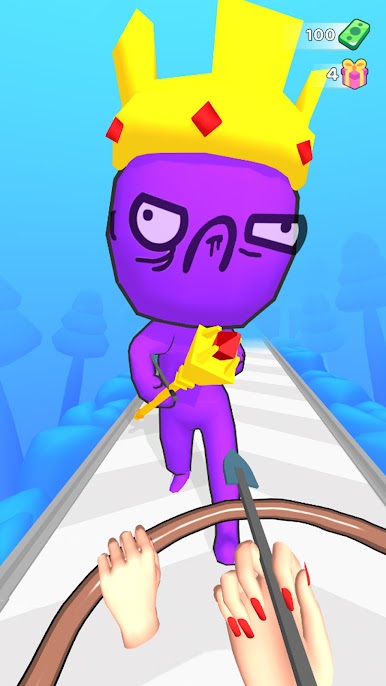
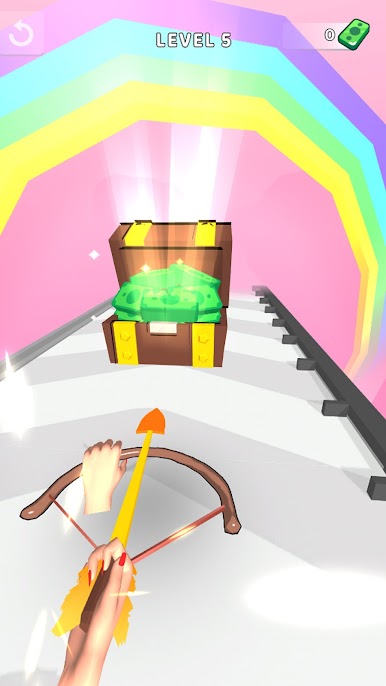
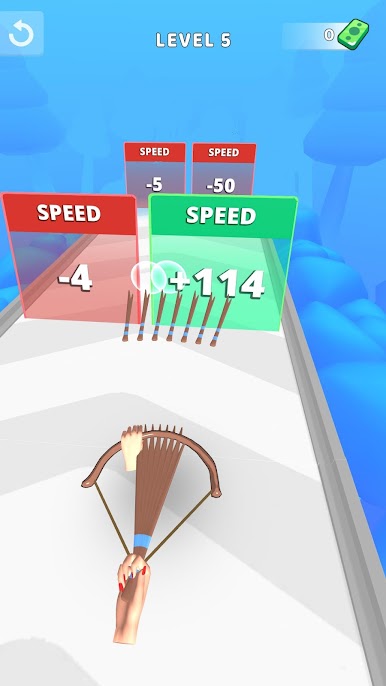
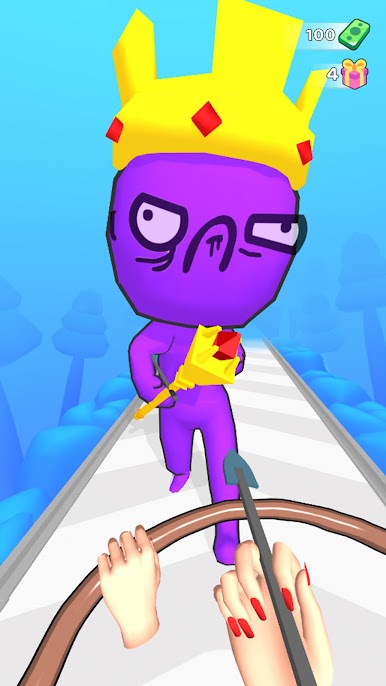
Play Bow Smash: Archery King on PC. It’s easy to get started.
-
Download and install BlueStacks on your PC
-
Complete Google sign-in to access the Play Store, or do it later
-
Look for Bow Smash: Archery King in the search bar at the top right corner
-
Click to install Bow Smash: Archery King from the search results
-
Complete Google sign-in (if you skipped step 2) to install Bow Smash: Archery King
-
Click the Bow Smash: Archery King icon on the home screen to start playing

