


Book Solitaire: Associations
Play on PC with BlueStacks – the Android Gaming Platform, trusted by 500M+ gamers.

Page Modified on: Sep 17, 2026
Play Book Solitaire: Associations on PC
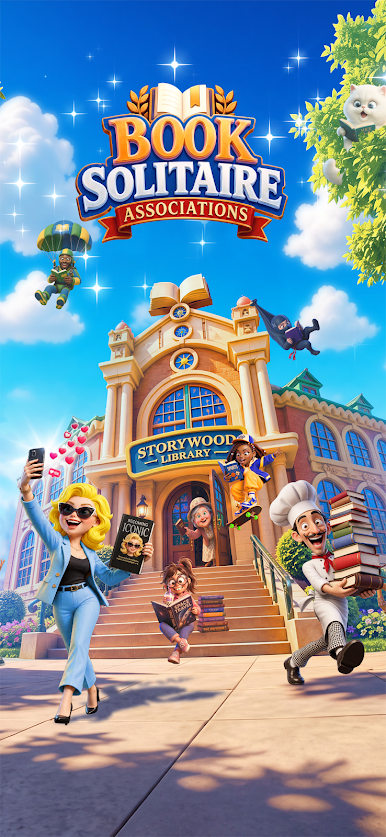
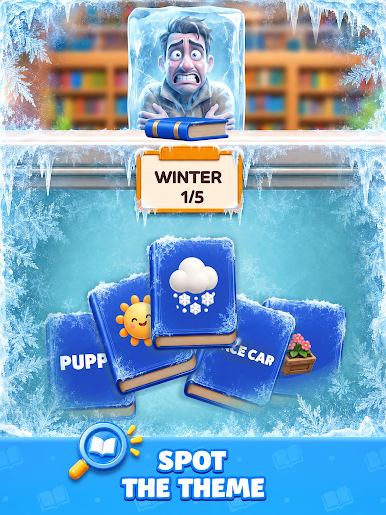
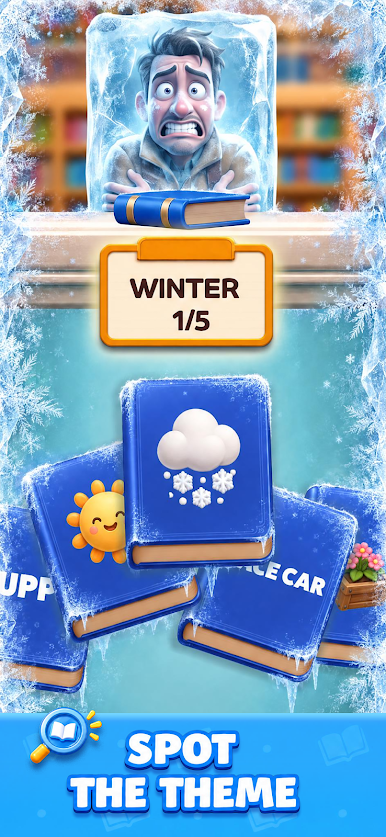
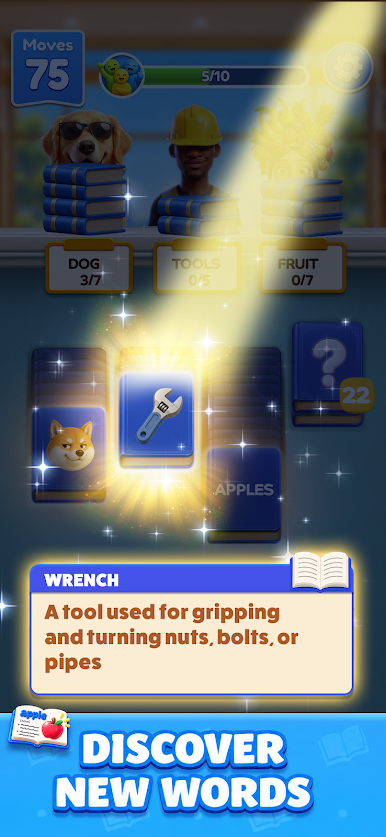
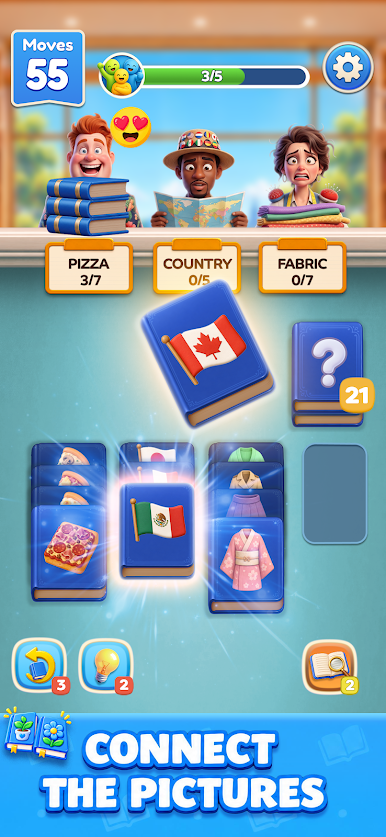
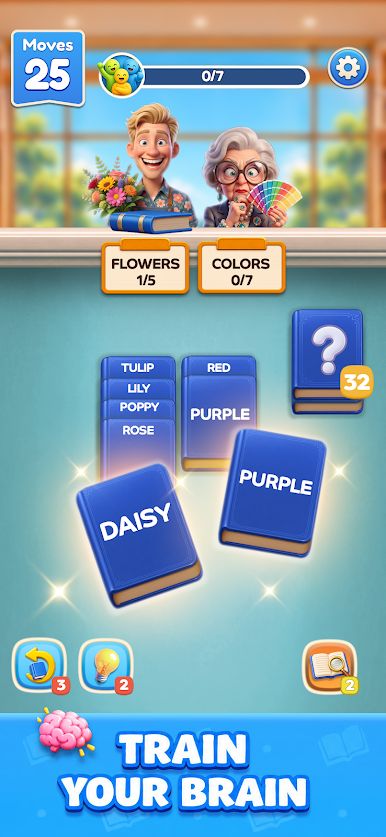
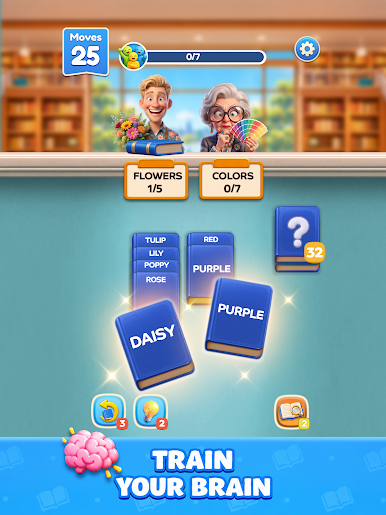
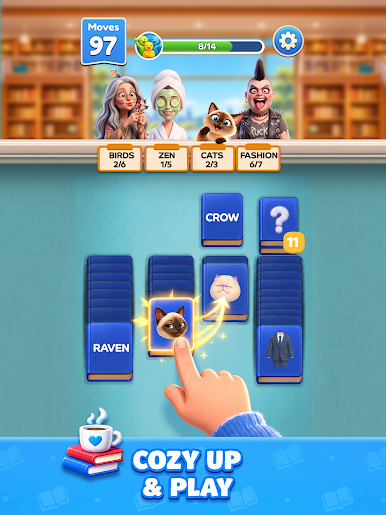
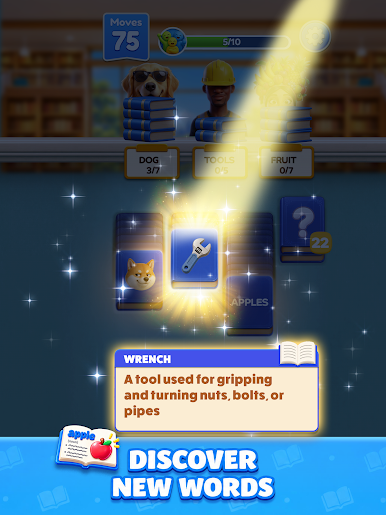
Welcome to the Storywood Library. Each book shows a word or a picture — and every one belongs to a secret category. Trees. Cheeses. Cities. Animals. Emotions. Spot the link, stack the books that go together, and fill every library guest's order before your moves run out.
No timers, no reflexes — just that click in your brain when the words snap into place.
HOW TO PLAY
- Every book belongs to a reader's category
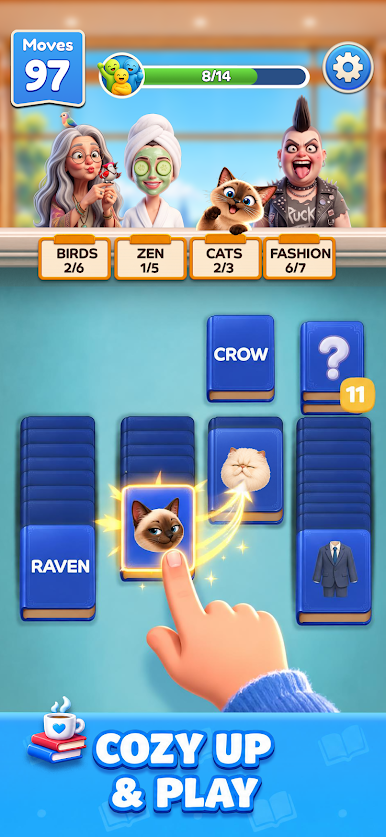
- Drag books onto each other to build matching stacks
- Fill each reader's order to send them home happy
- Clear the library level before your moves run out
- Undo and hint boosters for when a puzzle gets tight
FEATURES
- Hundreds of association puzzles, from gentle to genuinely brain-bending
- Words and pictures to connect: food, animals, geography, myth, science, sport
- A warm, hand-illustrated library full of charming readers
A little bit solitaire, a little bit associations. Start sorting now!


Play Book Solitaire: Associations on PC. It’s easy to get started.
-
Download and install BlueStacks on your PC
-
Complete Google sign-in to access the Play Store, or do it later
-
Look for Book Solitaire: Associations in the search bar at the top right corner
-
Click to install Book Solitaire: Associations from the search results
-
Complete Google sign-in (if you skipped step 2) to install Book Solitaire: Associations
-
Click the Book Solitaire: Associations icon on the home screen to start playing

