


Triviador
Play on PC with BlueStacks – the Android Gaming Platform, trusted by 500M+ gamers.

Page Modified on: Apr 2, 2026
Play Triviador on PC or Mac
Step into the World of Triviador, a thrilling Trivia game from the house of THX Games Zrt. | Quiz & Trivia. Play this Android game on BlueStacks App Player and experience immersive gaming on PC or Mac.
About the Game
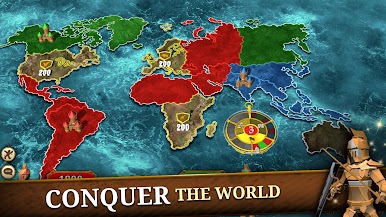
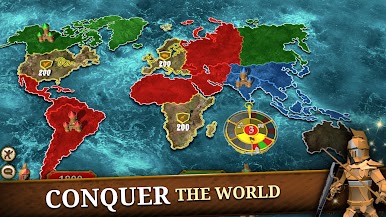
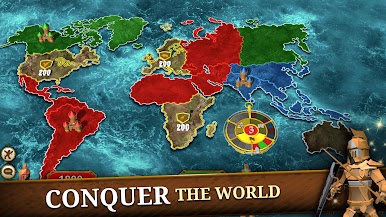
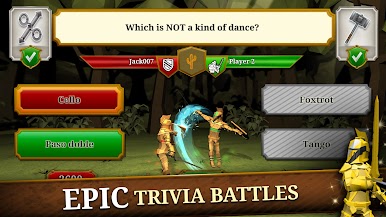
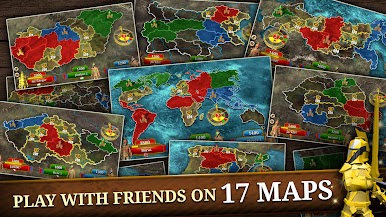
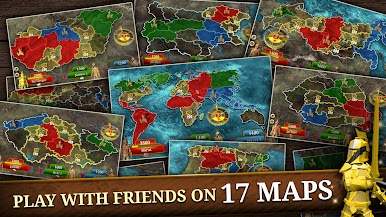
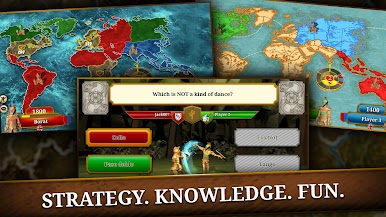
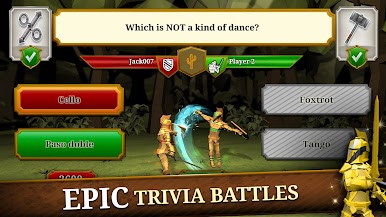
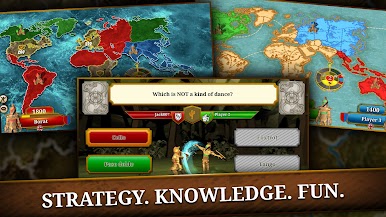
Triviador is a Trivia game with a twist: you’re not just answering questions—you’re claiming territories, defending castles, and outsmarting rivals on a living map. It blends quick thinking with clever moves, so your brain and your strategy both matter. Made by THX Games Zrt. | Quiz & Trivia, it’s built for competitive players, co-op fans, and anyone who loves a good knowledge battle.
Game Features
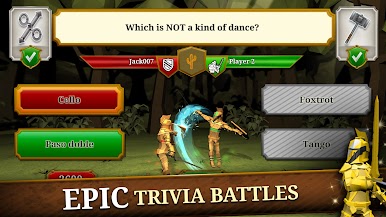
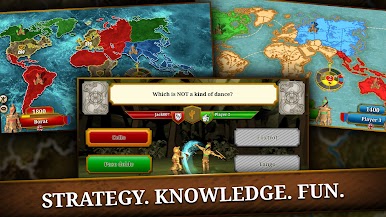
- Quiz-meets-Strategy: Correct answers let you expand your borders and launch attacks. Smart decisions can flip the map in your favor, even when the questions get tough.
- Weekly Leagues & Seasons: Jump into weekly challenges, move up through league tiers, and collect seasonal bragging rights as you sharpen your trivia game.
- Global Competition: Face off against players from around the world, test your knowledge across a huge range of topics, and see how you stack up on international leaderboards.
- Clans & Community: Join a clan or start your own. Coordinate plays, share wins, and climb clan rankings together.
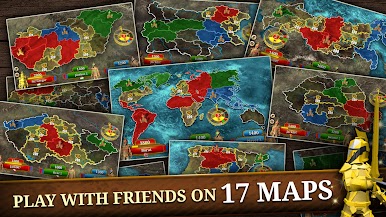
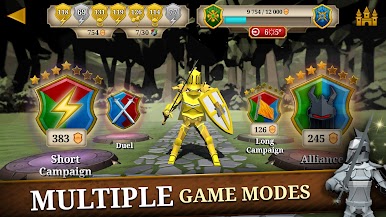
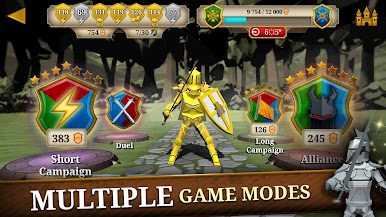
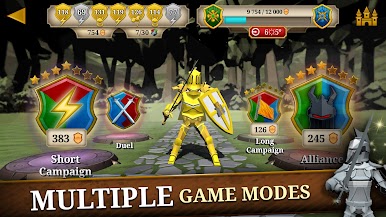
- Multiple Ways to Play: Want something fast? Try Short Campaign for quick 3‑player skirmishes. Prefer a deeper session? Long Campaign stretches the battle across more rounds. Feeling cooperative? Team up in Alliance mode and take on the sinister Lord Evil’s Empire.
- Personal and Team Stats: Track your progress, analyze your strengths, and climb the global ranks solo—or rise as a clan.
- Friendly Matches: Challenge friends for a laid‑back game night or a heated rematch; it’s your call.
- Play Your Way: On the go or on a bigger screen—Triviador also runs smoothly on BlueStacks if you’d rather play on your PC.
Get ready for a buttery smooth, high-performance gaming action only on BlueStacks.
Play Triviador on PC. It’s easy to get started.
-
Download and install BlueStacks on your PC
-
Complete Google sign-in to access the Play Store, or do it later
-
Look for Triviador in the search bar at the top right corner
-
Click to install Triviador from the search results
-
Complete Google sign-in (if you skipped step 2) to install Triviador
-
Click the Triviador icon on the home screen to start playing

