


Hello Neighbor
Play on PC with BlueStacks – the Android Gaming Platform, trusted by 500M+ gamers.

Page Modified on: Apr 15, 2025
Main Hello Neighbor on PC
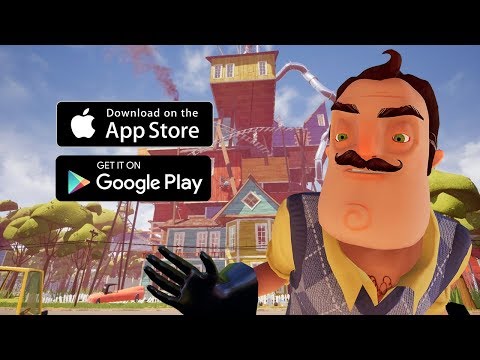
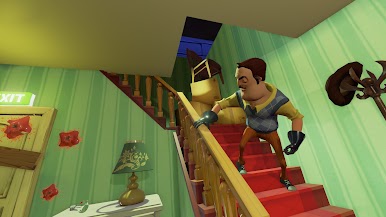
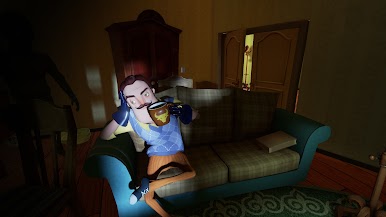
This is not a typical scary game with scripted jumpscares. Hello Neighbor is a sandbox horror game where every object, window, door, trap, and shortcut can become part of your plan. Sneak through the backyard, climb inside, throw items, distract the Neighbor, hide in the shadows, and find a new escape route when everything goes wrong.
The Neighbor uses adaptive AI that learns from how you play. If you keep using the same window, he may set a trap. If you always try the same escape, he may block your path. Every attempt makes the house feel more dangerous, more unpredictable, and more scary.
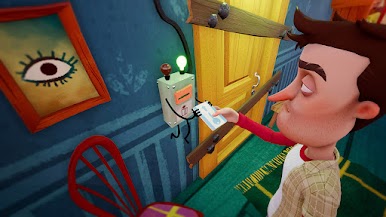
Play your way in a physics-based sandbox full of puzzles, secrets, and risky experiments. Stack boxes, break in, search rooms, unlock hidden paths, and discover what the Neighbor is hiding. The house is your sandbox, but the Neighbor is always watching.







Play Hello Neighbor on PC. It’s easy to get started.
-
Download and install BlueStacks on your PC
-
Complete Google sign-in to access the Play Store, or do it later
-
Look for Hello Neighbor in the search bar at the top right corner
-
Click to install Hello Neighbor from the search results
-
Complete Google sign-in (if you skipped step 2) to install Hello Neighbor
-
Click the Hello Neighbor icon on the home screen to start playing

