


Giant Waves Escape
Play on PC with BlueStacks – the Android Gaming Platform, trusted by 500M+ gamers.

Page Modified on: Feb 16, 2026
Play Giant Waves Escape on PC
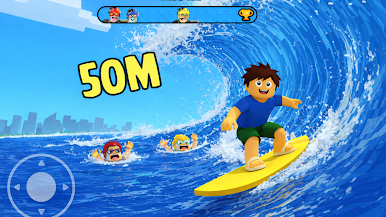
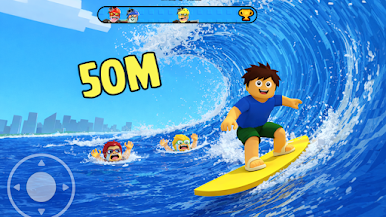
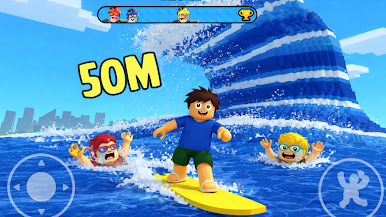
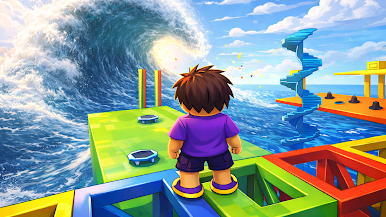
Sprint through dangerous paths, avoid obstacles, and reach safe zones before the giant waves catch you. This endless escape runner offers smooth controls, thrilling moments, and fast-paced gameplay designed for all players.
🌊 Game Features
• Fast-paced giant waves escape gameplay
• Simple one-touch runner controls
• Challenging obstacles and paths
• Smooth animations and visual effects
• Offline gameplay supported
• Addictive casual running experience
🎯 Why Play This Game
If you enjoy escape games, runner games, or survival-style challenges, Giant Waves Escape delivers nonstop excitement. Test your reflexes, push your limits, and see how long you can survive!
Download now and start your giant waves escape adventure!
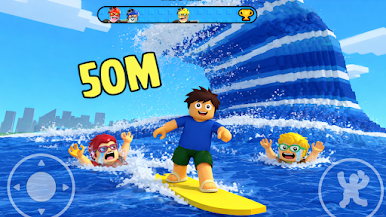

Play Giant Waves Escape on PC. It’s easy to get started.
-
Download and install BlueStacks on your PC
-
Complete Google sign-in to access the Play Store, or do it later
-
Look for Giant Waves Escape in the search bar at the top right corner
-
Click to install Giant Waves Escape from the search results
-
Complete Google sign-in (if you skipped step 2) to install Giant Waves Escape
-
Click the Giant Waves Escape icon on the home screen to start playing

