


Lovely TriPeaks Solitaire
Play on PC with BlueStacks – the Android Gaming Platform, trusted by 500M+ gamers.

Page Modified on: Sep 23, 2026
Play Lovely TriPeaks Solitaire on PC or Mac
Play Lovely TriPeaks Solitaire by SmileX Tech on PC or Mac with BlueStacks. Use a bigger screen, mouse and keyboard controls, and smoother performance while you play.
About the Game
Lovely TriPeaks Solitaire is a cozy Card puzzler that blends classic one-higher/one-lower card play with a laid-back, satisfying flow. Clear the peaks, kick back for a few minutes (or a lot), and unlock striking artwork that turns your wins into a personal gallery. It’s great on your phone and comfortably at home on BlueStacks when you want a bigger view.
Game Features
- Classic TriPeaks, Reimagined: Work through three neat stacks by playing cards one rank above or below the current card. It’s the familiar rules you know, tuned for quick, rewarding sessions.
- Clever Challenge Stages: When you’re ready for more, hop into special layouts with fresh twists that nudge you to rethink your moves.
- Smooth, Snappy Controls: Drag, tap, and clear with responsive feedback and clean animations that make every play feel crisp.
- Win-to-Collect Gallery: Every victory can unlock a new high-quality image, turning progress into something you can actually admire.
- Themed Albums to Curate: Organize your collection into sets—think cute animals, calm nature scenes, lively city shots, and more—so your gallery feels personal.
- Hundreds of Handcrafted Levels: There’s always another puzzle waiting, with new configurations to keep things interesting without piling on pressure.
- Play at Your Pace: Adjust difficulty to match your mood and lean on helpful tools when you’re stuck. No rush, no stress.
- Approachable Yet Strategic: Easy to learn on day one, with enough depth to keep seasoned card fans hunting for smart plays.
BlueStacks gives you more room to focus on the game and less time adjusting around mobile limitations.
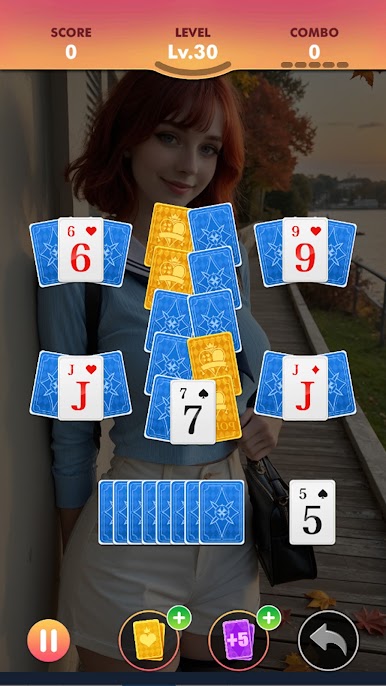
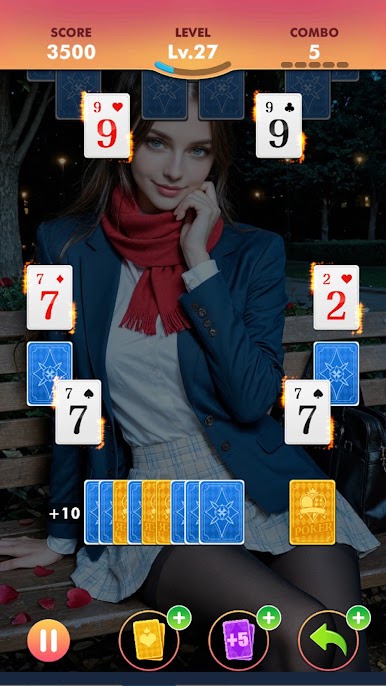
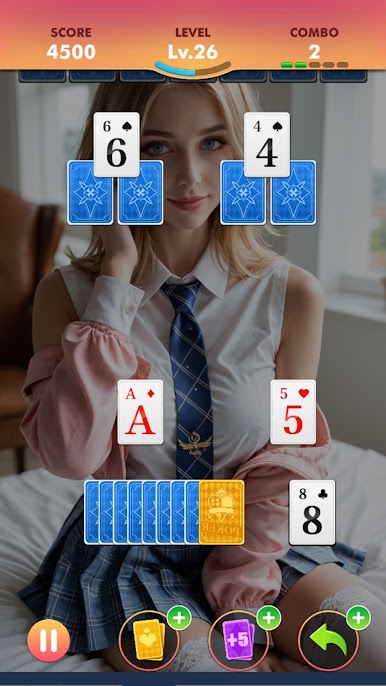

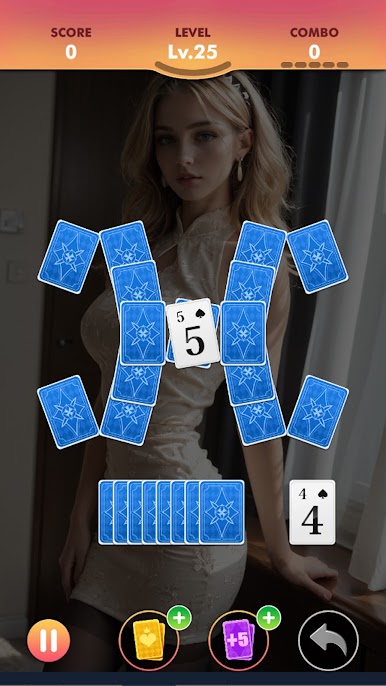
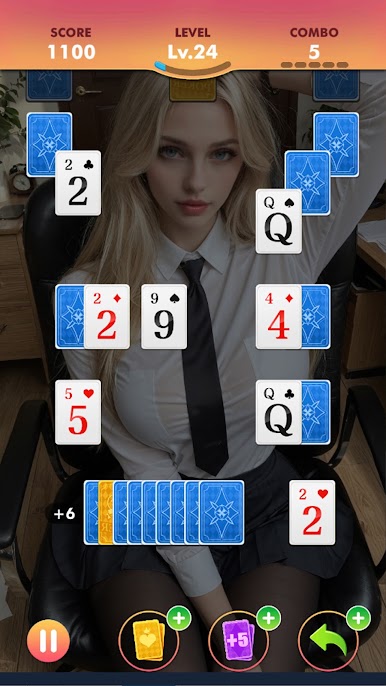
Play Lovely TriPeaks Solitaire on PC. It’s easy to get started.
-
Download and install BlueStacks on your PC
-
Complete Google sign-in to access the Play Store, or do it later
-
Look for Lovely TriPeaks Solitaire in the search bar at the top right corner
-
Click to install Lovely TriPeaks Solitaire from the search results
-
Complete Google sign-in (if you skipped step 2) to install Lovely TriPeaks Solitaire
-
Click the Lovely TriPeaks Solitaire icon on the home screen to start playing

