


Record & Rewatch TT Live TKREC
Play on PC with BlueStacks – the Android Gaming Platform, trusted by 500M+ gamers.

Page Modified on: Sep 24, 2026
Play Record & Rewatch TT Live TKREC on PC
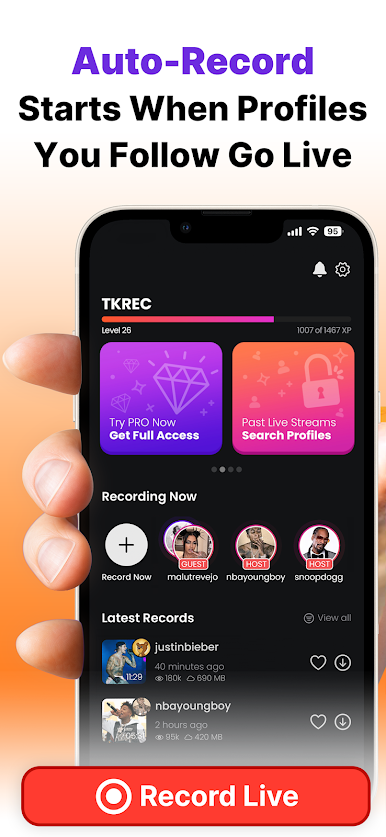
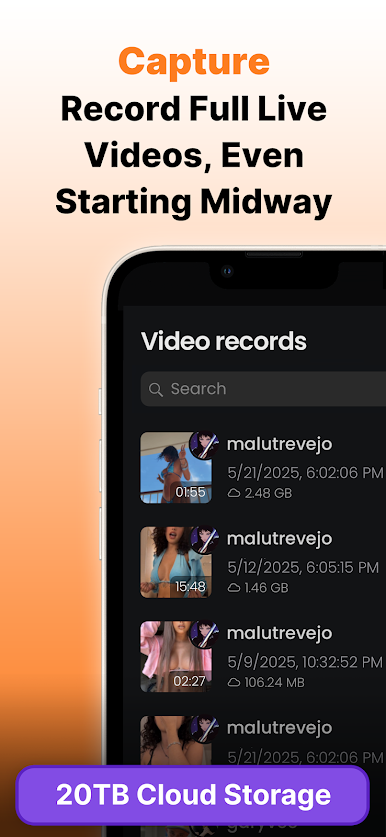
📼 TKREC – Live Recorder for TT automatically captures your favorite live moments.
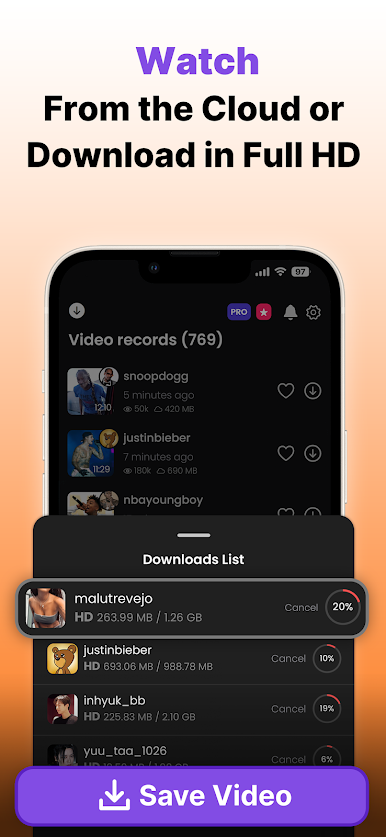
📥 Watch, download, and enjoy HD TT Live videos—on your terms.
Are you tired of missing TiK Live streams from your favorite creators?
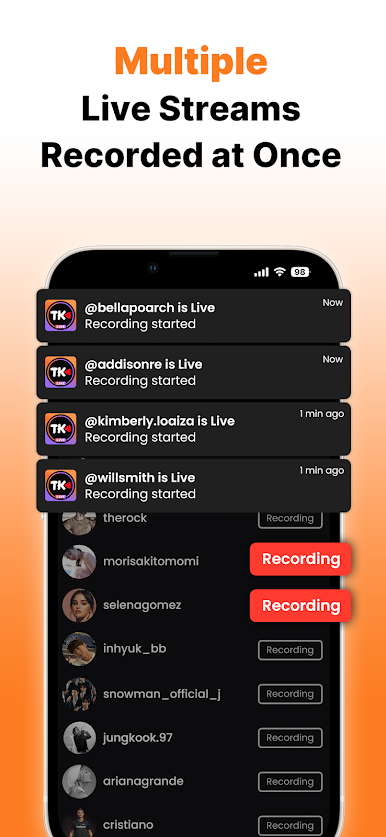
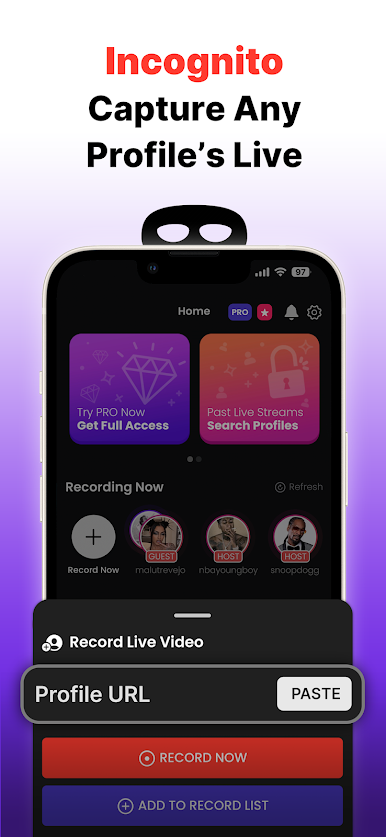
With TKREC – Live Recorder for TT, you’ll never miss a live again. Just add any public profile, and TKREC – Live Recorder for TK will instantly start recording their live broadcast—no matter where you are or what you're doing.
Whether you want to rewatch or save it for later, TKREC – Live Recorder for Tok delivers the freedom to stream on your schedule.
📌Why you'll love TKREC – Live Recorder for TT:
✅ One-tap auto-recording for any TT Live profile
✅ Watch recordings online or download in full HD
✅ Runs in the background—even when you're offline
✅ FREE to try with no account required
🎉 Download TKREC – Live Recorder for TT now and stay connected to every live moment.
Disclaimer:
*We are not responsible for any intellectual property violations resulting from unauthorized reposting or sharing of recorded content.
*Please obtain permission from the original content owner before recording, reposting, or downloading any video.
*This software is provided "as-is," without warranties or guarantees of any kind. We accept no liability for how you use this application. Depending on your country's laws or platform rules, use of this app may be restricted or lead to account suspension. Use at your own risk.
Copyright Notice:
TKREC is an independent application developed by the TKREC team. It is not affiliated with, sponsored by, or endorsed by any social media service.
All trademarks, logos, images, and copyrights are the property of their respective owners.

Play Record & Rewatch TT Live TKREC on PC. It’s easy to get started.
-
Download and install BlueStacks on your PC
-
Complete Google sign-in to access the Play Store, or do it later
-
Look for Record & Rewatch TT Live TKREC in the search bar at the top right corner
-
Click to install Record & Rewatch TT Live TKREC from the search results
-
Complete Google sign-in (if you skipped step 2) to install Record & Rewatch TT Live TKREC
-
Click the Record & Rewatch TT Live TKREC icon on the home screen to start playing

