


Unifi TV 2.0
Play on PC with BlueStacks – the Android Gaming Platform, trusted by 500M+ gamers.

Page Modified on: Mar 29, 2026
Main Unifi TV 2.0 on PC
If you’re a Unifi TV customer, link your Unifi TV account (example@iptv) to unlock all your entitlements.
Here are some of the perks you can enjoy:
• No strings attached to sample basic channels. When you’re ready for more, check out our attractive packs.
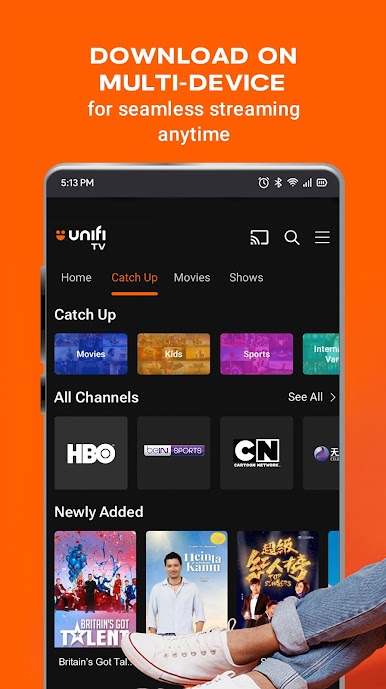
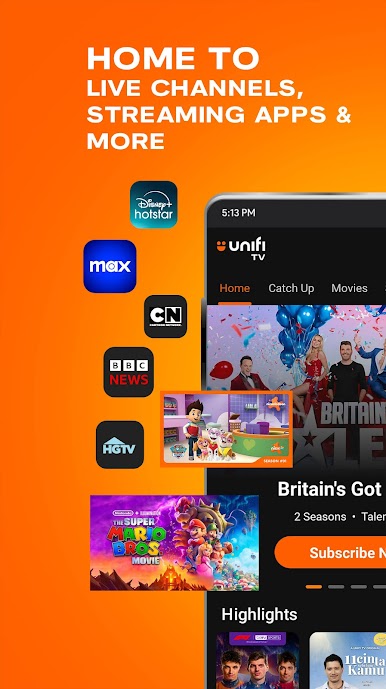
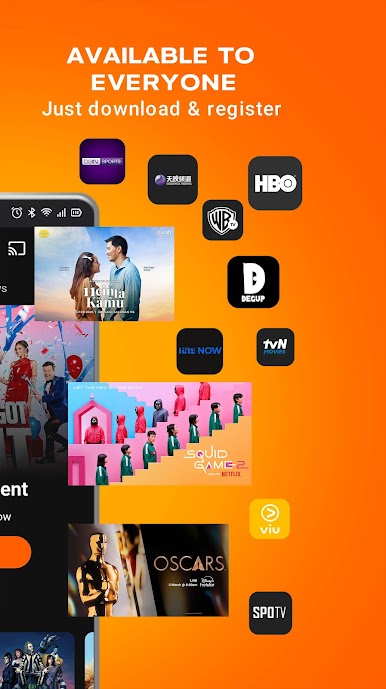
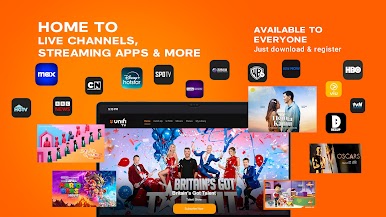
• View and access your favourite shows & movies across all channels and streaming apps.
• Rent the latest blockbuster movies straight from the cinema on U PICK.
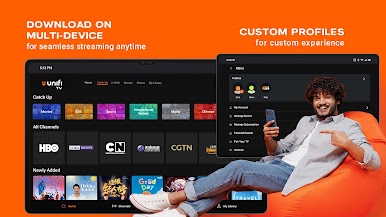
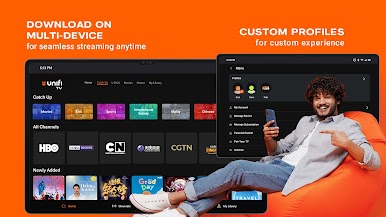
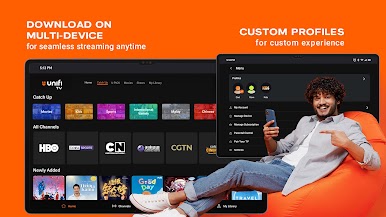
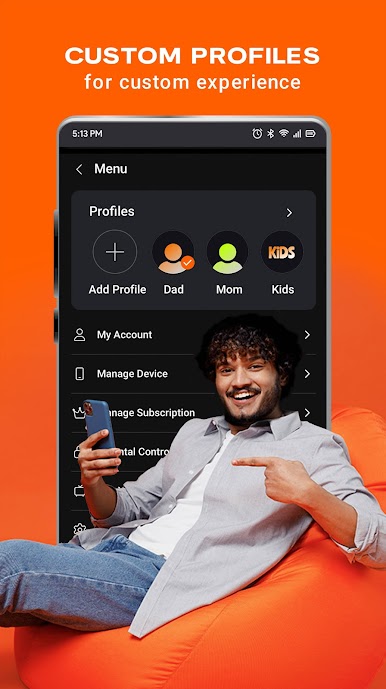
• Create multiple profiles – because who likes their algorithms being messed up?
• Download on multiple devices – mobile, tablets, Android TV boxes and smart TVs. (If your device isn't compatible, maybe it’s time for an upgrade? Just kidding!)
What to watch, you say? Here’s our award-winning list:
• Blockbuster movies
• Exclusive Unifi TV Originals series & movies
• Express drama series & reality shows
• Live sports action
• Cartoons & animation
• Documentaries & lifestyle programmes
• 24/7 global news coverage
Best viewed over a Wi-Fi connection. Mobile operator charges may apply.
Content rights for the Unifi TV app are limited to use within Malaysia.
We welcome any questions, comments or suggestions at help@unifi.com.my.
Follow Unifi on Facebook, Instagram, TikTok and X. Visit www.unifi.com.my/tv for the latest info and promotions.
Play Unifi TV 2.0 on PC. It’s easy to get started.
-
Download and install BlueStacks on your PC
-
Complete Google sign-in to access the Play Store, or do it later
-
Look for Unifi TV 2.0 in the search bar at the top right corner
-
Click to install Unifi TV 2.0 from the search results
-
Complete Google sign-in (if you skipped step 2) to install Unifi TV 2.0
-
Click the Unifi TV 2.0 icon on the home screen to start playing

