


Smart Maximo Mobile +
Play on PC with BlueStacks – the Android Gaming Platform, trusted by 500M+ gamers.

Page Modified on: Sep 20, 2024
Play Smart Maximo Mobile + on PC
NOTE: No Server installation is required to use Smart Mobile for Maximo application on your own environment. Feel free to download the application and start using it immediately without the need of any IT intervention.
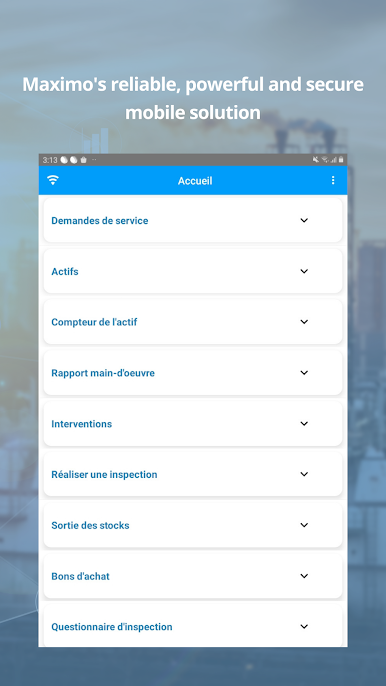
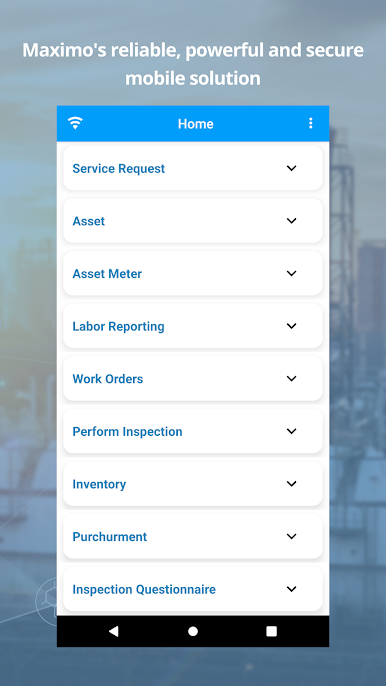
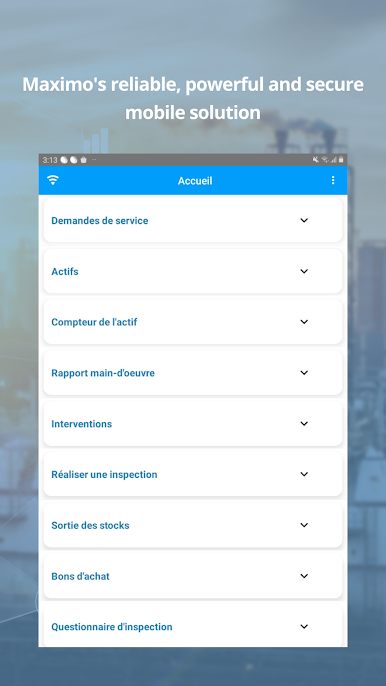
The following are the key features supported by the application:
User authentication / login configuration:
– Login – Configuration File
Inventory:
– Adjust the inventory quantity (using barcode)
– Issue/ Return an item to the storeroom (using barcode)
Purchase Orders:
– Receipt PO (using barcode)
– Approve PO
– Search and view PO details
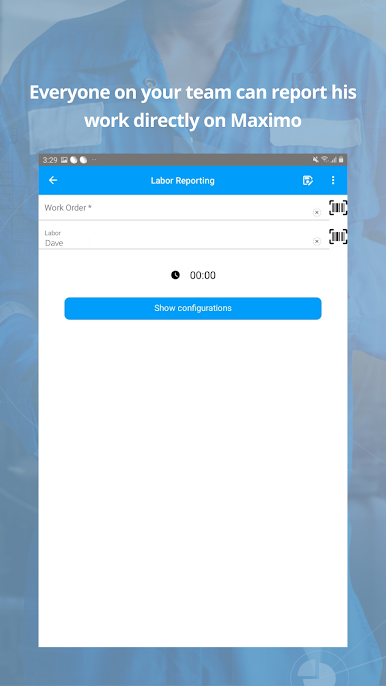
Labor Reporting:
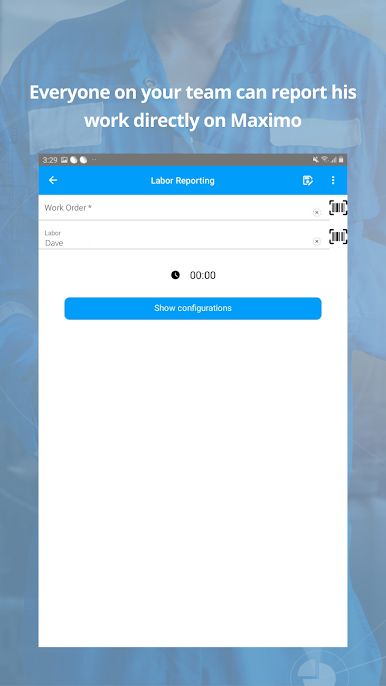
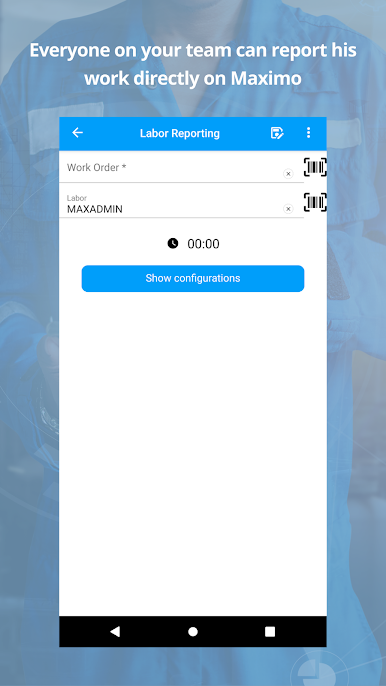
– Labor reporting
– Labor reporting using Timer
Assets:
– Add Assets using barcode
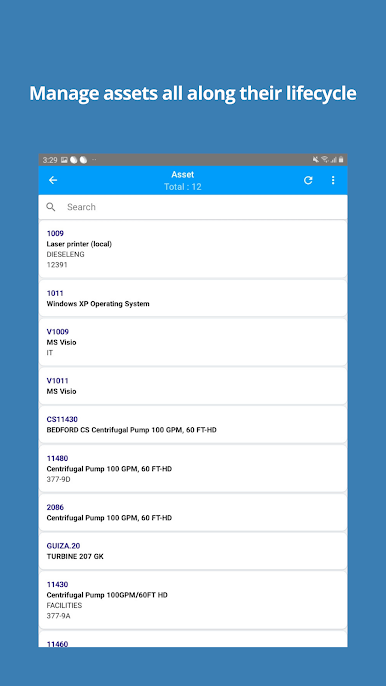
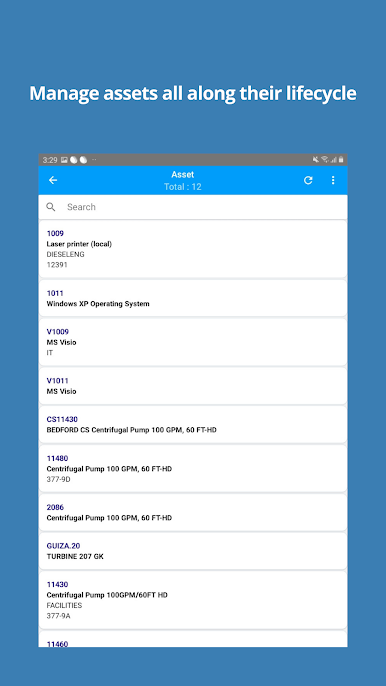
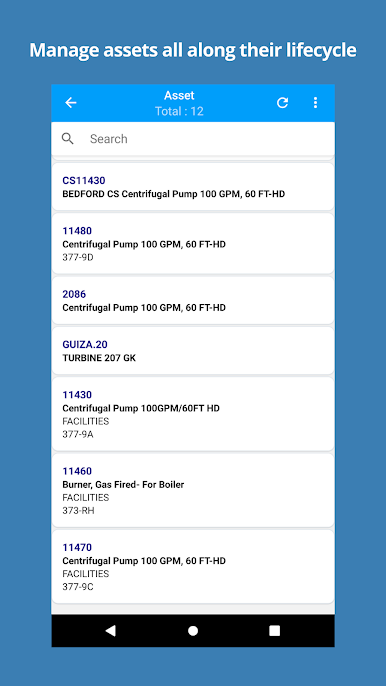
– Search / view Asset details
– Modify Asset
– Duplicate an Asset
– Add attachments to an Asset
– Report a meter reading for an Asset
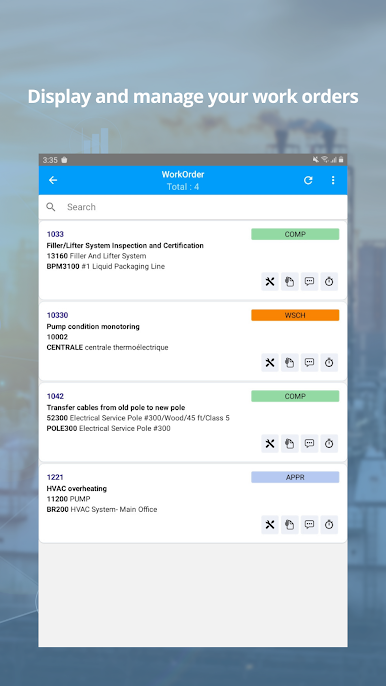
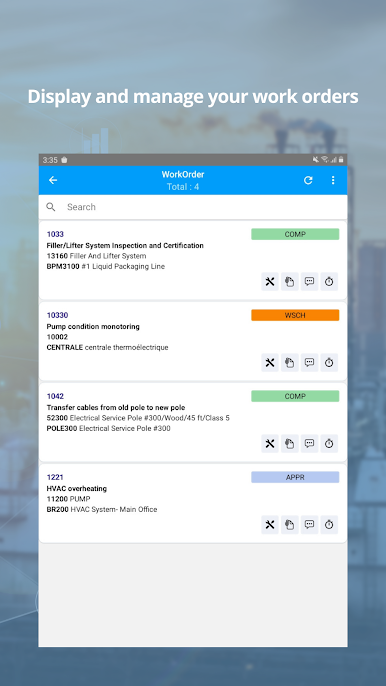
Work Orders:
– Add Work Order
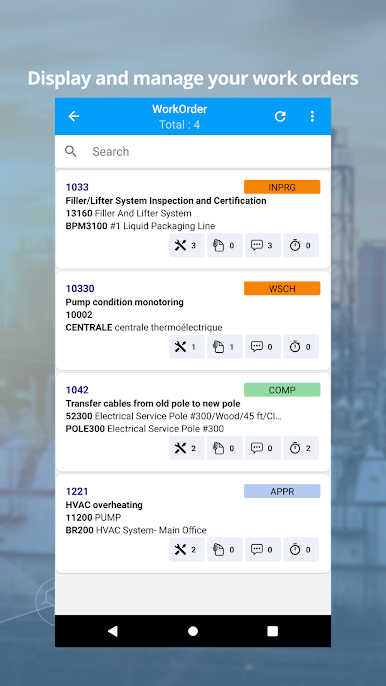
– Search / View Work Order details
– View WO map
– Plan Material
– Approve a Work Order
– Plan Labor
– Report Actual Material from a WO
– Add Attachments
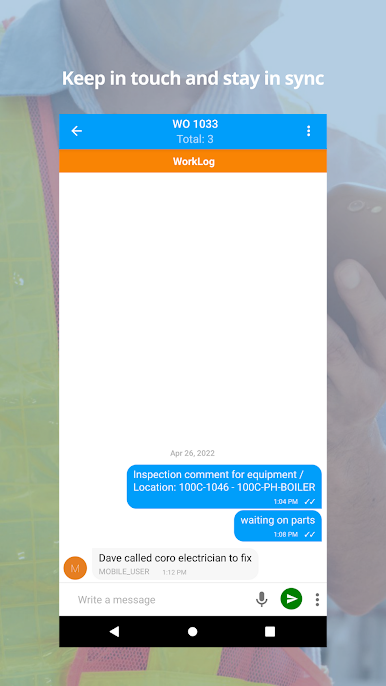
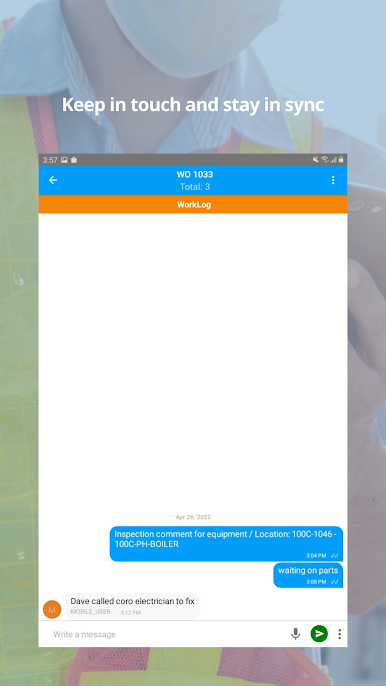
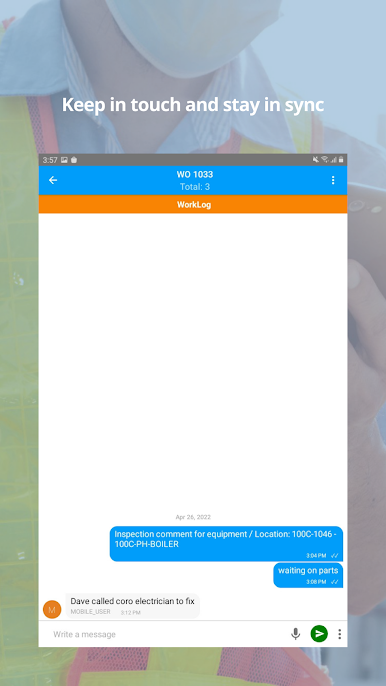
– Add a Worklog
– Capture Signature for sign-off
– Show Workflow assignments
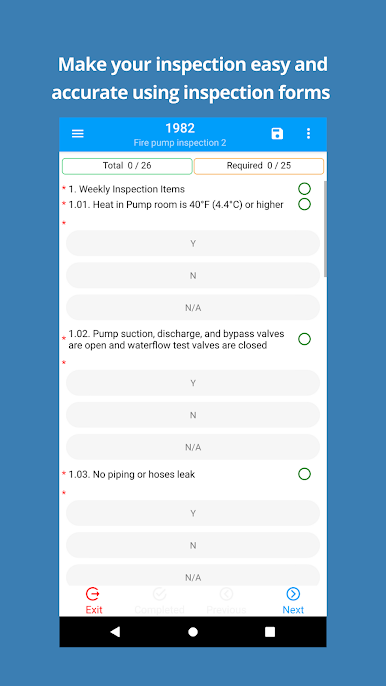
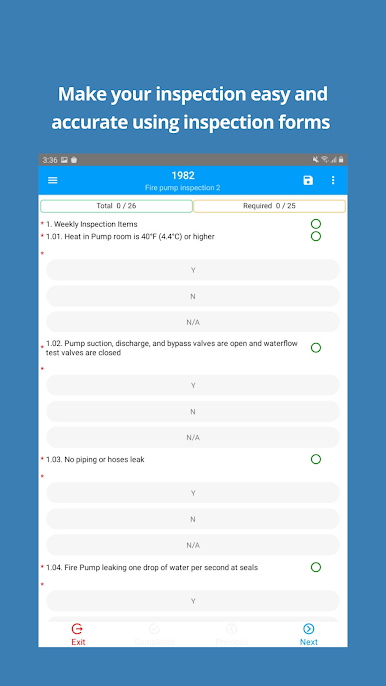
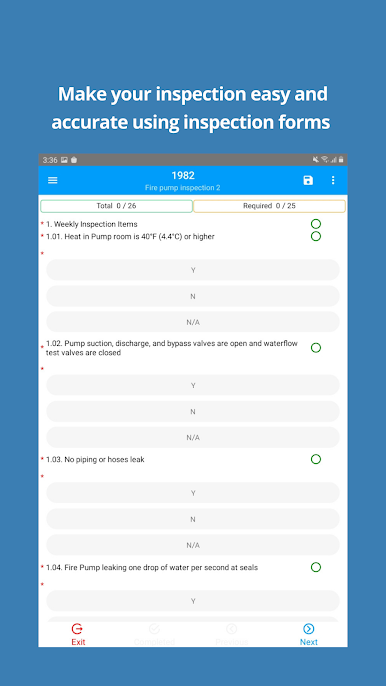
– Perform Inspections on WO hierarchy
– Add a Related Work Order during inspection
– View tasks during inspection
– View related WO
– Complete Work Order
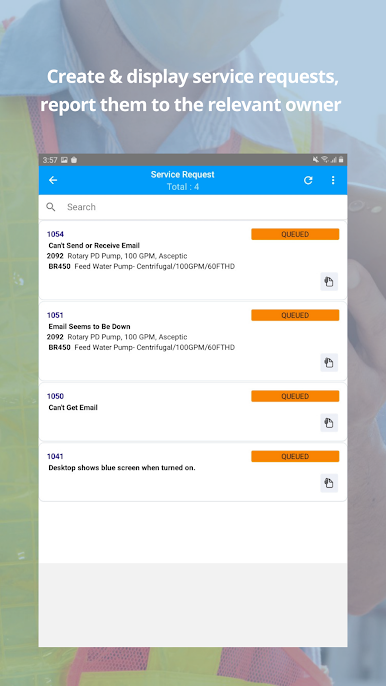
Service Request:
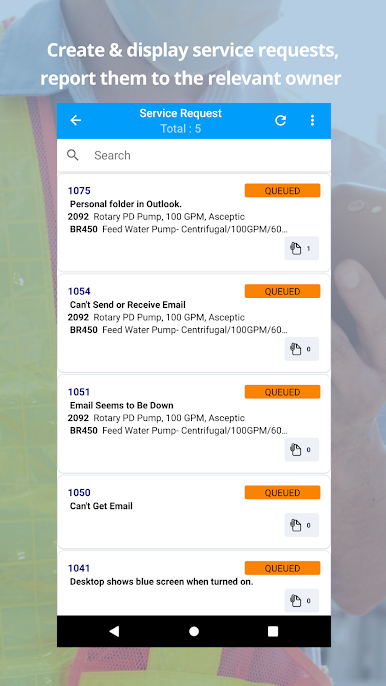
– Create a Service Request (using barcode)
– Search / view Service Request details
– Add attachments to an existing Service Request
For more information visit our websites:
https://smartmaximomobile.com/
https://www.smartech-tn.com/


Play Smart Maximo Mobile + on PC. It’s easy to get started.
-
Download and install BlueStacks on your PC
-
Complete Google sign-in to access the Play Store, or do it later
-
Look for Smart Maximo Mobile + in the search bar at the top right corner
-
Click to install Smart Maximo Mobile + from the search results
-
Complete Google sign-in (if you skipped step 2) to install Smart Maximo Mobile +
-
Click the Smart Maximo Mobile + icon on the home screen to start playing

