


Guess The Footballer!
Play on PC with BlueStacks – the Android Gaming Platform, trusted by 500M+ gamers.

Page Modified on: Mar 27, 2026
Play Guess The Footballer! on PC
Put your knowledge to the test and guess famous football players from images.
This game challenges you to recognize players using visual clues only. No names, no hints at first, just the image and your football instinct.
Features:
Guess well-known football players from around the world
Multiple game modes for different challenge levels
Clean and simple interface focused on gameplay
Fast rounds, perfect for short play sessions
Progressive difficulty that keeps you engaged
Whether you’re a casual fan or a true football expert, this game will push your memory, attention to detail, and football knowledge.
Easy to play, challenging to master.

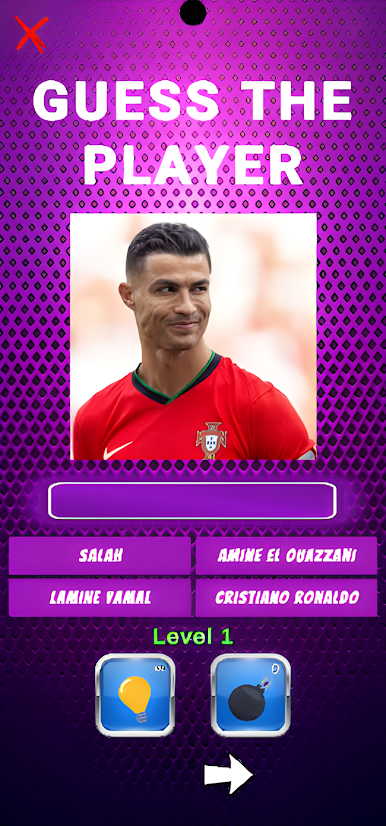
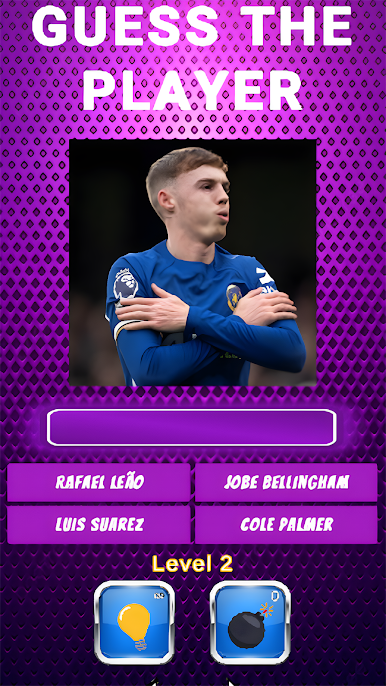
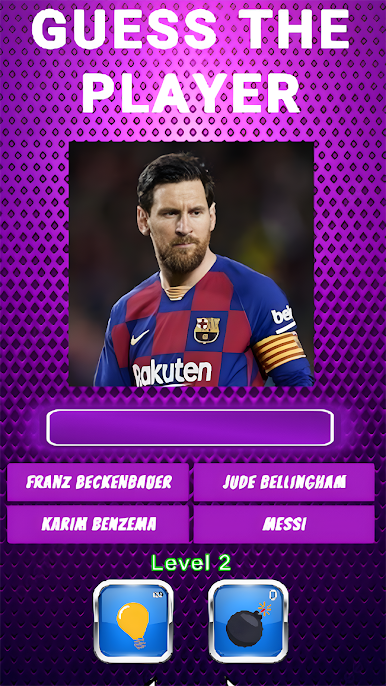
Play Guess The Footballer! on PC. It’s easy to get started.
-
Download and install BlueStacks on your PC
-
Complete Google sign-in to access the Play Store, or do it later
-
Look for Guess The Footballer! in the search bar at the top right corner
-
Click to install Guess The Footballer! from the search results
-
Complete Google sign-in (if you skipped step 2) to install Guess The Footballer!
-
Click the Guess The Footballer! icon on the home screen to start playing

