


TooTall Gaming
Play on PC with BlueStacks – the Android Gaming Platform, trusted by 500M+ gamers.

Page Modified on: Sep 5, 2026
Play TooTall Gaming on PC
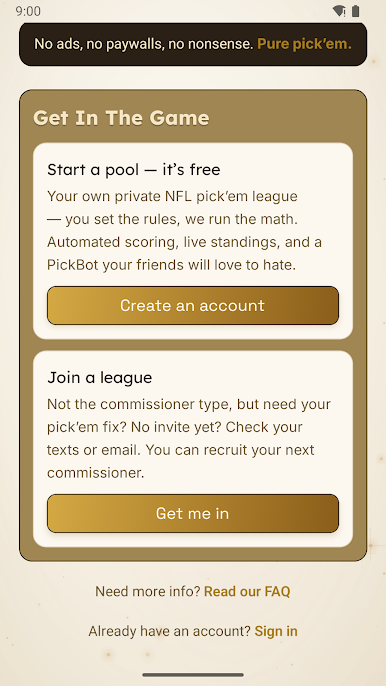
Pick'em Pro is the easiest way to run a private NFL pick'em league with friends, family, or coworkers — the office football pool, done right. You set the rules — we run the math. No ads, no paywalls, no upsells, just pure Pick'em.
HOW IT WORKS
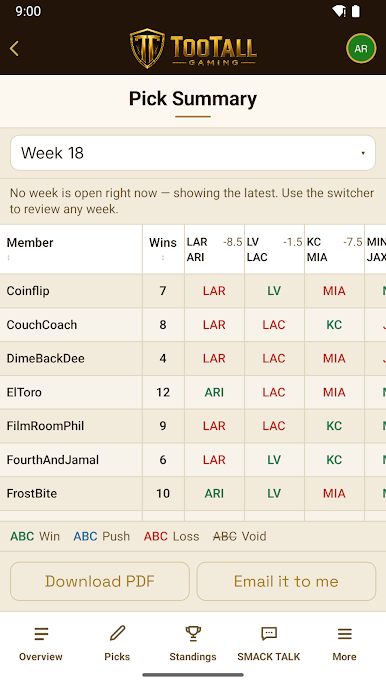
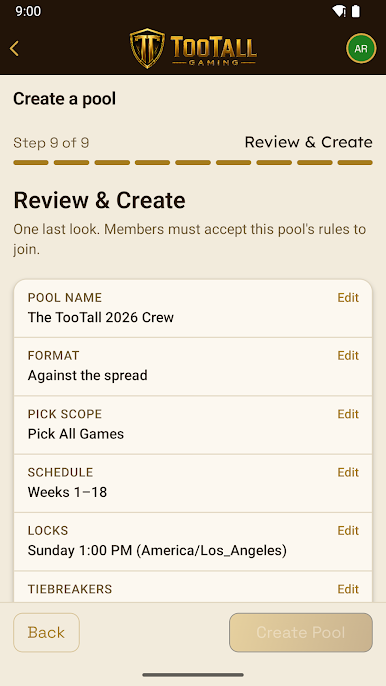
• Create a private, invite-only pool and choose your format: straight-up winners or against the spread. Standard pick'em or confidence ranking. Pick all games or a set number of them (Pick X), weekly and year-end contests.
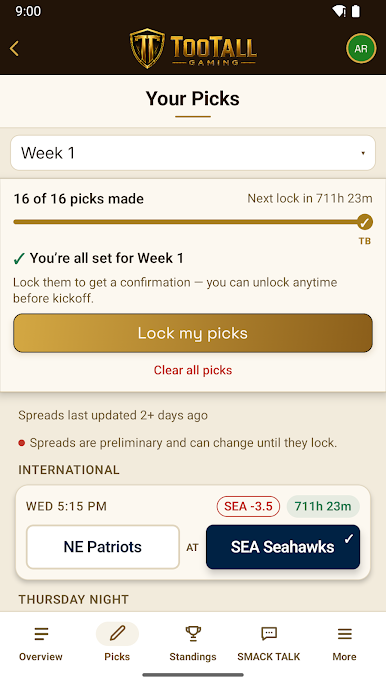
• Get your picks in before the deadline. Once picks lock, there's no take-backs.
• All games score and standings update automatically. No more spreadsheets, no chasing people for picks. The ultimate commissioner experience – set it and forget it. Just enjoy competing with your peers.
WHAT'S INSIDE
• Private pools — invite-only, your crew and nobody else
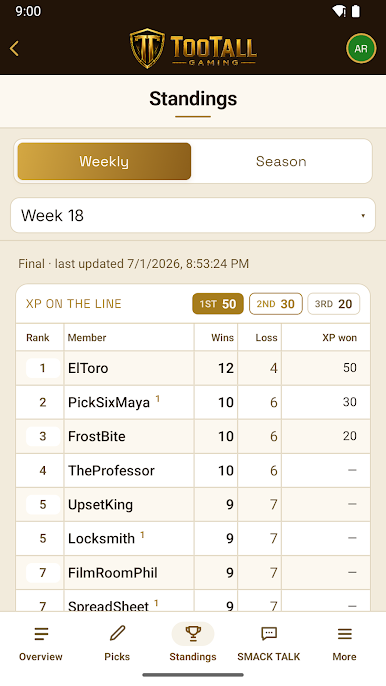
• Straight-up or against-the-spread picks, weekly and season standings
• Optional XP race — turn on XP in your pools for another way to track player progress
• PickBot — an optional computer rival with a pick in every game. Beat the bot to earn XP or it rolls over to the next week
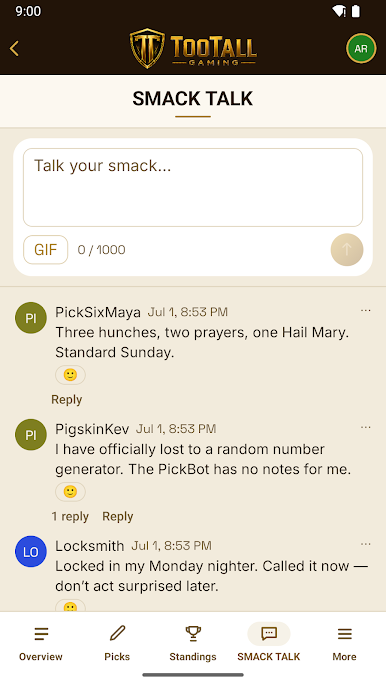
• Smack Talk — your pool's private chat feed to spice up the competition
• Autopick — life happens, if you miss your pick deadline, Autopick will have your back
• Email and/or push notification pick reminders
Pickem, pick em, or pick'em — however you spell it, Pick'em Pro runs your league.
100% free to play. No purchases, no ads. Just picks, standings, and bragging rights.
Play TooTall Gaming on PC. It’s easy to get started.
-
Download and install BlueStacks on your PC
-
Complete Google sign-in to access the Play Store, or do it later
-
Look for TooTall Gaming in the search bar at the top right corner
-
Click to install TooTall Gaming from the search results
-
Complete Google sign-in (if you skipped step 2) to install TooTall Gaming
-
Click the TooTall Gaming icon on the home screen to start playing

