

Infinity Clan
Play on PC with BlueStacks – the Android Gaming Platform, trusted by 500M+ gamers.

Page Modified on: Dec 25, 2023
Play Infinity Clan on PC or Mac
Infinity Clan is a strategy game developed by TG Inc. BlueStacks app player is the best PC platform (emulator) to play this Android game on your PC or Mac for an immersive gaming experience!
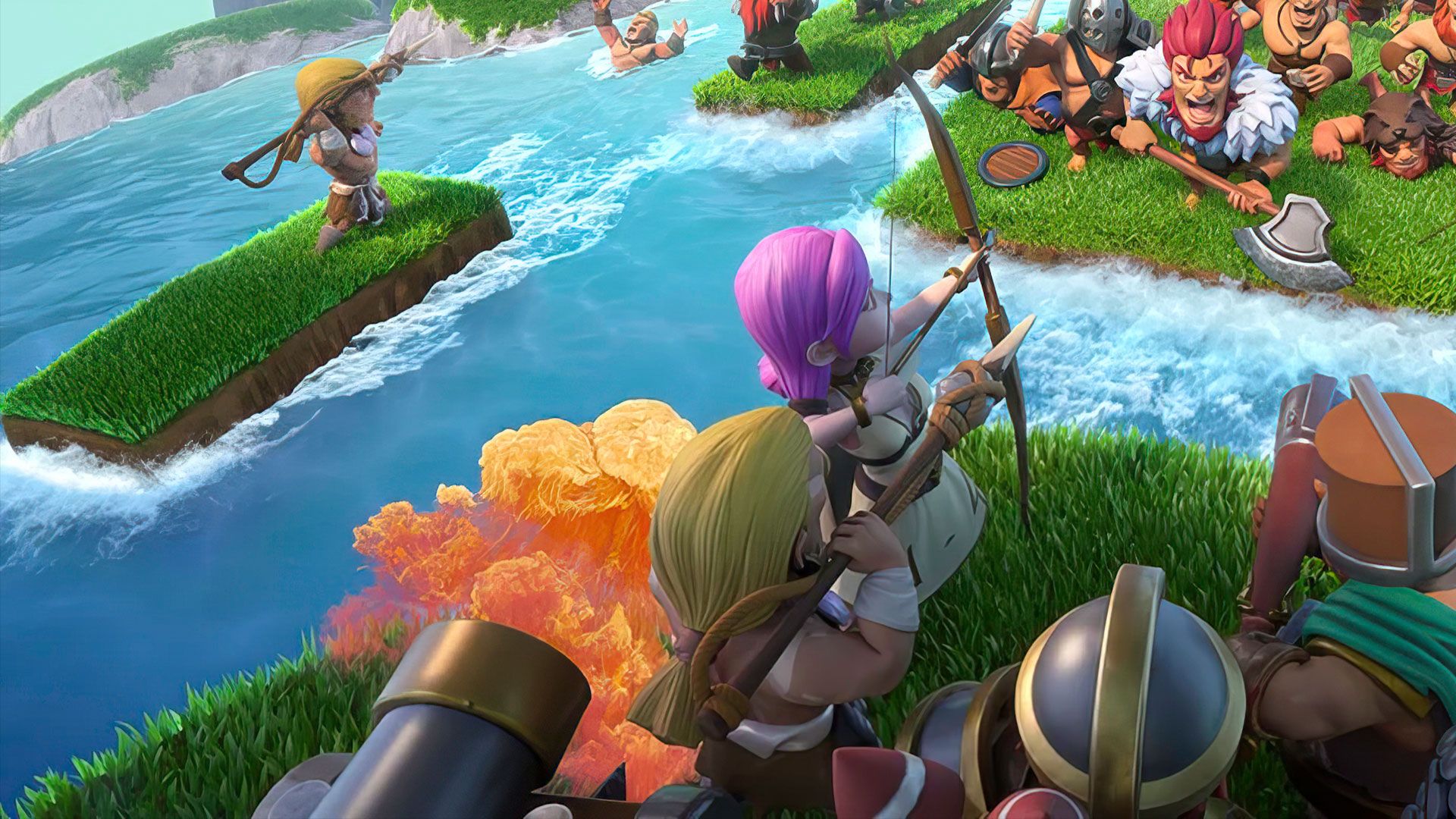
Play Infinity Clan on PC and enjoy this casual strategy game from the large and gorgeous display on your PC! With clans battling one another and people struggling to survive, who will put an end to this conflict? It’s time to find out!
In the Infinity Clan PC game, your duty is to restore the glory of your clan and become the strongest warrior! Become the leader of your clan and build your clan by merging smaller units together to form bigger ones. You don’t have to wait for long periods of time to build and gain troops; you get to do it instantly!
Enjoy a merging strategy game where you enlist different heroes to fight and defend your land. Upgrade your clan members and compete with other clans to increase your clan’s strength. Decorate your home by placing and upgrading various buildings.
Play through a variety of game modes to earn a championship title by competing and ranking at the top of the global online battle! Are you up to the task? Download Infinity Clan on PC today to play an immersive strategy game!



















Play Infinity Clan on PC. It’s easy to get started.
-
Download and install BlueStacks on your PC
-
Complete Google sign-in to access the Play Store, or do it later
-
Look for Infinity Clan in the search bar at the top right corner
-
Click to install Infinity Clan from the search results
-
Complete Google sign-in (if you skipped step 2) to install Infinity Clan
-
Click the Infinity Clan icon on the home screen to start playing

