


Kings Legion
Play on PC with BlueStacks – the Android Gaming Platform, trusted by 500M+ gamers.

Page Modified on: Mar 14, 2023
Overview
Unique Features
-Ally with your friends
Create or join an Alliance, unite your allies and rally into the battlefield together!
-The Llivia Gate!
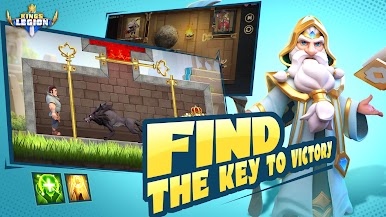
Got confused as a newcomer? The Llivia Gate leads you to the secret place of Nasland, where you can learn about the magnificent history behind it and get well trained!
-Powerful Heroes
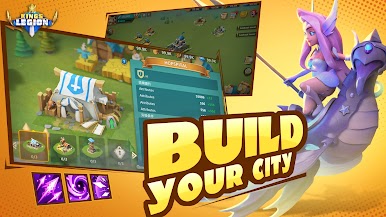
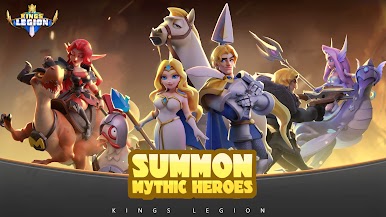
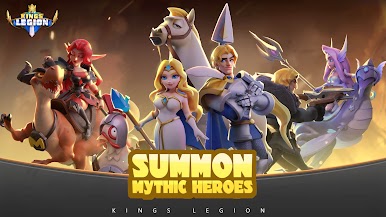
Recruit and upgrade heroes from Nasland and let them help your kingdom all the way to achieving the glorious throne!
-3D Camera Switching Battle Scenes!
Experience the unprecedented battle scenes where you can freely switch between different camera positions in 3D reality!
-Choose Your Faith
Are you a military genius, an economics talent or a research counsellor? Here, you can choose your own faith and decide your path of development!
-Diverse Game Strategies!
A variety of battle lineup combinations from 15 troop types and up to 35 heroes! You cannot miss this if you are a true strategy game fan!
-Unlimited Market System!
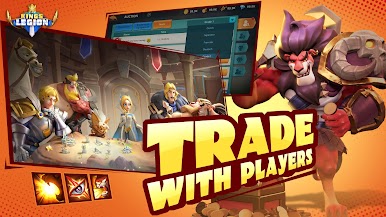
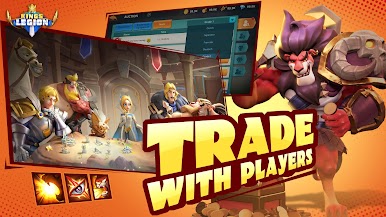
In need of legendary weapons and resources? Go shopping in the Nasland’s Market System and trade with global merchants to meet all your needs!
Facebook fan page:
https://www.facebook.com/KingsLegionOfficial/
NOTICE: Legion and Order is a completely free-to-play game, however there are some game items that can also be purchased for real money. If you don’t want to use this feature, please disable in-app purchases in your device’s settings. Also under our Terms of Service and Privacy Policy, you must be at least 13 years of age to play or download Legion and Order.


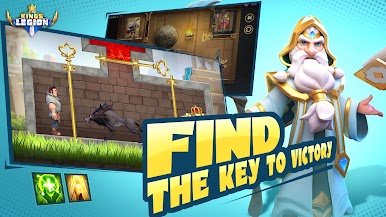
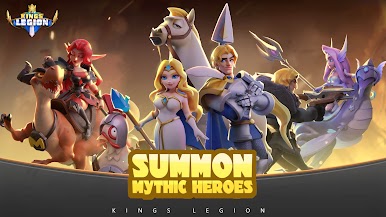





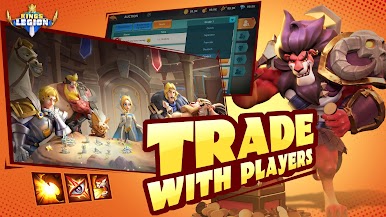



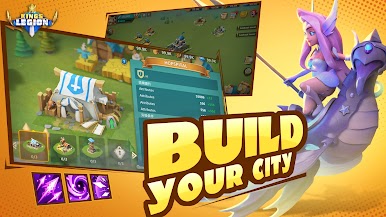
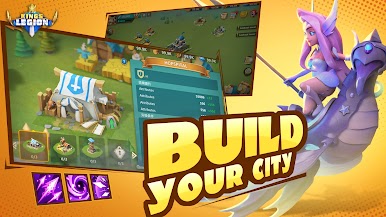
Play Kings Legion on PC. It’s easy to get started.
-
Download and install BlueStacks on your PC
-
Complete Google sign-in to access the Play Store, or do it later
-
Look for Kings Legion in the search bar at the top right corner
-
Click to install Kings Legion from the search results
-
Complete Google sign-in (if you skipped step 2) to install Kings Legion
-
Click the Kings Legion icon on the home screen to start playing

