


Real Games Now
Play on PC with BlueStacks – the Android Gaming Platform, trusted by 500M+ gamers.

Page Modified on: Oct 25, 2026
Play Real Games Now on PC
No extra downloads, no long installs, no waiting. Open the app, pick a game, and you're playing.
WHY YOU'LL LOVE IT
• Tap to play – every game launches instantly inside the app.
• Quick sessions – perfect for a short break, a commute, or a few spare minutes.
• More of what you like – games in the themes you enjoy are shown first, and when you finish a round we line up the next one in the same style.
• Keep your progress – sign in to save your progress and game saves across devices.
GEMS
Gems are an optional in-app currency. You can earn and spend them in games, or buy Gem packs in the store. All games can be started for free.
Real Games Now is published by Top Games Inc.
• Share with friends – send a game link; if they have the app, it opens straight into the game.
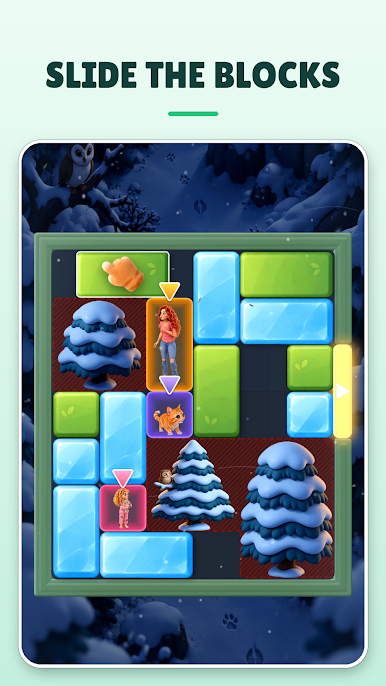
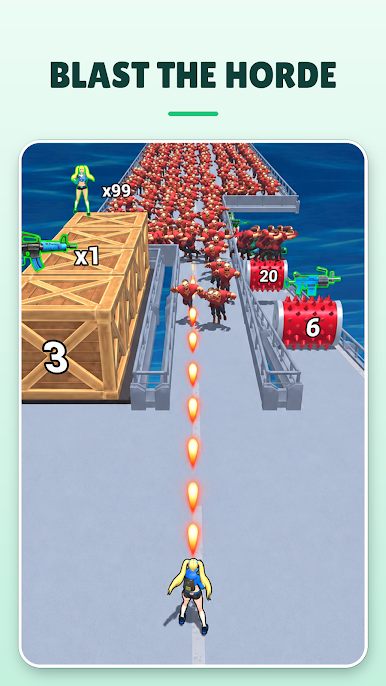
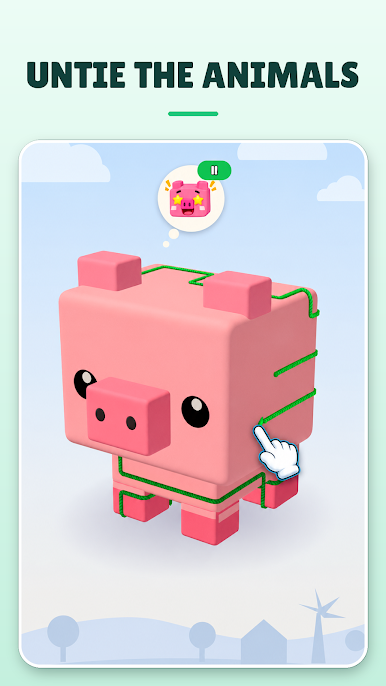
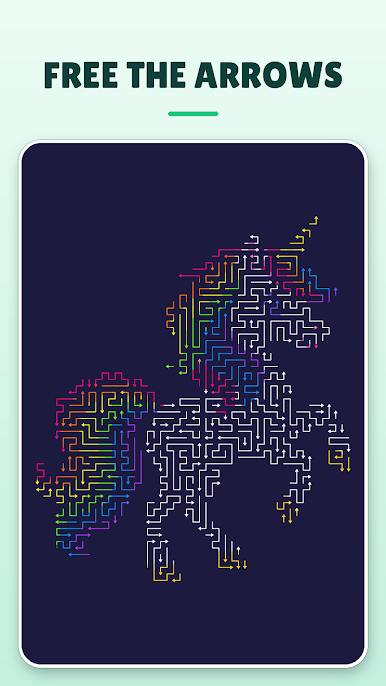
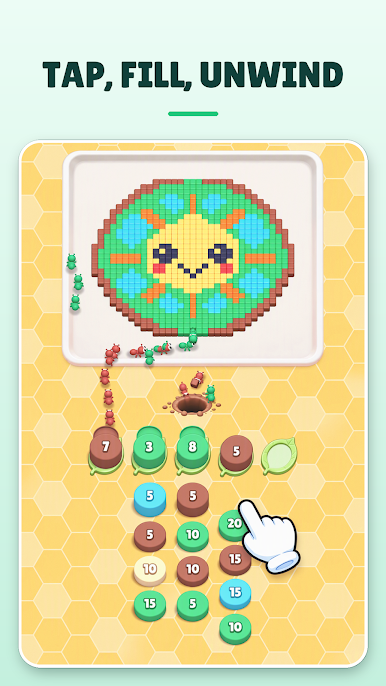
Play Real Games Now on PC. It’s easy to get started.
-
Download and install BlueStacks on your PC
-
Complete Google sign-in to access the Play Store, or do it later
-
Look for Real Games Now in the search bar at the top right corner
-
Click to install Real Games Now from the search results
-
Complete Google sign-in (if you skipped step 2) to install Real Games Now
-
Click the Real Games Now icon on the home screen to start playing

