


Learn English with English Video Subtitle
Play on PC with BlueStacks – the Android Gaming Platform, trusted by 500M+ gamers.

Page Modified on: Feb 15, 2026
Overview
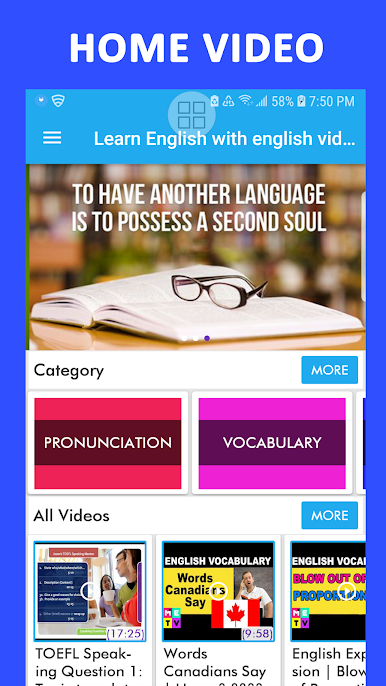
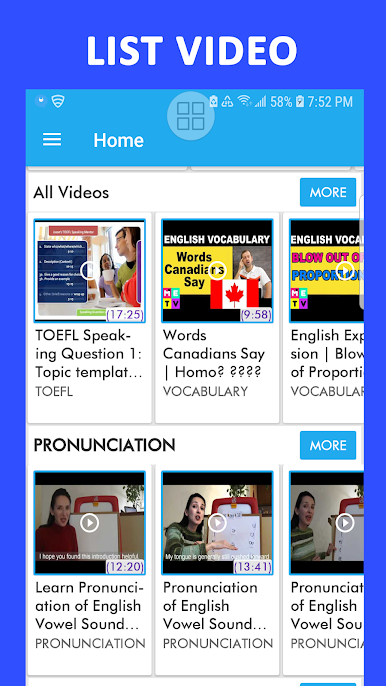
Learn English Video: Learn English with Video Subtitles is your best application to improve your English Pronunciation, English Vocabulary, English Speaking, English Listening, English Grammar, English Writing any so much more.
* LEARN ENGLISH:
You will learn English through thousands of english videos and english songs with English subtitles and you must listen english through english subtitle to improve skill english conversations. Study English quickly and easily!
* PRACTICE ENGLISH:
Listen to the English conversations then practice speaking yourself and you read english with english subtitle in videos. You can speak English daily with a particular video to improve your speaking skill every day.
The user can practice pronunciation, study english with english video every day.
* FEATURES:
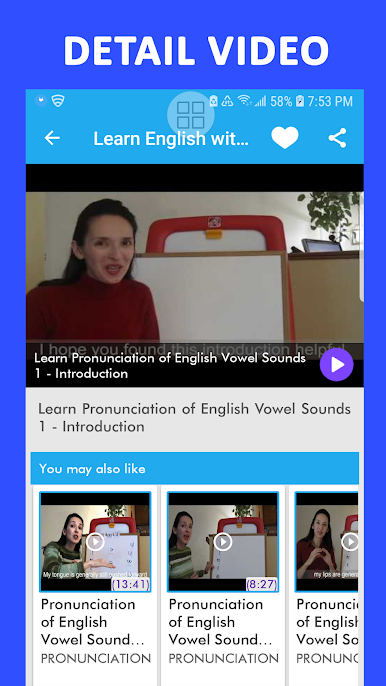
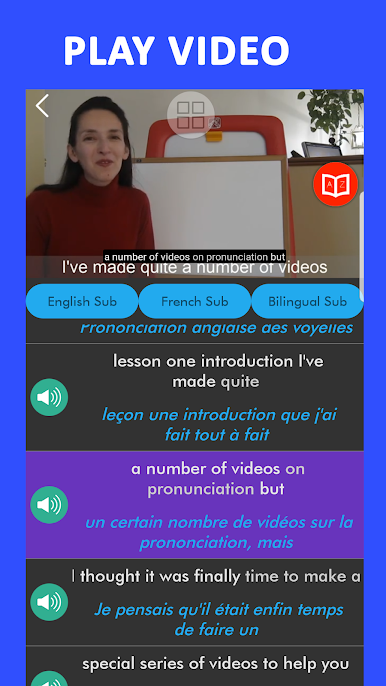
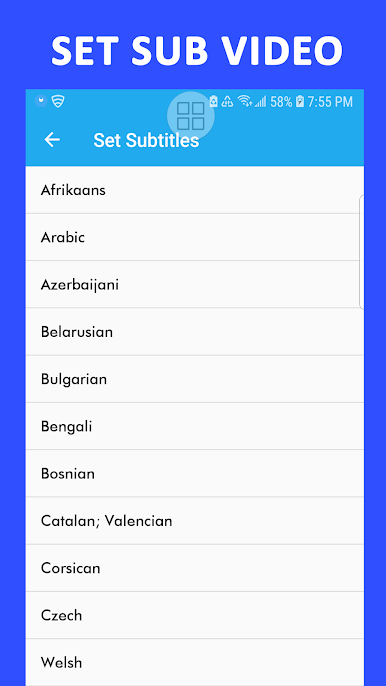
Display subtitles of videos support user learning English easily.
- Practice listening english each sentence in the subtitle.
- Taking notes and add video to favorite.
- Add favorite playlists.
- Search videos and playlists.
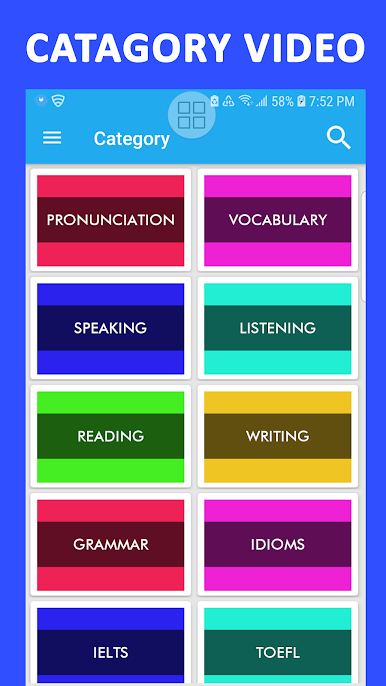
Learn English with English Video Subtitle is an application for learning English by videos with common topics in English such as:
1. ENGLISH SKILLS
Study English Vocabulary
Learn English Pronunciation
Learn English Speaking
Learn English Listening
Learn English Reading
Learn English Writing
Learn English Grammar
Learn English Idioms
2. ENGLISH EXAMINATIONS
TOEFL
TOEIC
IELTS
Play Learn English with English Video Subtitle on PC. It’s easy to get started.
-
Download and install BlueStacks on your PC
-
Complete Google sign-in to access the Play Store, or do it later
-
Look for Learn English with English Video Subtitle in the search bar at the top right corner
-
Click to install Learn English with English Video Subtitle from the search results
-
Complete Google sign-in (if you skipped step 2) to install Learn English with English Video Subtitle
-
Click the Learn English with English Video Subtitle icon on the home screen to start playing

