


Apps Backup and Restore
Play on PC with BlueStacks – the Android Gaming Platform, trusted by 500M+ gamers.

Page Modified on: Mar 25, 2026
Run Apps Backup and Restore on PC or Mac
What’s better than using Apps Backup and Restore by touchfield? Well, try it on a big screen, on your PC or Mac, with BlueStacks to see the difference.
About the App
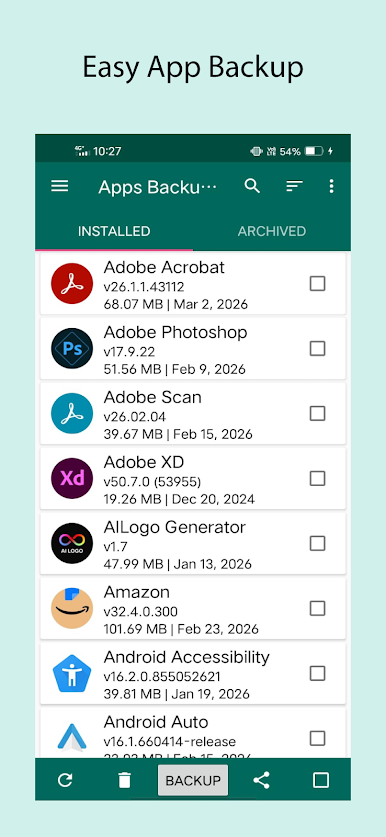
Ever wish you had a simple way to keep backup copies of your favorite apps? Apps Backup and Restore by touchfield gives you the freedom to save, store, and bring back your Android apps whenever you need. No more scrambling when you switch phones or accidentally delete something—you’ll always have a backup handy. The app keeps things straightforward and lets you stay in control, all from an easy-to-use dashboard.
App Features
-
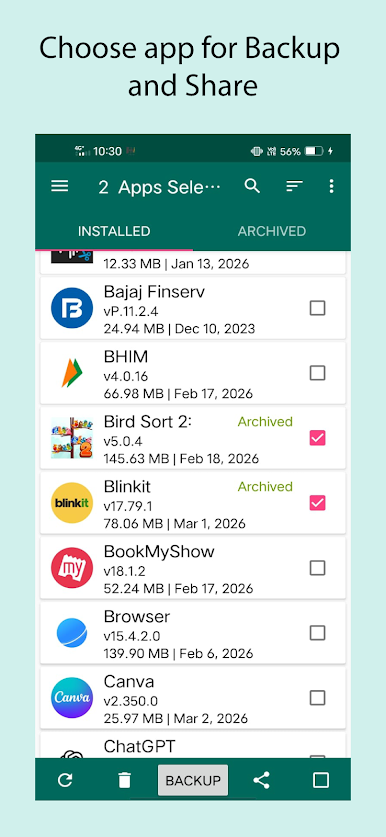
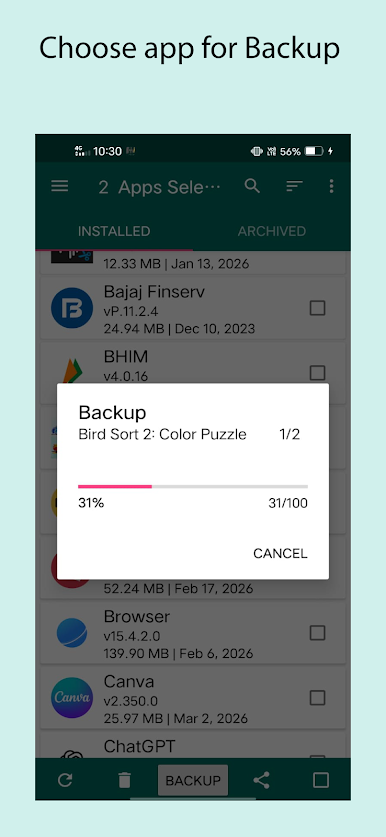
Save Apps to Your Device or SD Card
Keep copies of the apps you love directly on your phone or external storage for quick access or future use. -
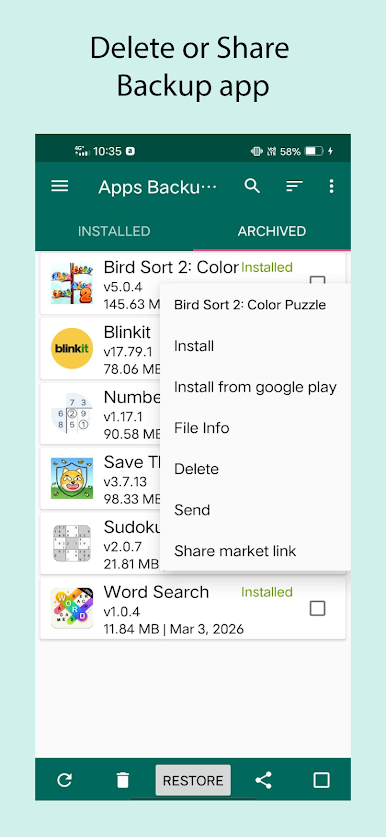
One-Tap Restore
If you ever wipe your device or switch phones, you can quickly reinstall your backed-up apps—no need to hunt them down in the Play Store again. -
Automatic Backup When Installing New Apps
Just installed something cool? The app can automatically save a backup whenever you grab a new app. No need to remember every time. -
Back Up System Apps Too
Not just the regular stuff—this also works for those default apps that came with your phone. -
Quick Uninstall
Want to clean up your phone? Easily uninstall apps right from the list—no extra digging through menus. -
Easy App Launcher
Start any of your installed apps directly without leaving the backup tool. It keeps everything in one spot. -
Share APKs and App Links
Need to send an app to a friend? You can share the actual APK file or just the Play Store link, all with a couple taps. -
Extra Options at Your Fingertips
Press and hold on any app in the list for more handy choices. Little things, but super useful.
If you like running productivity apps on your PC setup with BlueStacks, Apps Backup and Restore fits right in for making app management even easier.
BlueStacks brings your apps to life on a bigger screen—seamless and straightforward.
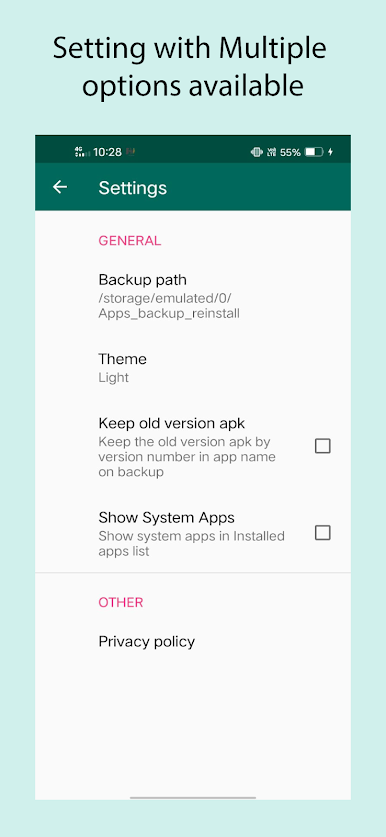
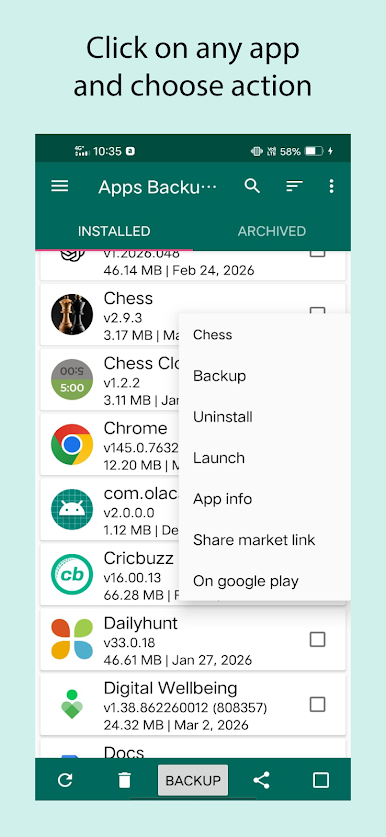
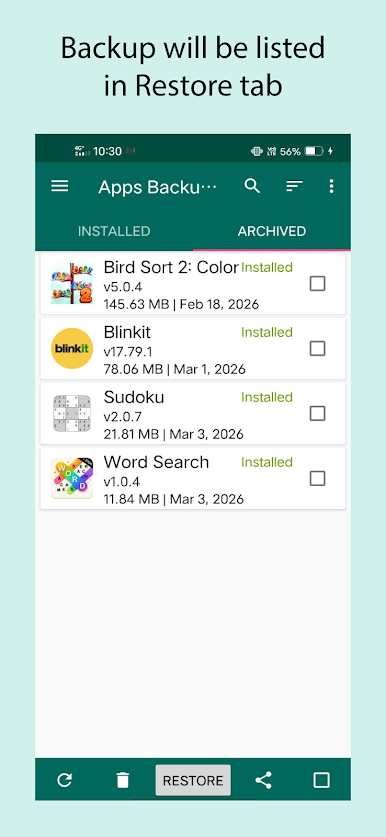
Play Apps Backup and Restore on PC. It’s easy to get started.
-
Download and install BlueStacks on your PC
-
Complete Google sign-in to access the Play Store, or do it later
-
Look for Apps Backup and Restore in the search bar at the top right corner
-
Click to install Apps Backup and Restore from the search results
-
Complete Google sign-in (if you skipped step 2) to install Apps Backup and Restore
-
Click the Apps Backup and Restore icon on the home screen to start playing

