


Craze Ball Hops
Play on PC with BlueStacks – the Android Gaming Platform, trusted by 500M+ gamers.

Page Modified on: Mar 31, 2026
Play Craze Ball Hops on PC
Forget climbing up—in Craze Ball Hops, you're going down. Control your ball as it drops endlessly through a towering structure. The goal is simple: keep falling by landing safely on the platforms below. One mistake, and it's all over.
Core Gameplay
Easy to learn, hard to master. Tap to guide your ball onto moving platforms as you descend. The deeper you go, the faster it gets—and the trickier the platforms become.
Game Features
Simple, Addictive Gameplay: One-tap controls that anyone can pick up instantly, with just enough challenge to keep you coming back for "one more try."
Clean Visual Style: A minimalist look that puts all the focus on the action—no clutter, just pure platform-hopping fun.
Unlockable Skins: Collect points on your way down and unlock cool looks for your ball. Jump in style!
Instant Access Launcher Function
Enable home screen permissions and jump straight into the drop with a single tap. The Quick Access Launcher adds a dedicated game shortcut to your home screen and an app drawer with search—so you're always one touch away from the action. Your home screen may adapt, but all your original apps remain fully accessible, and you can switch back to your previous desktop anytime. For more details, visit: https://sparkpronet.com/#faq
Think you have the reflexes to reach the bottom?
Download Craze Ball Hops and start your drop today!

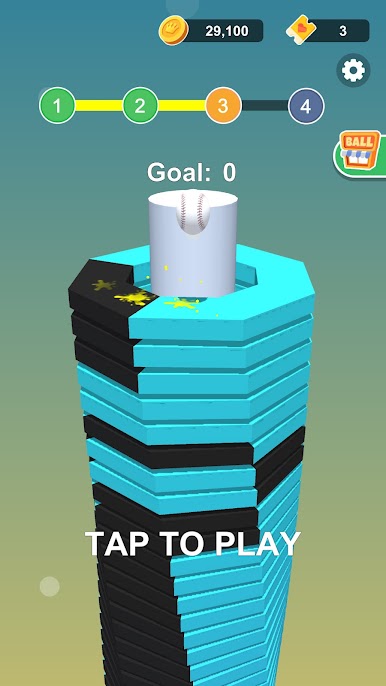
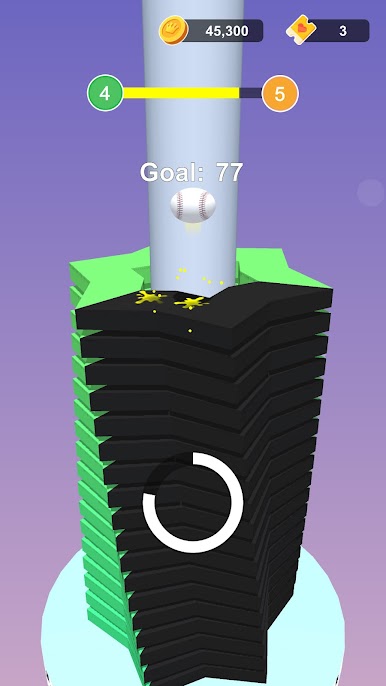
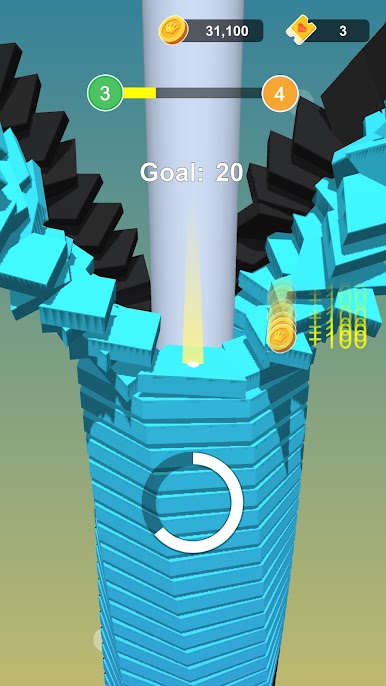
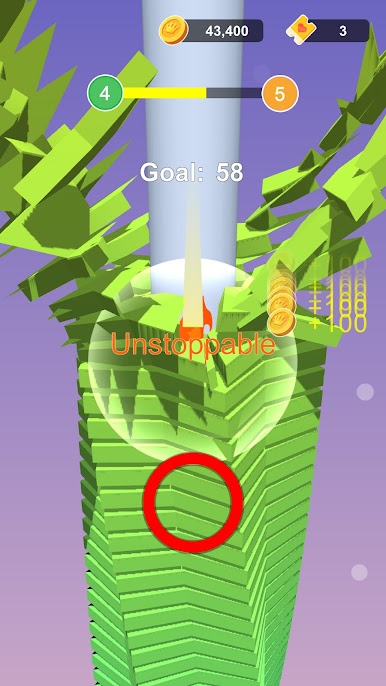
Play Craze Ball Hops on PC. It’s easy to get started.
-
Download and install BlueStacks on your PC
-
Complete Google sign-in to access the Play Store, or do it later
-
Look for Craze Ball Hops in the search bar at the top right corner
-
Click to install Craze Ball Hops from the search results
-
Complete Google sign-in (if you skipped step 2) to install Craze Ball Hops
-
Click the Craze Ball Hops icon on the home screen to start playing

