


TCL Connect
Play on PC with BlueStacks – the Android Gaming Platform, trusted by 500M+ gamers.

Page Modified on: Feb 11, 2026
Run TCL Connect on PC or Mac
Upgrade your experience. Try TCL Connect, the fantastic Tools app from TCL-CONNECTED, from the comfort of your laptop, PC, or Mac, only on BlueStacks.
About the App
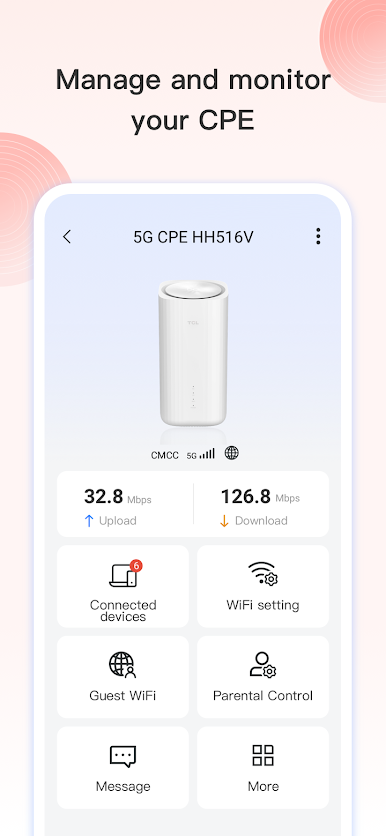
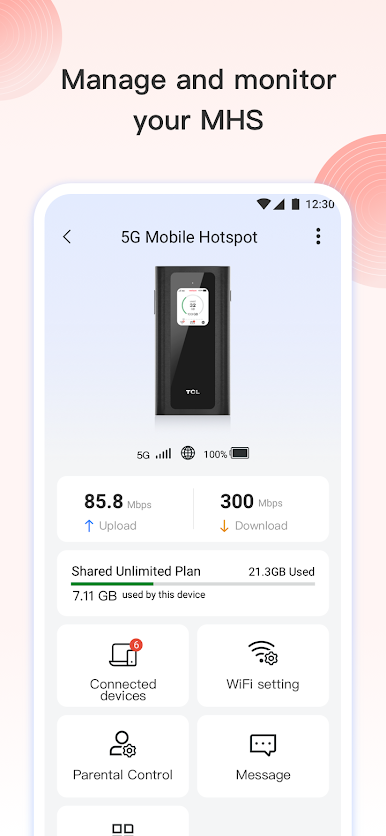
Ever wish you could keep an eye on your loved ones’ devices or just want a smarter way to stay connected as a family? TCL Connect, brought to you by TCL-CONNECTED, is all about making that possible. Whether it’s for your kids, seniors, or anyone who uses a TCL Connected device, this Tools app keeps you in the loop with tracking, messages, calls, and activity stats—all from your phone. If you pop it open on your computer with BlueStacks, managing everything gets even easier and a tad more comfortable.
App Features
-
Location Tracking Made Simple
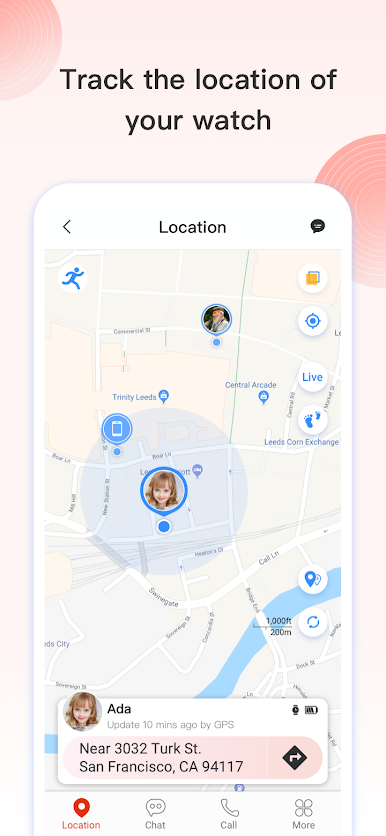
Check where your devices are at any moment. Whether it’s your kid wearing a Family Watch or your parents with a senior device, real-time location gives you peace of mind when it matters. -
Easy Communication Options
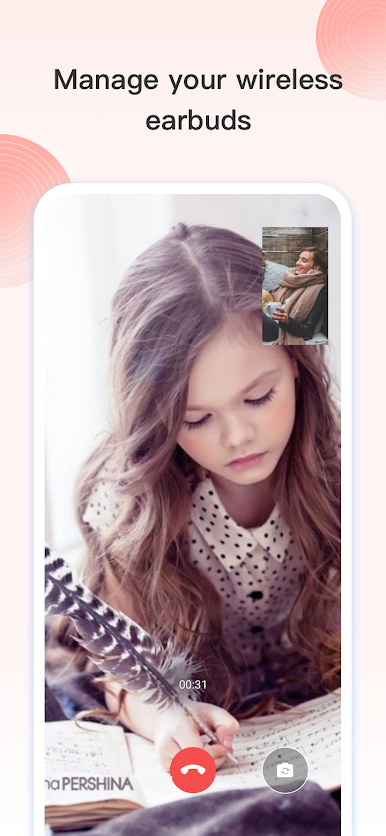
No more switching apps to stay in touch. TCL Connect lets you send texts, voice notes, and even hop on a video call. Toss in a few emojis to keep chats light and fun, whether you’re checking in or just saying hi. -
Daily Activity Monitoring
Curious about how many steps your child’s taken or need a little nudge to get moving yourself? The app keeps track of steps, calories burned, distance, and exercise time. Great for encouraging a healthy routine or just seeing how everyone’s doing. -
Custom Device Settings
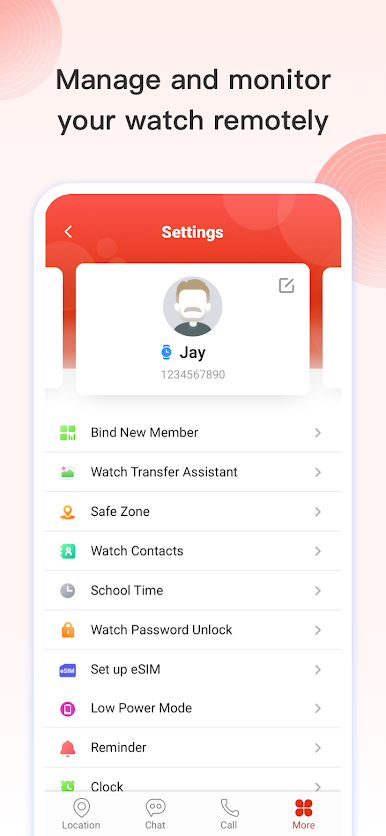
Handle alerts, notifications, and other device preferences without any hassle. Make adjustments for each connected device all in one spot—no digging through menus or confusing options. -
Kid & Senior Friendly
Designed with families in mind, TCL Connect works especially well for kids’ smart watches and senior trackers, like the MOVETIME Family Watch MT40 and other TCL devices. The setup is straightforward, so you won’t need a tech expert just to get started. -
Expand with More Devices
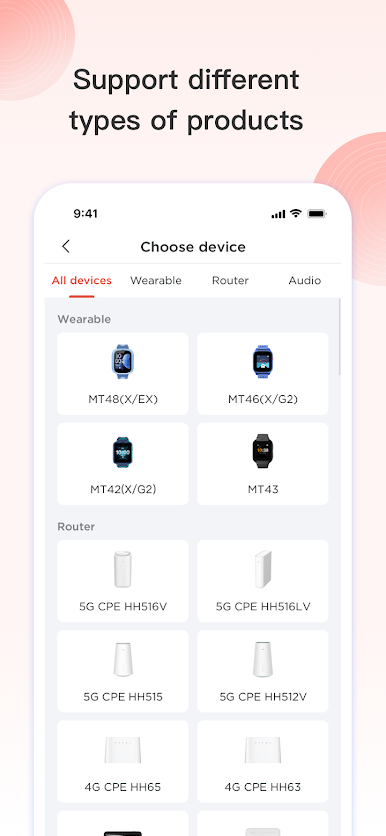
Currently supports the essentials like Family watch, but there’s more to come as the TCL ecosystem grows. From GPS trackers for kids or pets to senior-friendly options, you’ll be ready for new releases.
Try using TCL Connect on your PC with BlueStacks to keep everything accessible while you’re juggling work or home life—it’s actually pretty convenient.
BlueStacks brings your apps to life on a bigger screen—seamless and straightforward.
Play TCL Connect on PC. It’s easy to get started.
-
Download and install BlueStacks on your PC
-
Complete Google sign-in to access the Play Store, or do it later
-
Look for TCL Connect in the search bar at the top right corner
-
Click to install TCL Connect from the search results
-
Complete Google sign-in (if you skipped step 2) to install TCL Connect
-
Click the TCL Connect icon on the home screen to start playing

