

Traffic Car Driving
Play on PC with BlueStacks – the Android Gaming Platform, trusted by 500M+ gamers.

Page Modified on: Sep 16, 2026
Play Traffic Car Driving on PC or Mac
Bring your A-game to Traffic Car Driving, the Racing game sensation from Bibota. Give your gameplay the much-needed boost with precise game controls, high FPS graphics, and top-tier features on your PC or Mac with BlueStacks.
About the Game
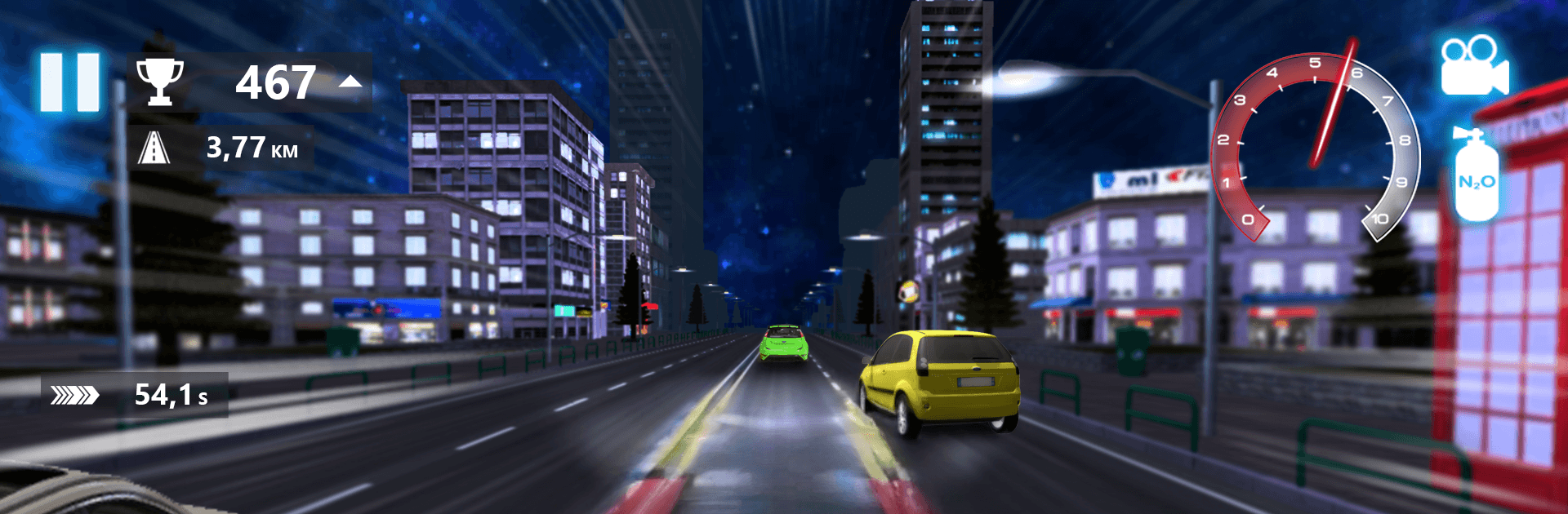
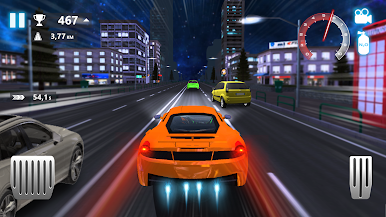
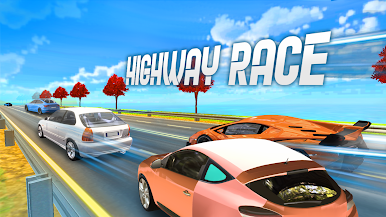
Traffic Car Driving is a Racing game that drops you into busy city lanes and fast highways where timing and nerve matter more than anything. It’s quick to pick up—accelerate, steer, overtake—but the thrill comes from threading through traffic and holding your line at speed. Want a bigger view and comfy controls? You can also play on PC with BlueStacks.
Game Features
- Traffic Options: Swap between one-way cruising and two-way chaos to set your preferred level of challenge.
- Time of Day Choices: Roll under bright daylight, chase a warm sunset, or carve through the night with headlights on.
- Multiple Modes: Tackle a structured Career, chill in Free Ride, push distance in Endless, or race the clock in Time Trial.
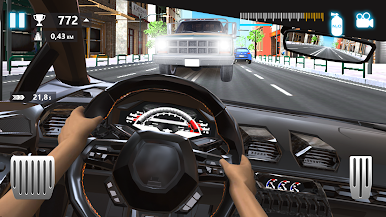
- Cockpit View in 3D: Sit behind the wheel with a detailed dashboard that amps up immersion and road feel.
- Real-Feeling Handling: Weighty suspension and responsive physics make every brake tap, swerve, and overtake feel right.
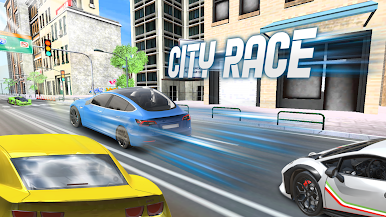
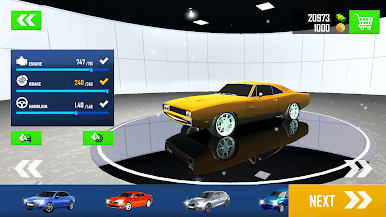
- Varied Cars and Locales: Try different rides and move from dense city arteries to open highways across clean, varied maps.
- Smooth, Simple Controls: Pick a control setup that clicks and get comfortable fast—no wrestling with the steering.
- Polished Sound and Music: Crisp engine notes and energetic tracks keep the pace without drowning out the road.
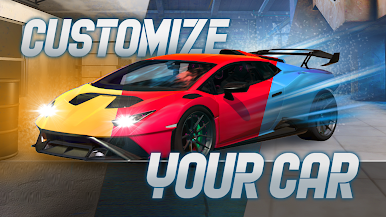
- Coins and Unlocks: Grab coins as you drive and use them to open new vehicles and handy extras.
- Overtake for Flow: Slip past traffic safely to keep momentum and chase longer, cleaner runs.
Start your journey now. Download the game on BlueStacks, invite your friends, and march on a new adventure.
Play Traffic Car Driving on PC. It’s easy to get started.
-
Download and install BlueStacks on your PC
-
Complete Google sign-in to access the Play Store, or do it later
-
Look for Traffic Car Driving in the search bar at the top right corner
-
Click to install Traffic Car Driving from the search results
-
Complete Google sign-in (if you skipped step 2) to install Traffic Car Driving
-
Click the Traffic Car Driving icon on the home screen to start playing

