


Фразеологический словарь
Play on PC with BlueStacks – the Android Gaming Platform, trusted by 500M+ gamers.

Page Modified on: Mar 26, 2026
Play Фразеологический словарь on PC
Characteristic:
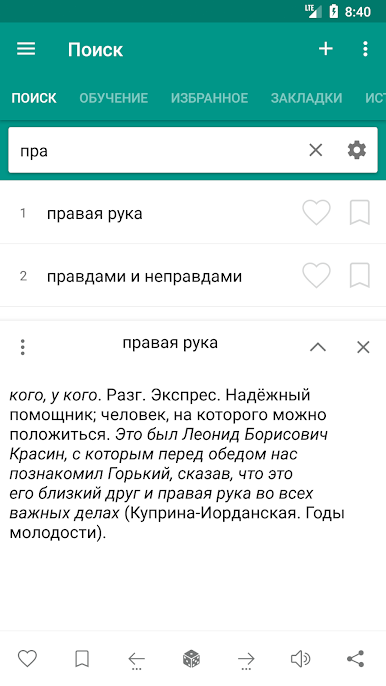
• Very efficient, fast and with a good performance.
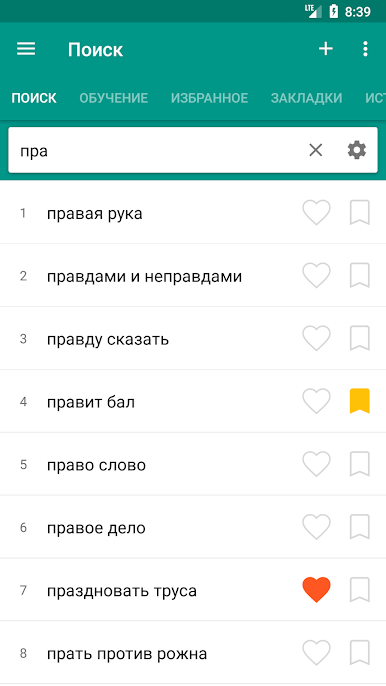
• High speed search
• Search Filter - search suffix, prefix (start / end)
• Voice Recognition (Text-to-speech engine)
• Night mode
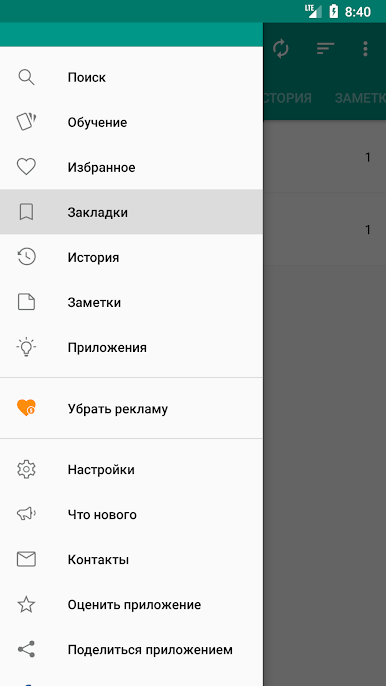
• Backup / restore user data
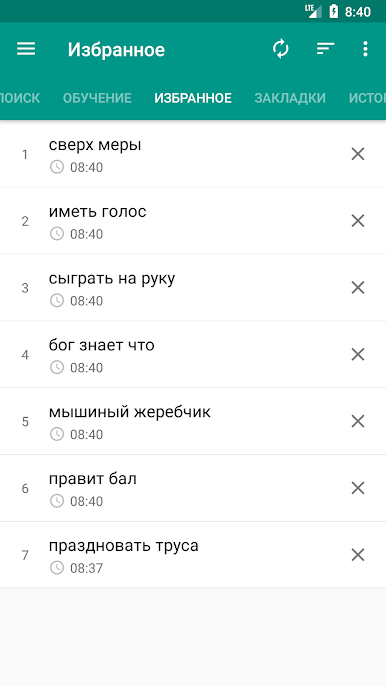
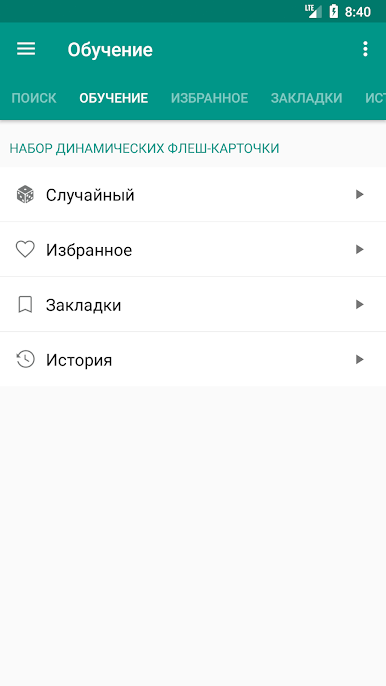
• You can add a word marked as a favorite.
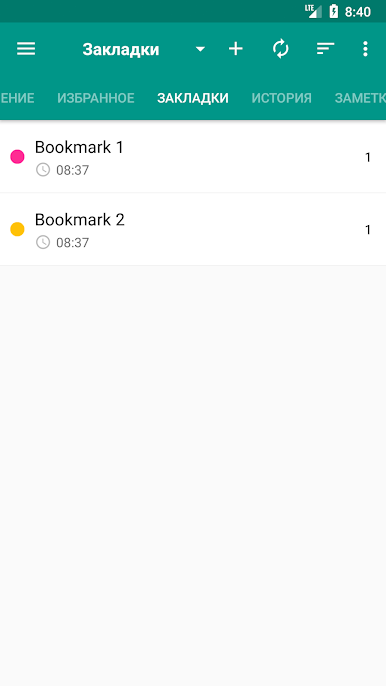
• Ability to create bookmarks and add the word to your favorites
• Save scanned words in stories (day, month ...)
• Ability to create bookmarks and add the word to your favorites
• The ability to share in other applications
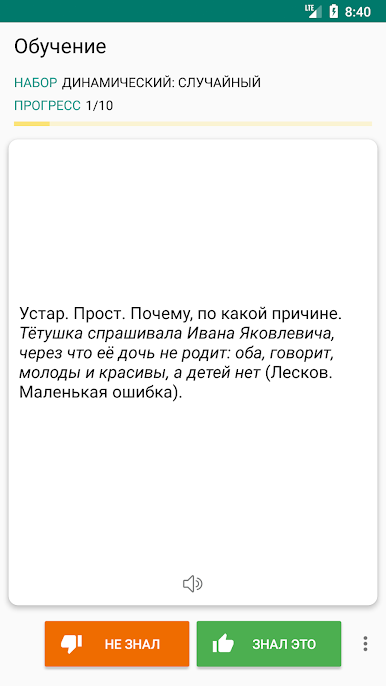
• Sounding a word or selected text
description window opens when you click on the word. You can wrap and unwrap the description window function swipe.
• Search option, the audio and the possibility to share a word selected in the Description window.
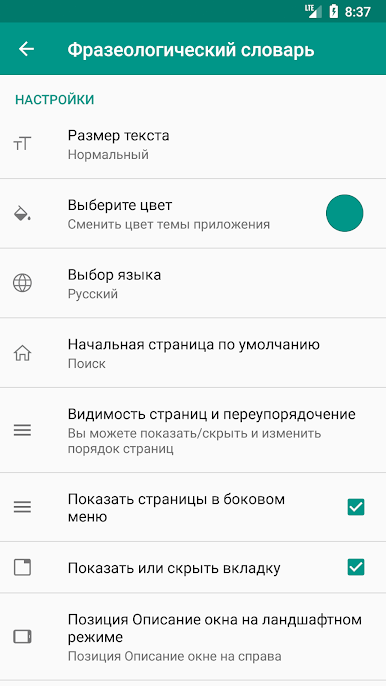
- Settings
• The option to change the text size
• Optional interface changes color
• Cleaning option lists Bookmarks, Favorites, History
• You can change the display color by double-clicking on the buttons to increase / decrease the volume
• You can change the display color by double-clicking on the buttons to increase / decrease the volume
You can send your suggestions, comments and legal issues associated with paved at this address.
ttdicpro@gmail.com
phrasebook Russian Language, ttdic, thetranslator
Play Фразеологический словарь on PC. It’s easy to get started.
-
Download and install BlueStacks on your PC
-
Complete Google sign-in to access the Play Store, or do it later
-
Look for Фразеологический словарь in the search bar at the top right corner
-
Click to install Фразеологический словарь from the search results
-
Complete Google sign-in (if you skipped step 2) to install Фразеологический словарь
-
Click the Фразеологический словарь icon on the home screen to start playing

