


Block Clash - TD
Play on PC with BlueStacks – the Android Gaming Platform, trusted by 500M+ gamers.

Page Modified on: Feb 1, 2026
Main Block Clash - TD on PC
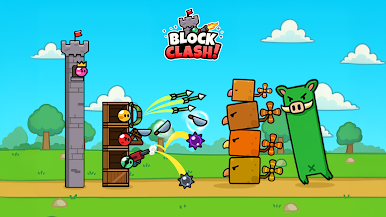
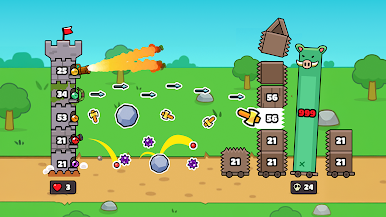
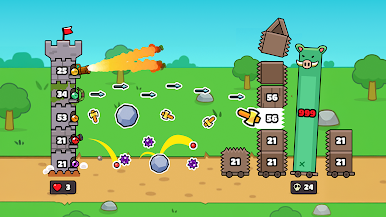
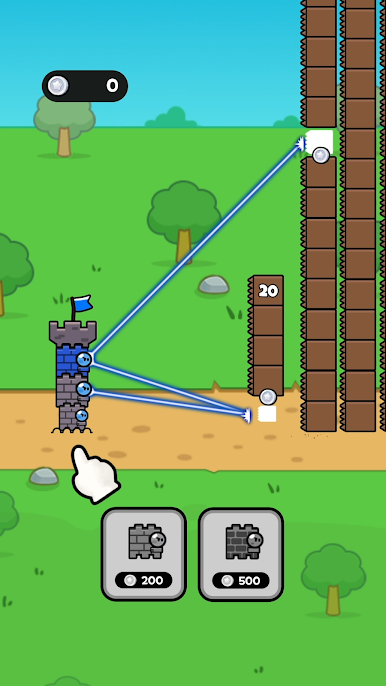
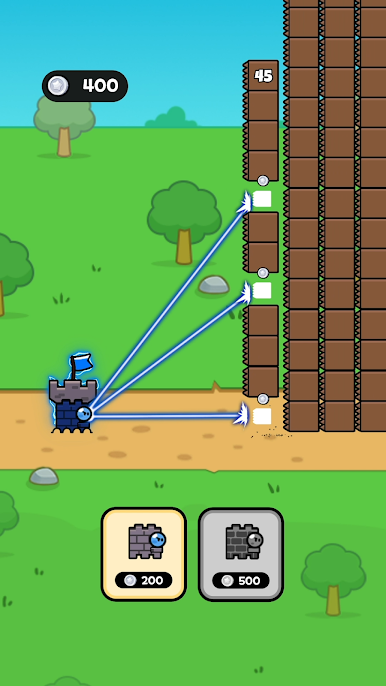
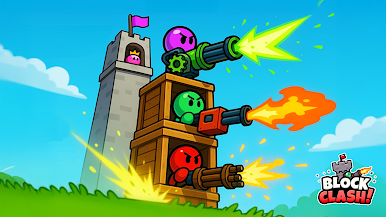
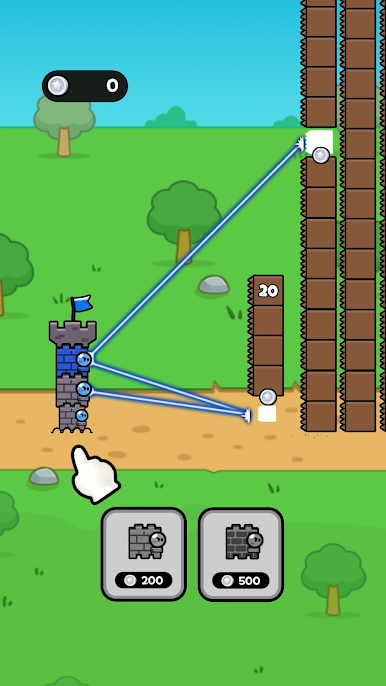
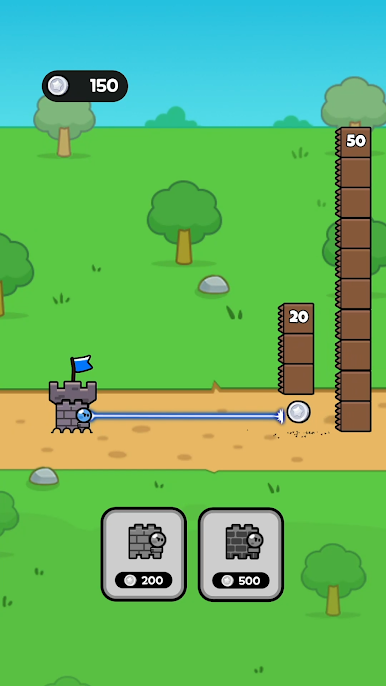
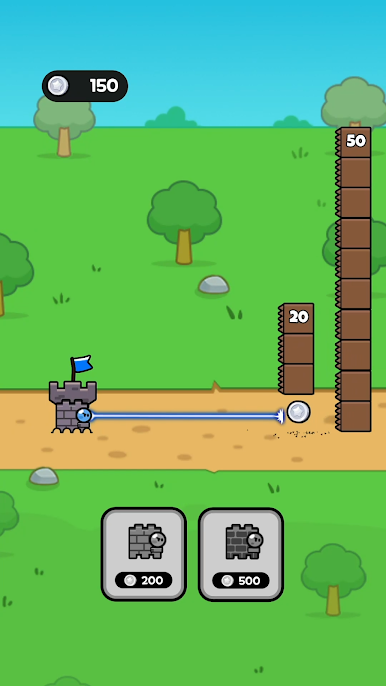
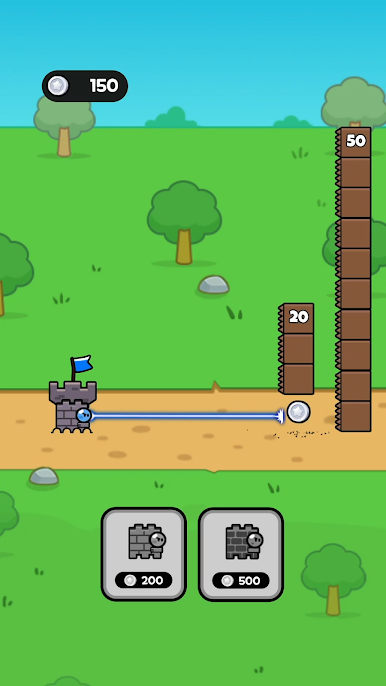
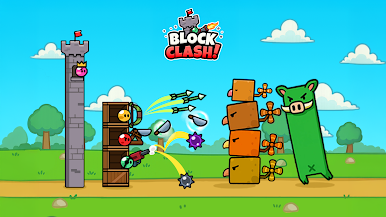
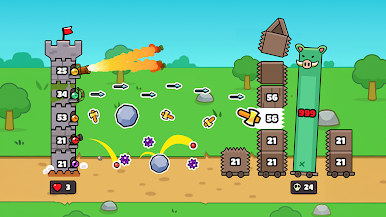
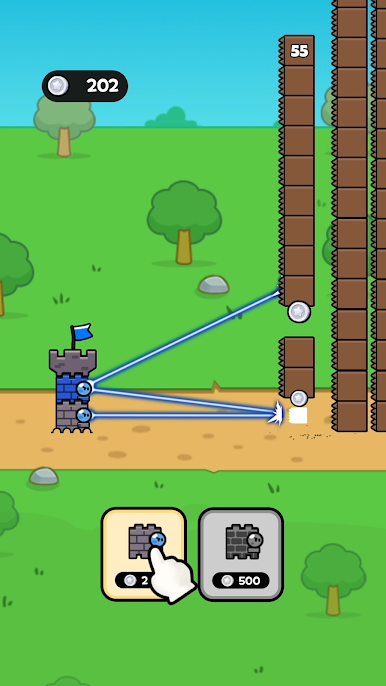
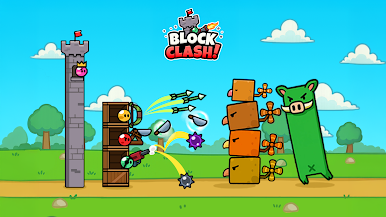
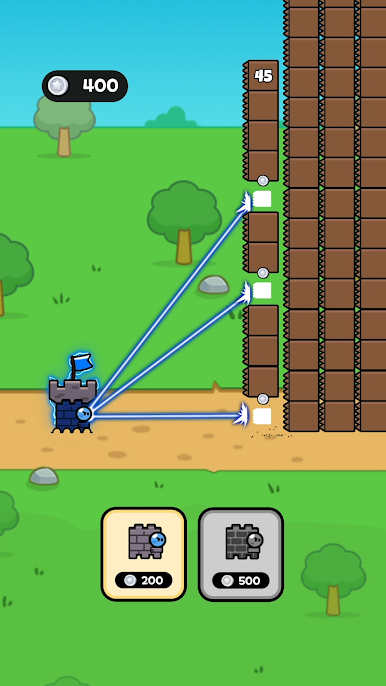
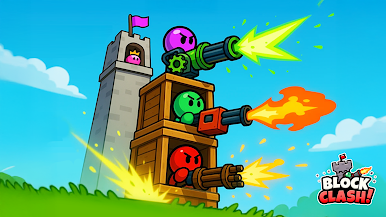
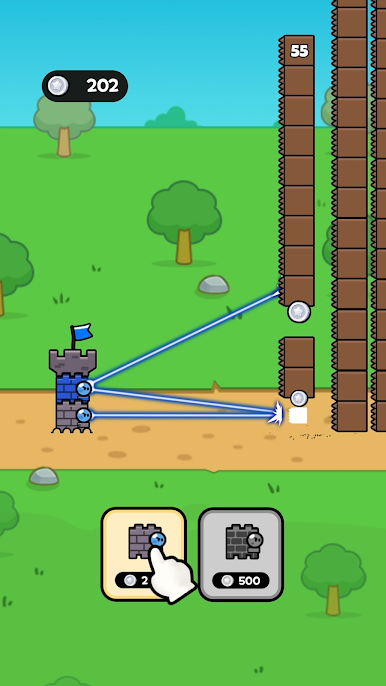
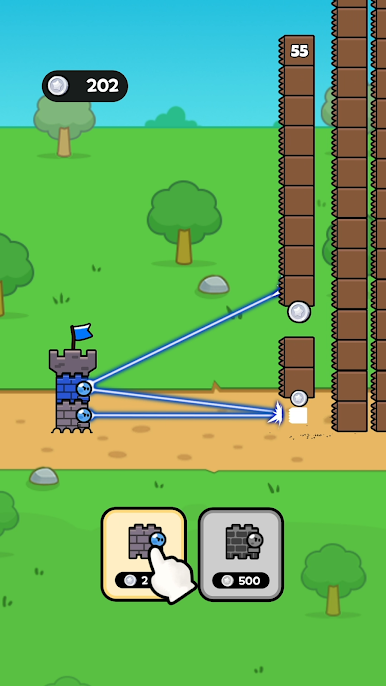
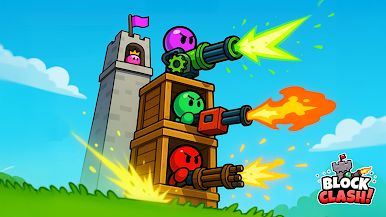
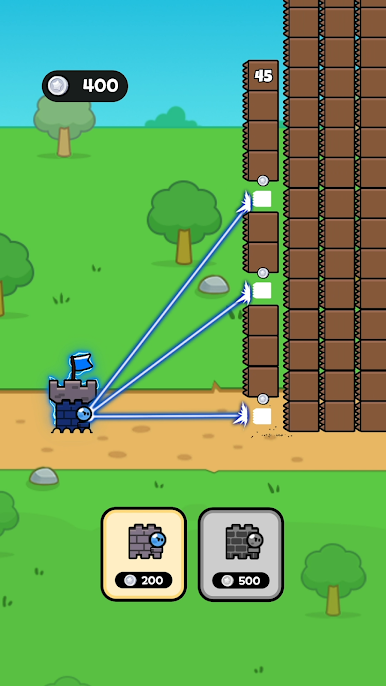
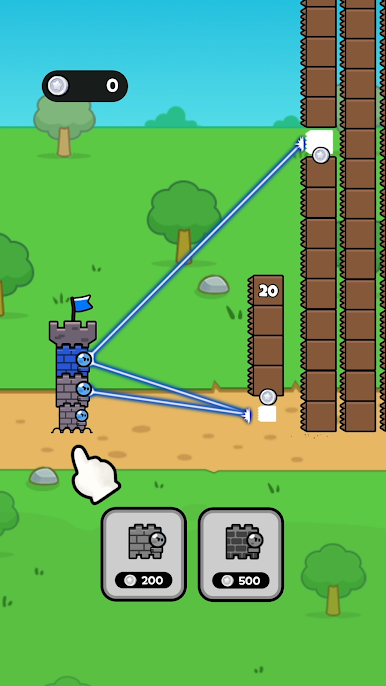
Strategically place various block weapons—guns, bows, magic, and more—to attack the enemy tower.
Upgrade your hero blocks, survive till the end, and unleash mega skills to dominate the battlefield!
◈ Block Clash Tower Defense: Luck Meets Strategy in a Roguelike Battle ◈
⚔️ Roguelike Choice System
Choose from 3 random upgrades each round to enhance your weapons or entire block setup!
Weapons evolve at tier 3, unlocking stronger combinations for deeper strategy.
With the right mix of luck and tactics, no wave of monsters is strong!
🧩 Puzzle Skill Action
Combine skill blocks like a puzzle to activate special powers!
Trigger skills at the perfect moment to unleash devastating combos.
Enjoy direct control and satisfying gameplay!
🕹️ Game Features
- Auto attack-based wave defense
- Weapon upgrade & mega evolution system
- Unlock unique blocks as you clear stages
- Increasing stage difficulty for thrilling challenges
- Puzzle-like skill mechanics that blend strategy and action
- Offline play support: enjoy the game anytime, anywhere
- A casual defense game with the spirit of clash, brawl, and royal combat!
Start the battle now!
Puzzle, strategy, and a bit of luck—every choice shapes the fate of your kingdom! 🍀
-----
📩 Support: support@treeplla.com
📄 Terms of Service: https://termsofservice.treeplla.com/
🔒 Privacy Policy: https://privacy.treeplla.com/language
Play Block Clash - TD on PC. It’s easy to get started.
-
Download and install BlueStacks on your PC
-
Complete Google sign-in to access the Play Store, or do it later
-
Look for Block Clash - TD in the search bar at the top right corner
-
Click to install Block Clash - TD from the search results
-
Complete Google sign-in (if you skipped step 2) to install Block Clash - TD
-
Click the Block Clash - TD icon on the home screen to start playing

