


Tile Wars TD
Play on PC with BlueStacks – the Android Gaming Platform, trusted by 500M+ gamers.

Page Modified on: Apr 23, 2026
Main Tile Wars TD on PC
Forget ordinary tower defense games.
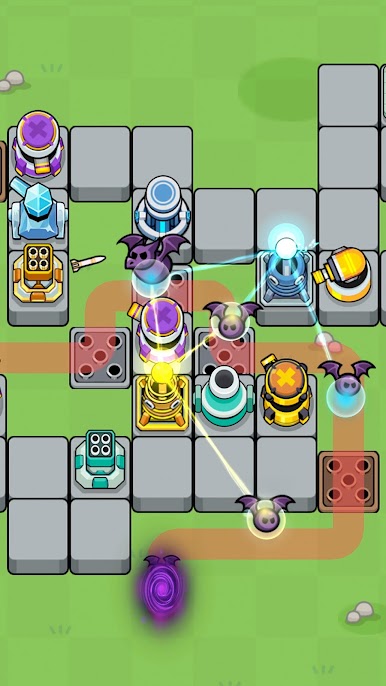
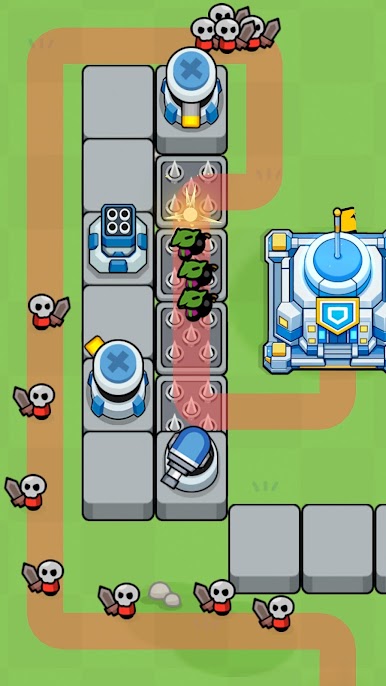
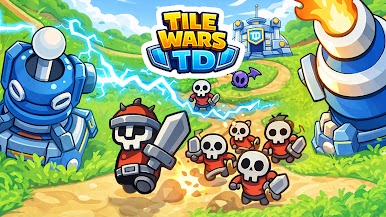
Tile Wars TD is an innovative strategy defense game where you expand the terrain and control the enemy's movement paths.
🏰 Expand the Terrain, Perfect Your Strategy
The era of simply placing towers is over!
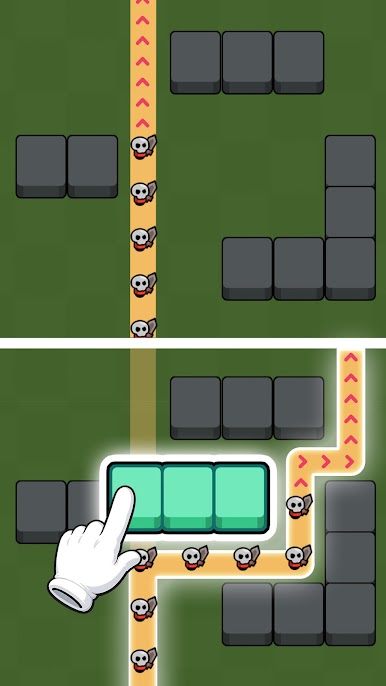
Connect the tiles where towers can be built and alter the enemies' movement paths!
Create the perfect maze and defeat your enemies through strategic placement.
🍀 The Thrilling Harmony of Luck and Strategy
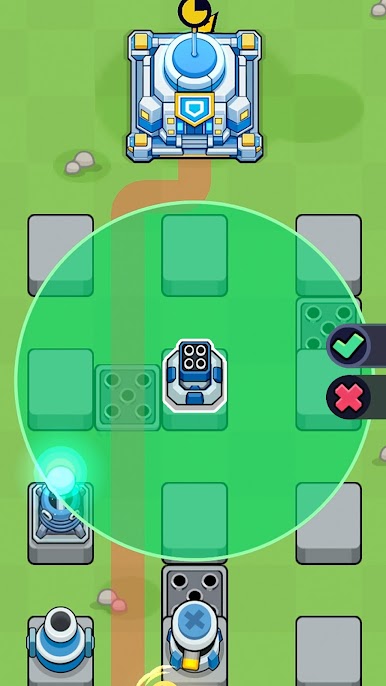
Which of the random choices given during battle will you choose?
Even if the terrain or tower you want doesn't appear, you can turn the tide with the reroll feature!
From powerful towers to enhancement options that maximize your abilities, every choice dictates your fate.
🚀 Endless Growth and Challenges
- Collect & Upgrade: Upgrade towers with various traits to build your own powerful defense combination.
- Unlock Abilities: Clear stages to unlock new special abilities and face even stronger bosses.
- Diverse Maps: Dozens of themes and arenas await you, requiring a new terrain strategy every time.
🎲 Game Features
- Route System: The unique fun of placing tiles to secure tower building space and controlling the enemy's path as you wish.
- Strategic Choices: Endless strategies combining terrain expansion, tower placement, and buff effects.
- Roguelike Elements: Thrilling gameplay with newly given choices every round and a reroll feature.
- Action-Packed Waves: Endless swarms of enemies and powerful boss raids.
Download Tile Wars TD right now!
Design your own battlefield and become a legendary commander who defends the base from swarming enemies!
-----
📩 Support: support@neptunecompany.kr
📄 Terms of Service: https://neptunecompany.kr/gameterms
🔒 Privacy Policy: https://neptunecompany.kr/gameprivacy


Play Tile Wars TD on PC. It’s easy to get started.
-
Download and install BlueStacks on your PC
-
Complete Google sign-in to access the Play Store, or do it later
-
Look for Tile Wars TD in the search bar at the top right corner
-
Click to install Tile Wars TD from the search results
-
Complete Google sign-in (if you skipped step 2) to install Tile Wars TD
-
Click the Tile Wars TD icon on the home screen to start playing

