


Home Network Security
Play on PC with BlueStacks – the Android Gaming Platform, trusted by 500M+ gamers.

Page Modified on: Nov 27, 2023
Run Home Network Security on PC or Mac
Let BlueStacks turn your PC, Mac, or laptop into the perfect home for Home Network Security, a fun Productivity app from Trend Micro Inc. / トレンドマイクロ株式会社.
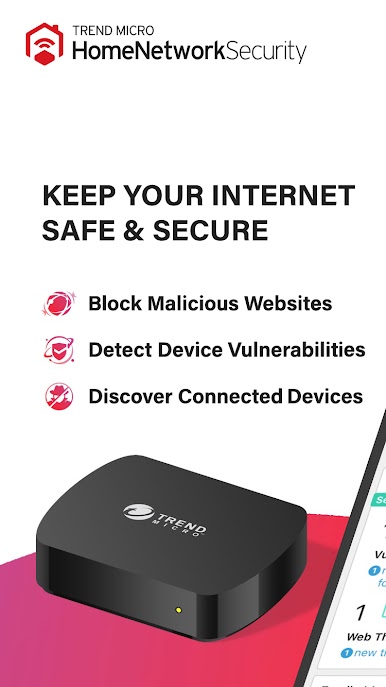
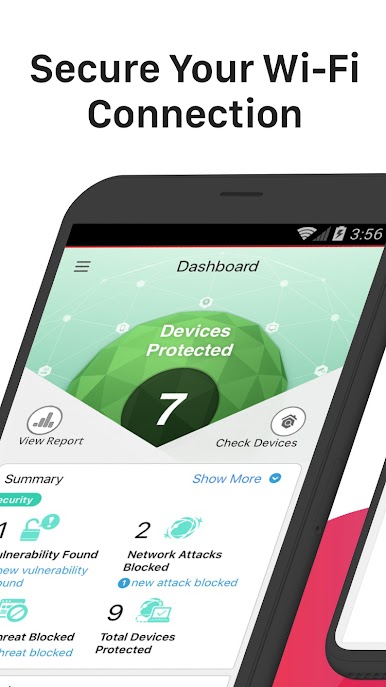
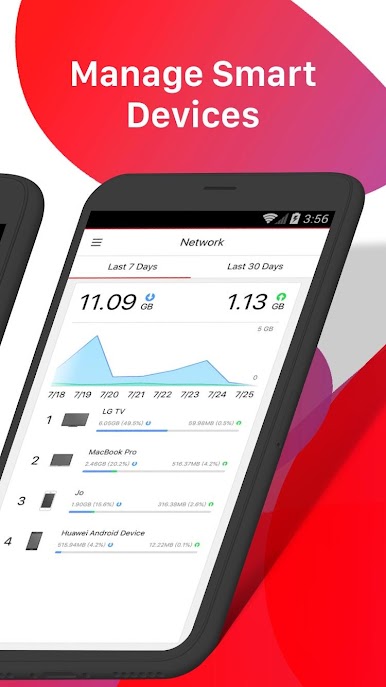
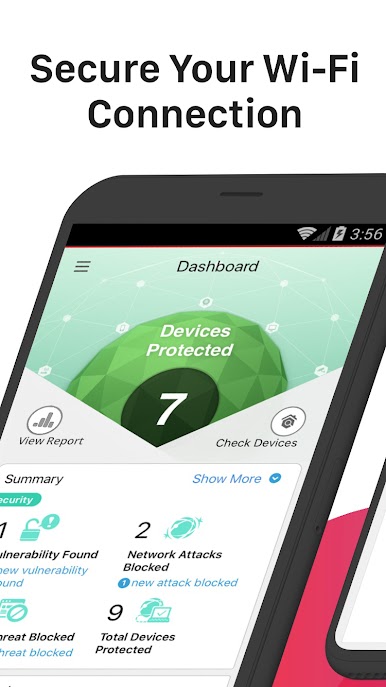
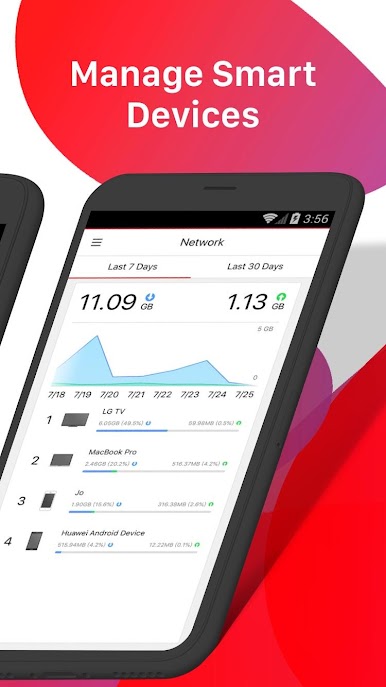
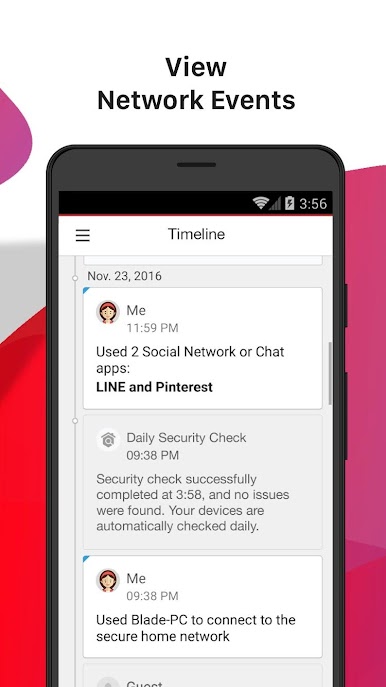
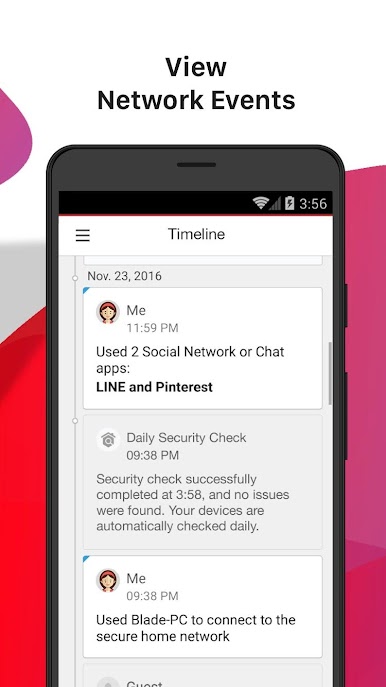
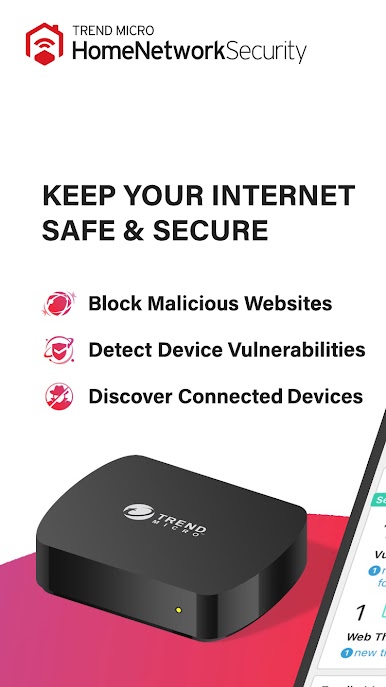
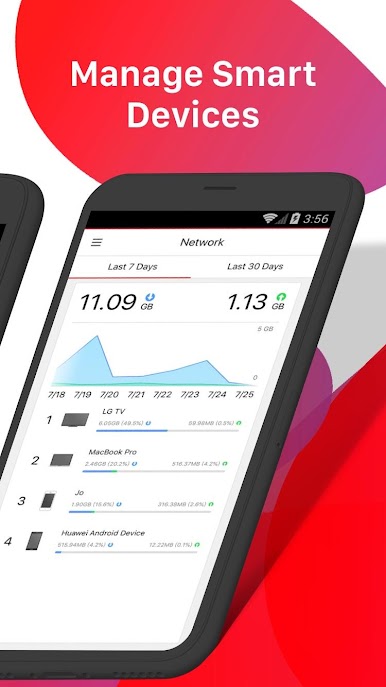
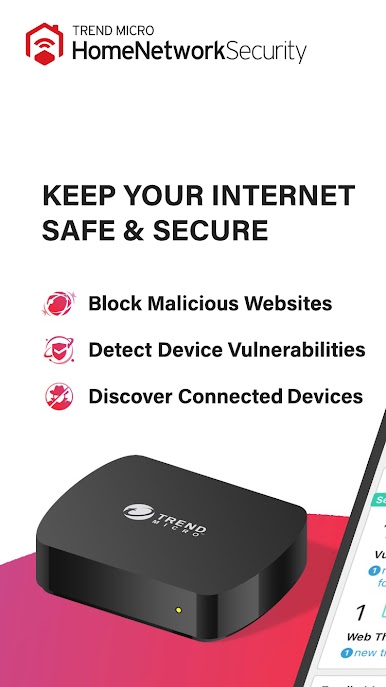
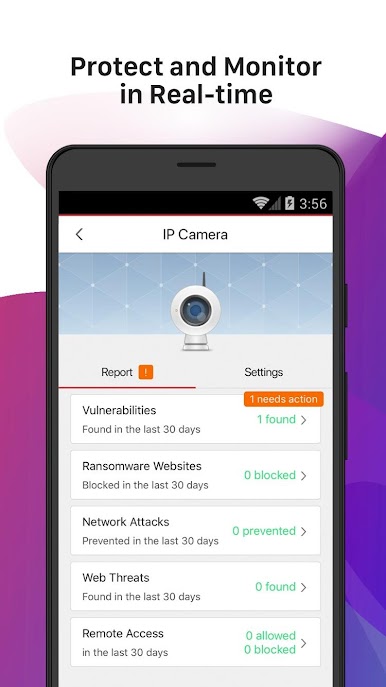
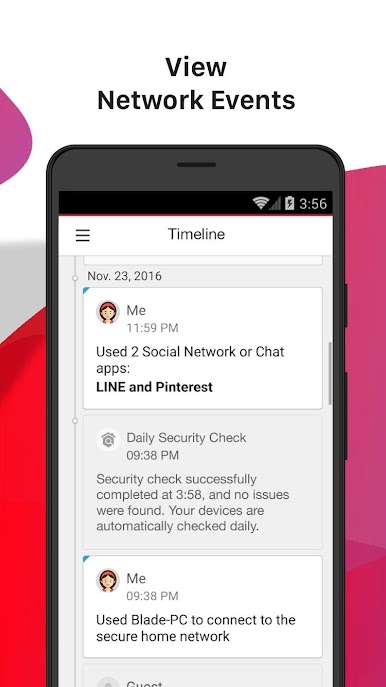
Home Network Security feels less like a simple antivirus and more like a control room for the whole home wifi. There is a small box that plugs into the router, and this app is the remote for it. The dashboard lists every device by name and type, shows what is online, and throws a clear alert when something new tries to join. Approve it, block it, or kick it off in a tap. The timeline view is handy too, with real time notes about blocked risky sites, suspicious downloads, phishing attempts, or weird remote connections, written in plain language so it does not feel like reading a manual.
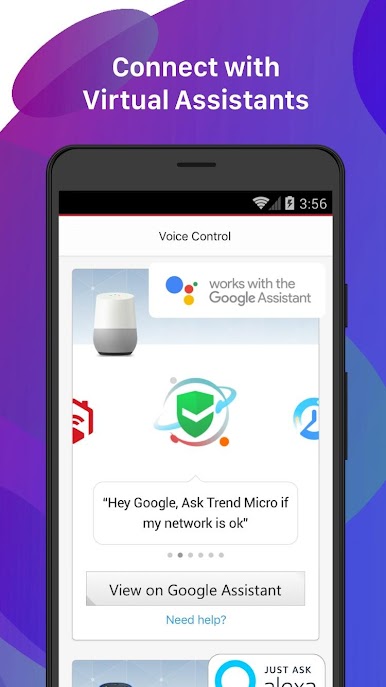
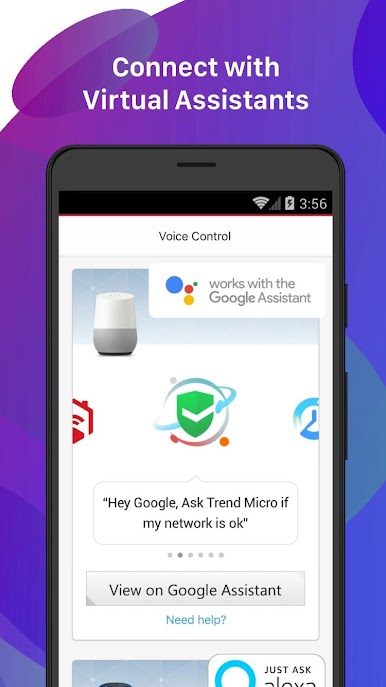
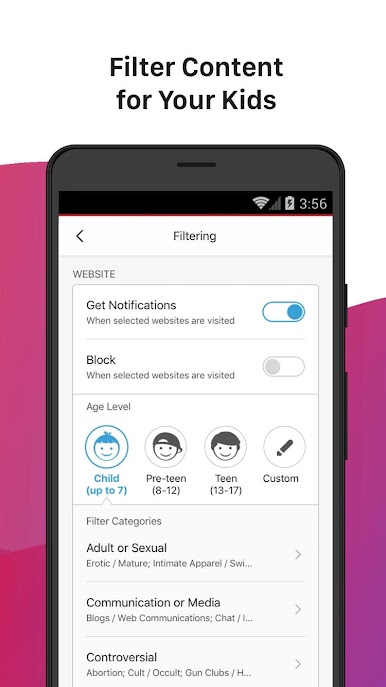
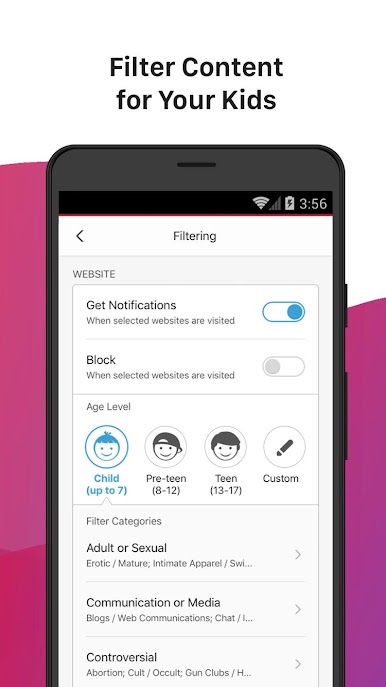
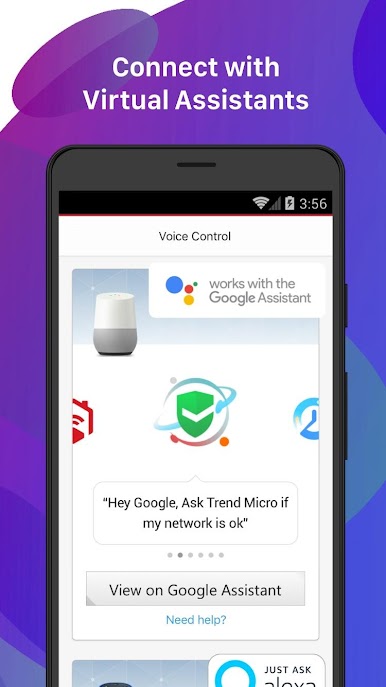
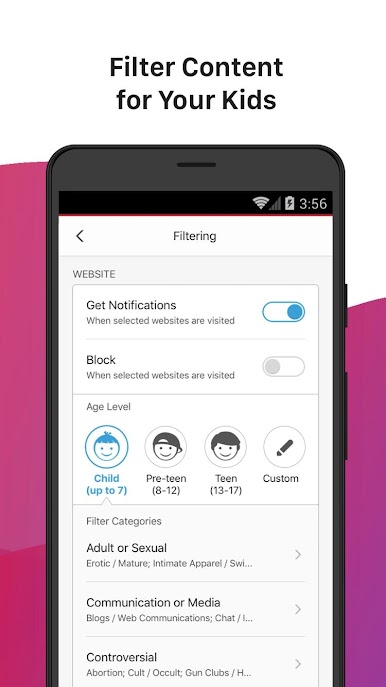
Parents will like the controls for content and screen time. It can block adult sites, limit social media, and set schedules for consoles and tablets so dinner time really stays dinner time. Rules stick to each device, so it avoids those messy router pages. Notifications arrive fast, but there is a quick way to tone them down if they get noisy. Voice commands on Amazon Alexa or Google Assistant can pause or check status, though the app stays the main dashboard.
On a PC with BlueStacks, the larger screen makes sorting a long device list much easier, especially in homes with a bunch of smart stuff. Setup is quick, but it does expect a compatible router and that little station, so checking that first saves hassle. If activation is fussy, support is around all day and night, which helps when tech decides to be moody.
BlueStacks brings your apps to life on a bigger screen—seamless and straightforward.
Play Home Network Security on PC. It’s easy to get started.
-
Download and install BlueStacks on your PC
-
Complete Google sign-in to access the Play Store, or do it later
-
Look for Home Network Security in the search bar at the top right corner
-
Click to install Home Network Security from the search results
-
Complete Google sign-in (if you skipped step 2) to install Home Network Security
-
Click the Home Network Security icon on the home screen to start playing

