


QB Clash: Quarterback Football
Play on PC with BlueStacks – the Android Gaming Platform, trusted by 500M+ gamers.

Page Modified on: Nov 19, 2026
Play QB Clash: Quarterback Football on PC
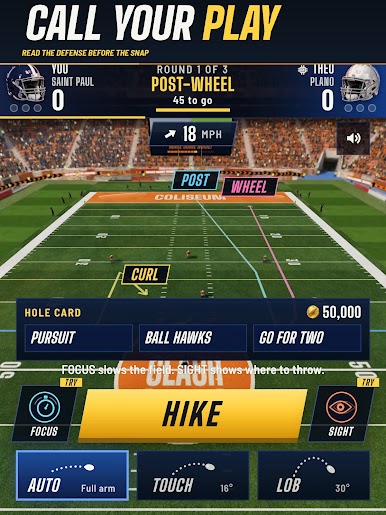
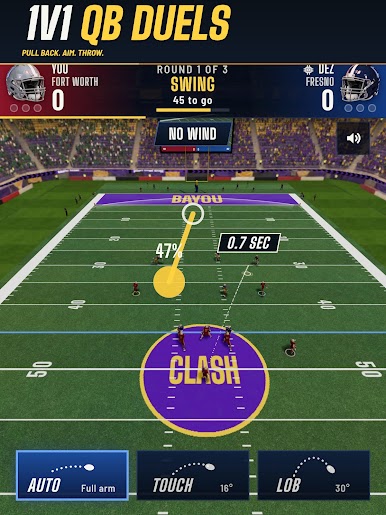
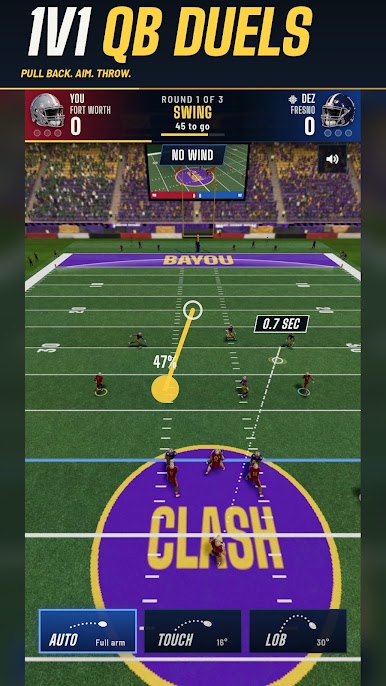
• Pull back to aim, hold still until the ring tightens, then let go.
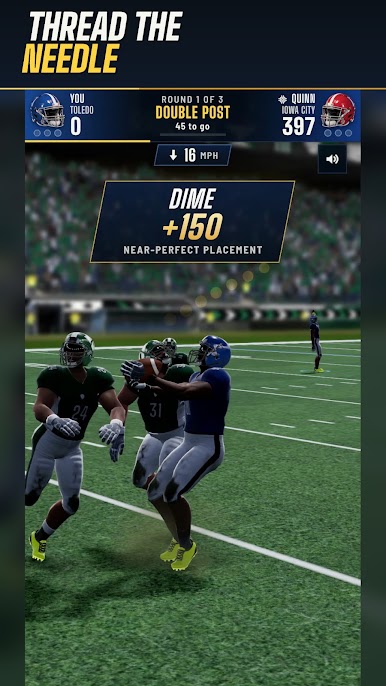
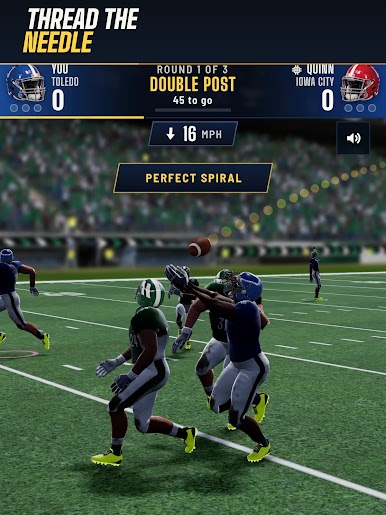
• Catches are graded for placement: On target, Dime or Pinpoint. Yards in the air, yards after the catch, contested catches, tight spirals and touchdowns all add to your score.
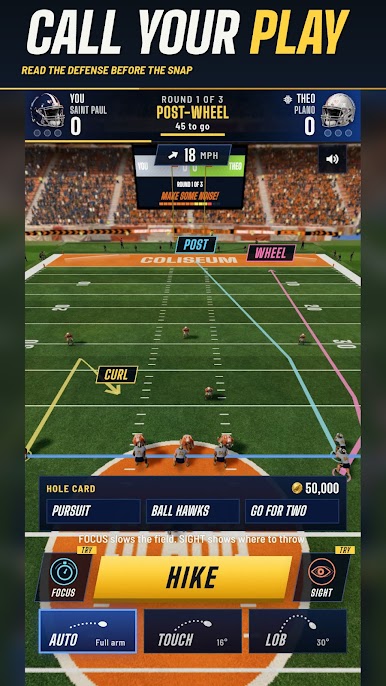
• See the routes before the snap, read the defense and adjust for wind.
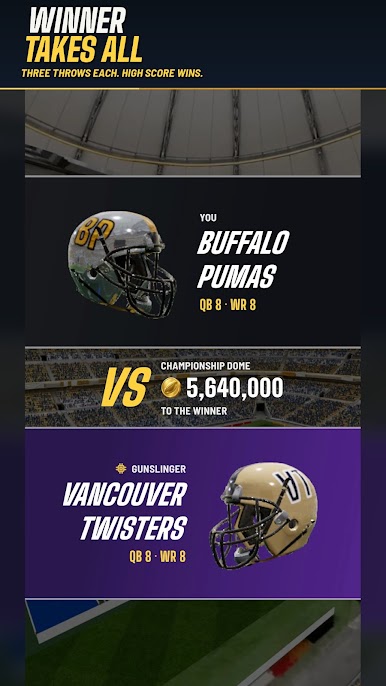
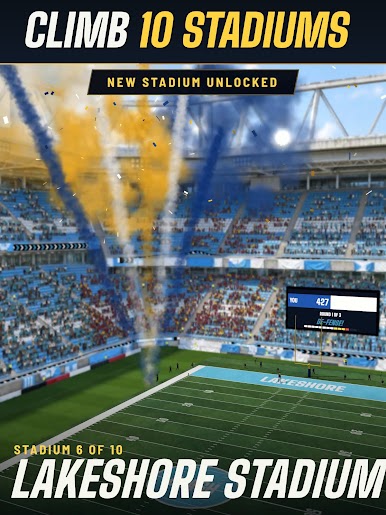
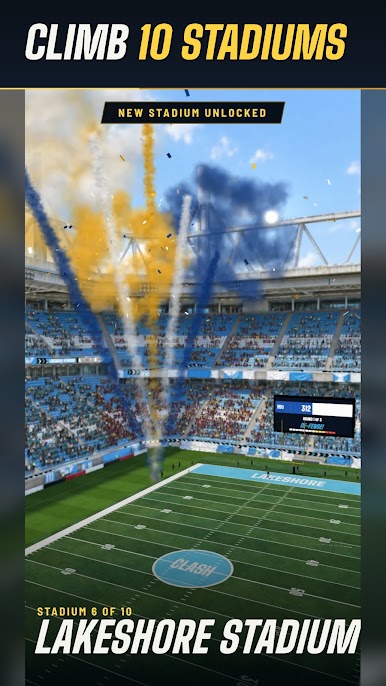
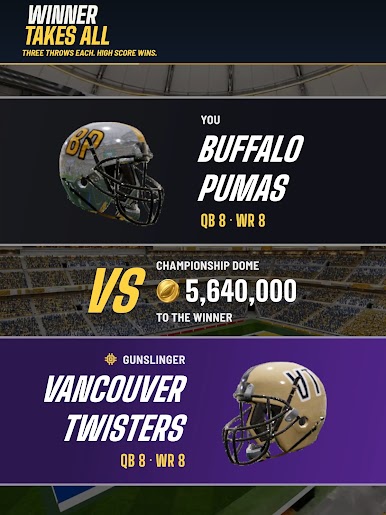
• Win duels to earn trophies and coins, and unlock 10 gridiron stadiums, from Sandlot Park and Campus Bowl to the Championship Dome. Higher stadiums add new plays and defenses.
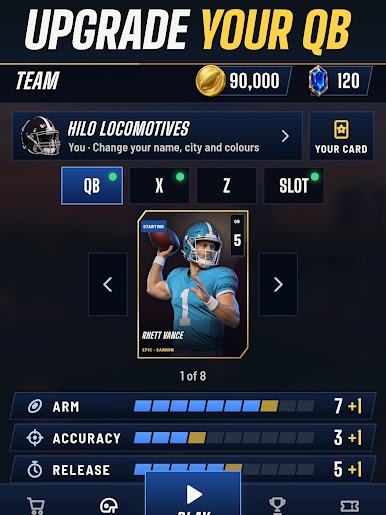
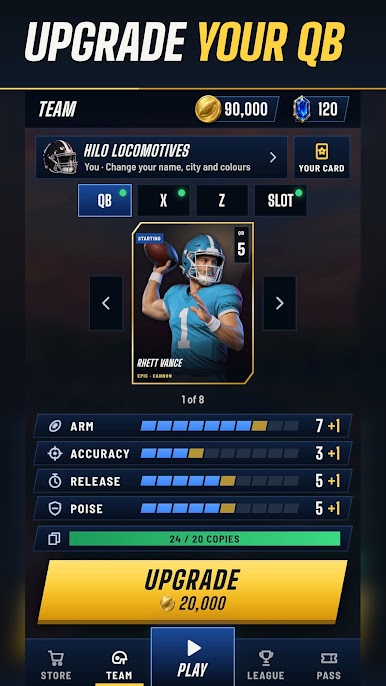
• Collect and upgrade quarterback and receiver cards to improve arm, accuracy, release, speed and hands.
• Customize your team's city, name, jersey, helmet and logo, and pick your touchdown dances.
• Play in weekly leagues for prizes, and take on the Money Shot challenge on weekends for coins, gems and more.

Play QB Clash: Quarterback Football on PC. It’s easy to get started.
-
Download and install BlueStacks on your PC
-
Complete Google sign-in to access the Play Store, or do it later
-
Look for QB Clash: Quarterback Football in the search bar at the top right corner
-
Click to install QB Clash: Quarterback Football from the search results
-
Complete Google sign-in (if you skipped step 2) to install QB Clash: Quarterback Football
-
Click the QB Clash: Quarterback Football icon on the home screen to start playing

