


Sheytoon
Play on PC with BlueStacks – the Android Gaming Platform, trusted by 500M+ gamers.

Page Modified on: Aug 11, 2026
Play Sheytoon on PC
Information regarding our premium subscription offered via an in-app purchase:
The premium subscription is named "Sheytoon Monthly Premium" and provides you with the ability to message anyone without matching, knowing if your recipients have read your messages, and the ability to like more users daily. This is an auto renewing subscription that renews every month. The subscription length is 1 month and you will be charged $19.99 each month until you cancel. No other fee will be charged during the month. Payment will be charged to Google Account at confirmation of purchase. Subscription automatically renews unless auto-renew is turned off at least 24-hours before the end of the current period. Account will be charged for renewal within 24-hours prior to the end of the current period, and identify the cost of the renewal
Subscriptions may be managed by the user and auto-renewal may be turned off by going to the user's Subscriptions after purchase. No cancellation of the current subscription is allowed during active subscription period.
Our privacy policy may be found here: http://sheytoonapp.com/privacy-policy/
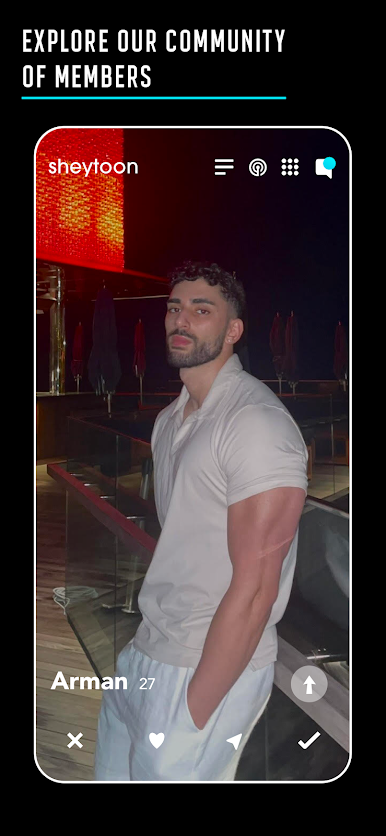
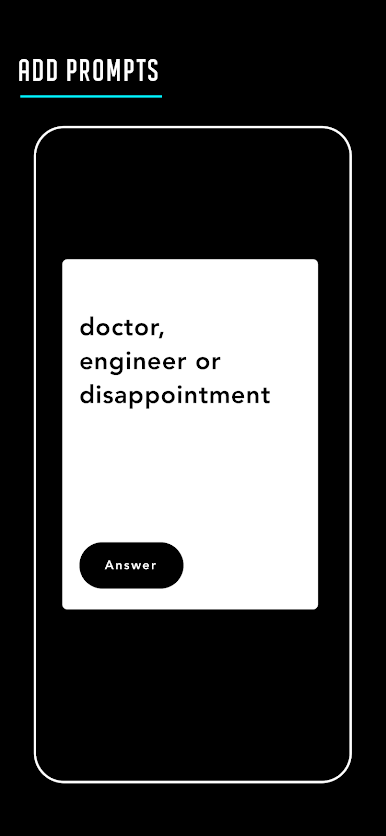
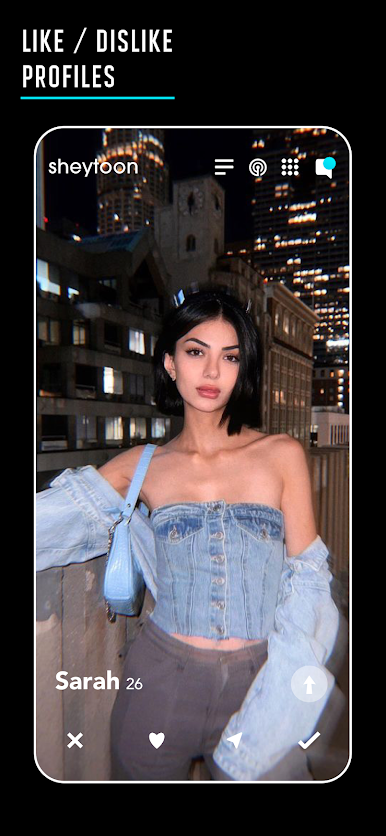
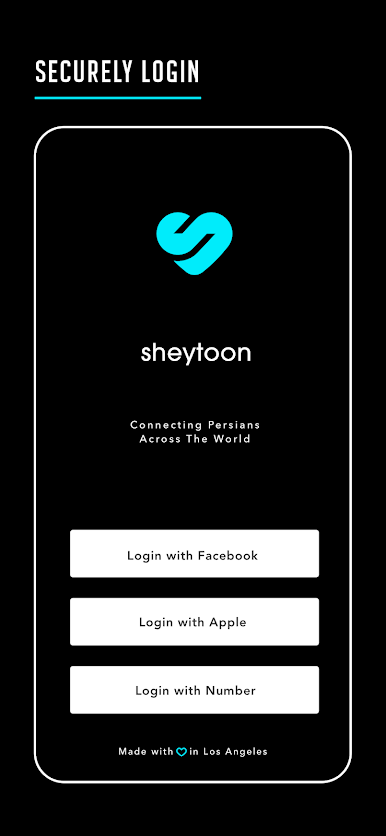

Play Sheytoon on PC. It’s easy to get started.
-
Download and install BlueStacks on your PC
-
Complete Google sign-in to access the Play Store, or do it later
-
Look for Sheytoon in the search bar at the top right corner
-
Click to install Sheytoon from the search results
-
Complete Google sign-in (if you skipped step 2) to install Sheytoon
-
Click the Sheytoon icon on the home screen to start playing

