


Pac-Cat
Play on PC with BlueStacks – the Android Gaming Platform, trusted by 500M+ gamers.

Page Modified on: Apr 30, 2026
Play Pac-Cat on PC or Mac
Pac-Cat brings the Arcade genre to life, and throws up exciting challenges for gamers. Developed by Tripledot Studios Limited, this Android game is best experienced on BlueStacks, the World’s #1 app player for PC and Mac users.
About the Game
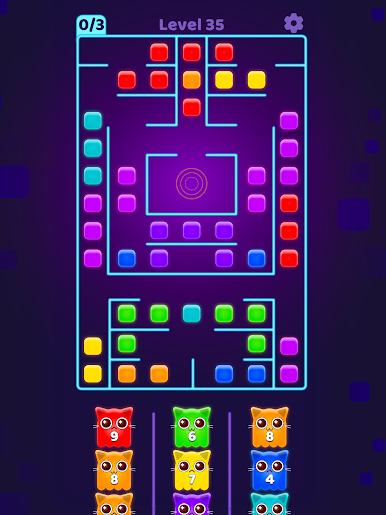
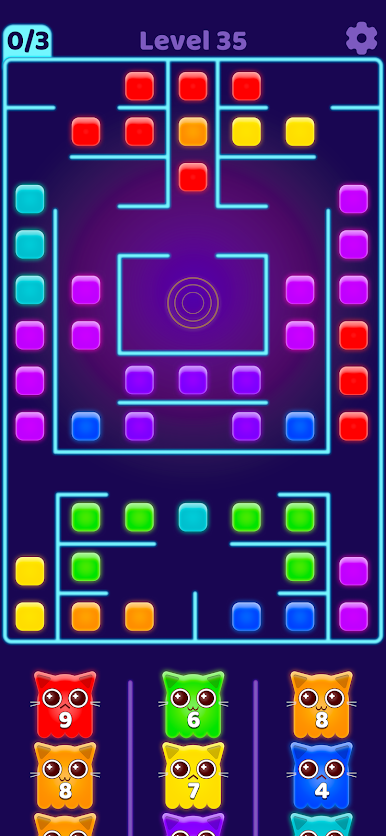
Pac-Cat is an Arcade brain-teaser from Tripledot Studios Limited that turns maze-running into a clever color-matching showdown. You’ll send mischievous spirit kitties across glowing boards, chomping through tiles one hue at a time while you plan your next move. It’s quick to learn, satisfyingly strategic, and surprisingly tense when the colors start running thin. Prefer a bigger screen? It also plays nicely on BlueStacks.
Game Features
- Retro glow, modern snap: A slick neon look with a nod to classic arcades—clean, punchy visuals that make every move pop.
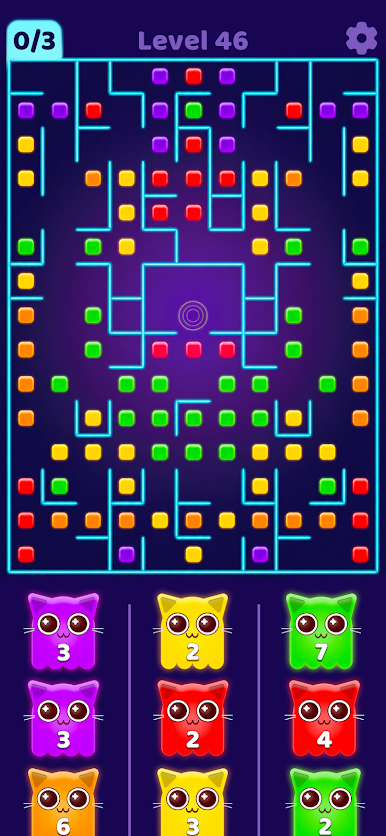
- 1000+ hand-crafted stages: From bite-sized puzzles to sprawling labyrinths, there’s always a new layout to outsmart.
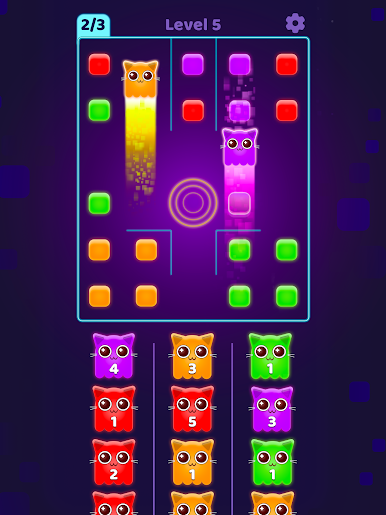
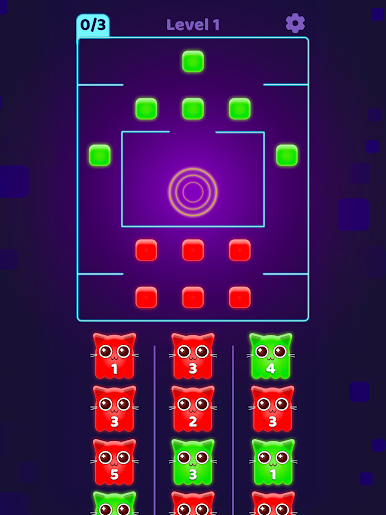
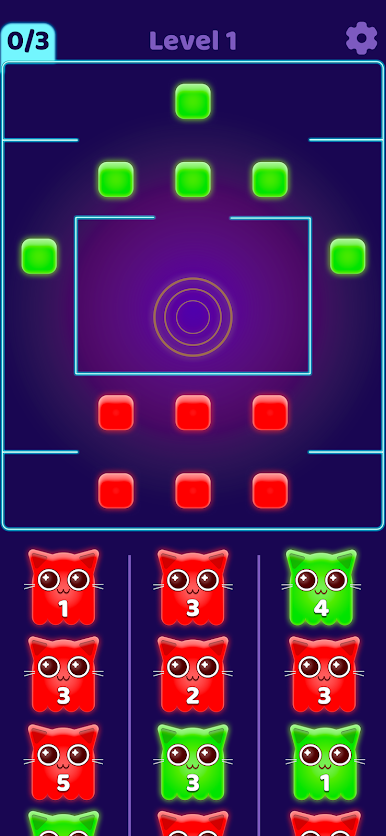
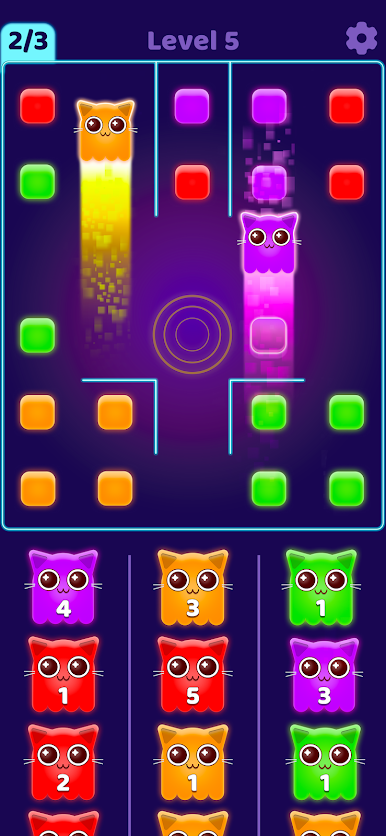
- Color-first strategy: Choose which color cat to release next and set off chain reactions. Pick a color that’s gone from the board and you’ll box yourself in.
- Tap-and-release controls: Tap the icons at the bottom to launch ghost cats from the center, then watch them chow through matching tiles automatically.
- Satisfying cat trails: Each run leaves bright paths through the maze, with crunchy clears and smooth flow that feels great moment to moment.
- Cute spirits to collect: Unlock and deploy a lineup of colorful feline phantoms—adorable, but ruthlessly efficient eaters.
- Built for quick sessions: Perfect for a spare minute or a focused puzzle streak, whether you’re chasing perfect clears or just unwinding.
- Smart difficulty curve: Early boards teach the basics; later ones demand planning, timing, and a cool head when options get tight.
Slay your opponents with your epic moves. Play it your way on BlueStacks and dominate the battlefield.
Play Pac-Cat on PC. It’s easy to get started.
-
Download and install BlueStacks on your PC
-
Complete Google sign-in to access the Play Store, or do it later
-
Look for Pac-Cat in the search bar at the top right corner
-
Click to install Pac-Cat from the search results
-
Complete Google sign-in (if you skipped step 2) to install Pac-Cat
-
Click the Pac-Cat icon on the home screen to start playing

