


TrueCar: Buy Used & New Cars
Play on PC with BlueStacks – the Android Gaming Platform, trusted by 500M+ gamers.

Page Modified on: Feb 10, 2026
Play TrueCar: Buy Used & New Cars on PC
Shop with transparency
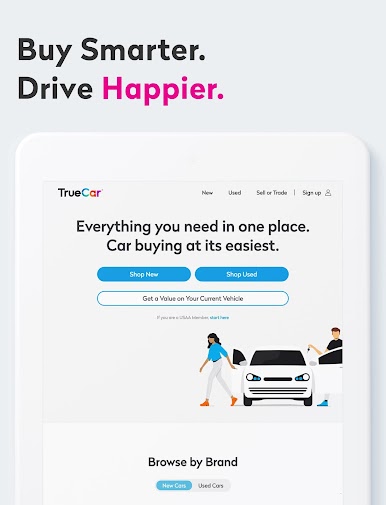
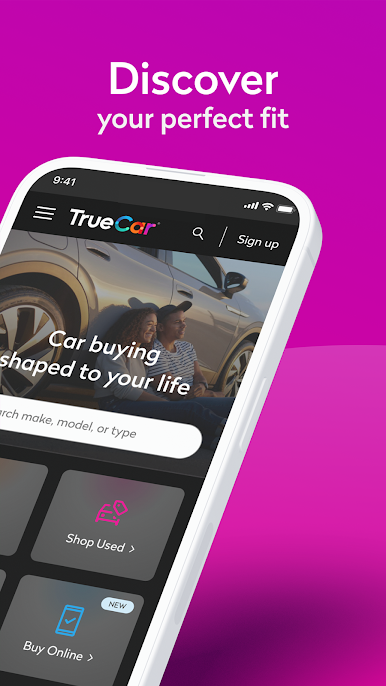
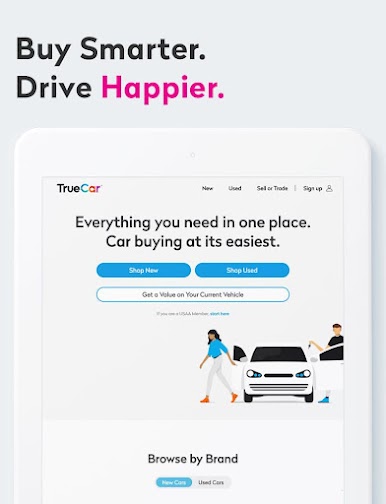
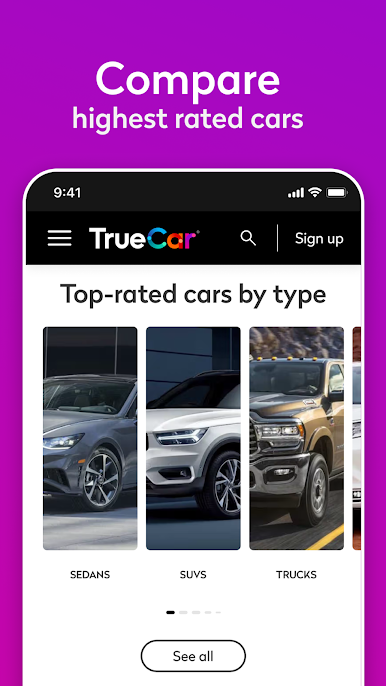
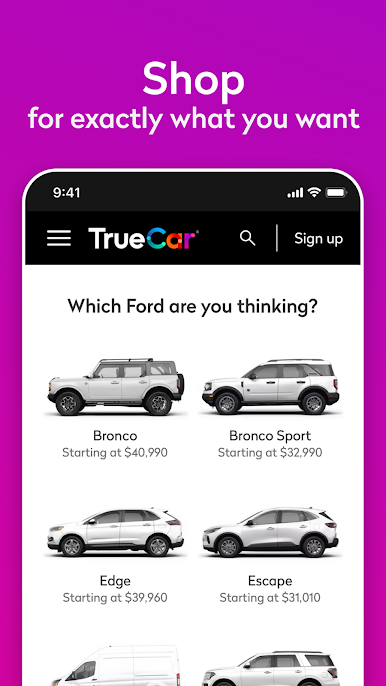
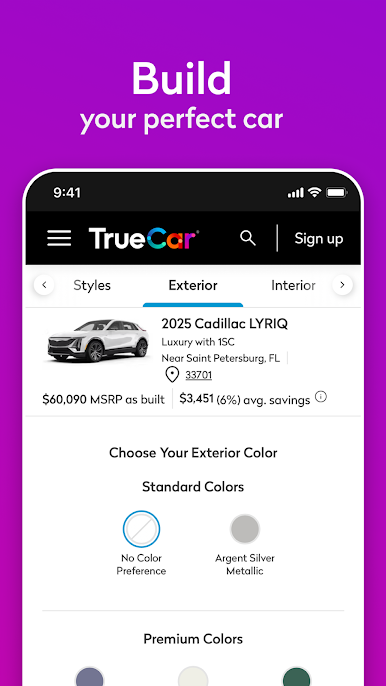
With the TrueCar app, you can browse new and used cars, compare listings and models, and even find options to sell or trade your current vehicle.
Price insights
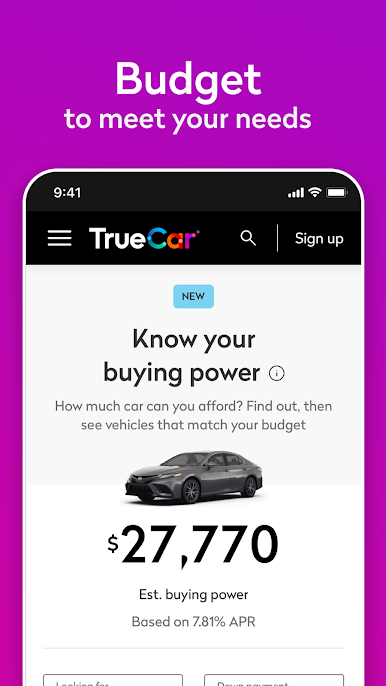
TrueCar’s Price Curve uses recent purchase data to show typical prices paid for similar new vehicles in your area. Use these insights to find the best options for your needs.
Wide selection of used cars, trucks, and SUVs
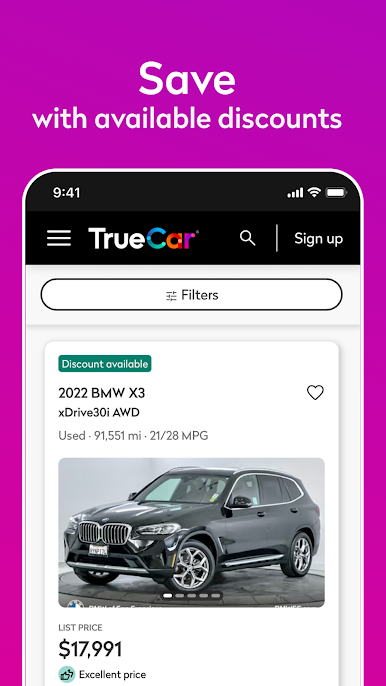
Explore a large nationwide inventory of pre-owned vehicles. View price ratings based on comparable listings in your area and review condition summaries to help you confidently find the best vehicle match for you.
Sell or trade in your current vehicle
Answer a few questions to see an estimated market value for your current vehicle and choose if you want to receive offers from participating dealers
Get started
Create an account to save favorite models, compare vehicles side by side, and pick up where you left off across devices.
Features, pricing information, and dealer participation may vary by market and vehicle.
Download our app today.
Copyright ©2025 TrueCar, Inc. All rights reserved.
Play TrueCar: Buy Used & New Cars on PC. It’s easy to get started.
-
Download and install BlueStacks on your PC
-
Complete Google sign-in to access the Play Store, or do it later
-
Look for TrueCar: Buy Used & New Cars in the search bar at the top right corner
-
Click to install TrueCar: Buy Used & New Cars from the search results
-
Complete Google sign-in (if you skipped step 2) to install TrueCar: Buy Used & New Cars
-
Click the TrueCar: Buy Used & New Cars icon on the home screen to start playing

