


Auto Clicker - Automatic tap
Play on PC with BlueStacks – the Android Gaming Platform, trusted by 500M+ gamers.

Page Modified on: Sep 26, 2025
Main Auto Clicker - Automatic tap on PC
Auto Clicker does NOT require root access.
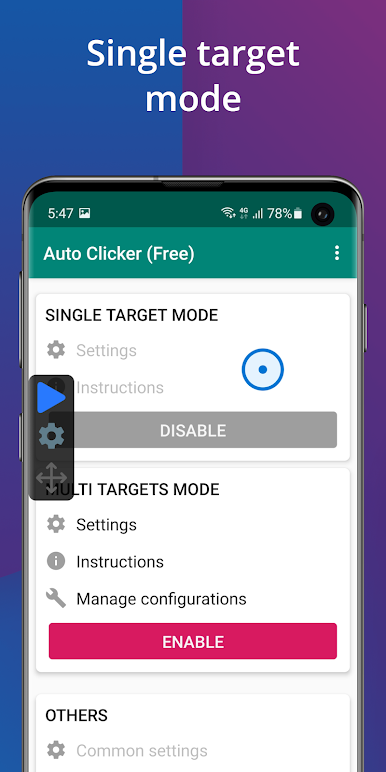
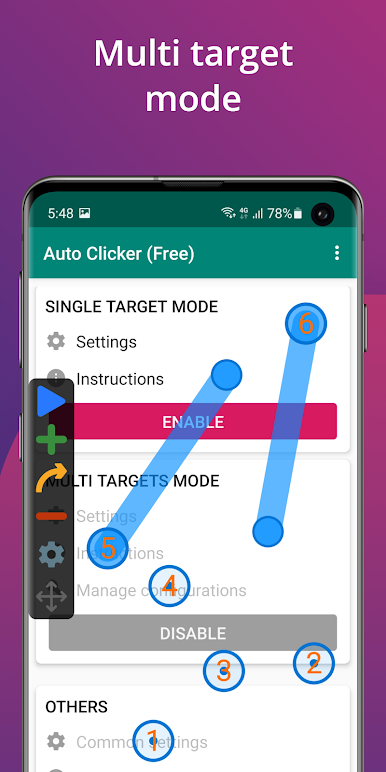
Have a floating control panel to start/stop the automatic tap.
It is great for click games.
Feature:
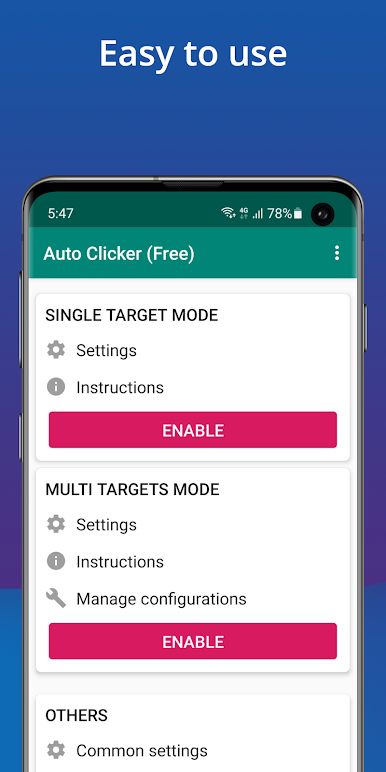
- The friendly user interface, easy to use
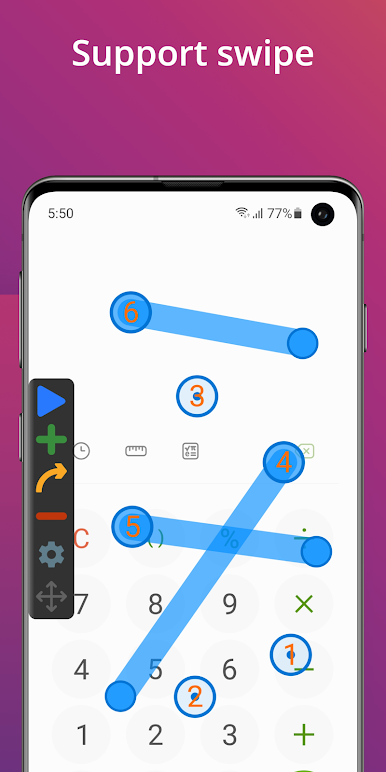
- Support multiple click points, multiple swipes
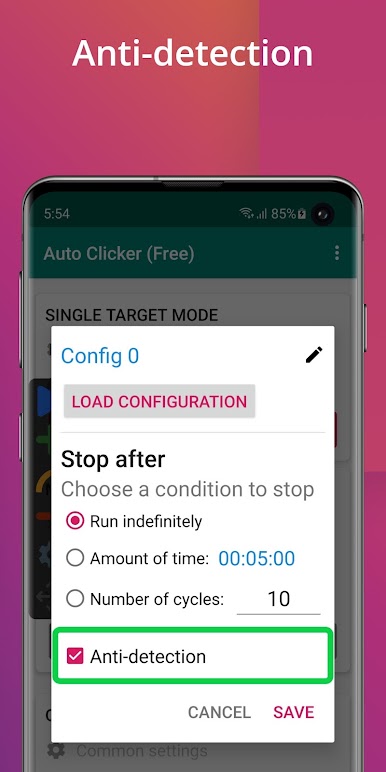
- Have a global timer to run for a certain amount of time
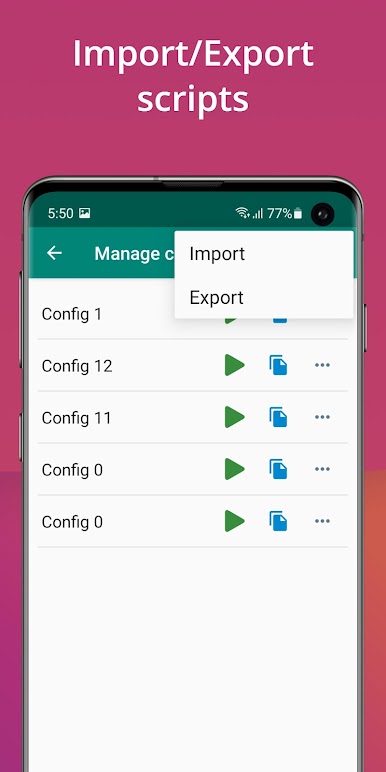
- Can Import/Export automatic scripts
Note:
- Only support Android 7.0 and up.
- Require Accessibility service to work.
Important:
- Why do we use this permission?
We use AccessibilityService API to implement core features, such as simulating clicks and wipes on your screen.
- Do we collect your private data?
We do not collect your private data through this permission.
** Credits: The app icon is made by Freepik from www.flaticon.com
Install Auto Clicker now and you will be free with the automatic tap :-)

Play Auto Clicker - Automatic tap on PC. It’s easy to get started.
-
Download and install BlueStacks on your PC
-
Complete Google sign-in to access the Play Store, or do it later
-
Look for Auto Clicker - Automatic tap in the search bar at the top right corner
-
Click to install Auto Clicker - Automatic tap from the search results
-
Complete Google sign-in (if you skipped step 2) to install Auto Clicker - Automatic tap
-
Click the Auto Clicker - Automatic tap icon on the home screen to start playing

