


Snake Arena: Snake Game 3D
Play on PC with BlueStacks – the Android Gaming Platform, trusted by 500M+ gamers.

Page Modified on: Oct 10, 2025
Main Snake Arena: Snake Game 3D on PC
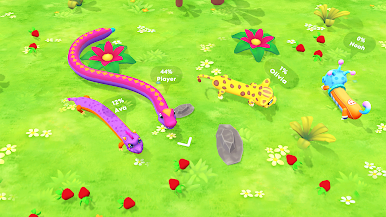
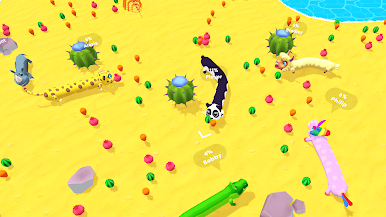
Find various boosters on your way to increase your slither speed and improve other skills. You may even enter the ghost mode and go through obstacles! Try to feed your hungry snake at this moment — it's so funny!
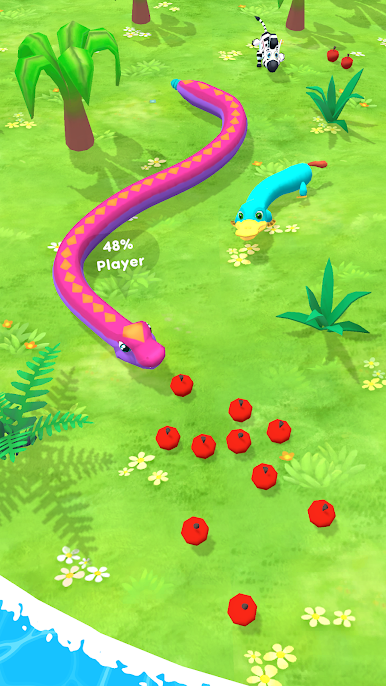
Keep eating and competing in the arena to open new islands! Every level has an achievement scale to keep you up with your progress. Don’t forget about tons of cute and funny skins – they will unlock as you progress through the snake game!
Why you’ll love Snake Arena in 3D:
- Simple and addictive gameplay
- Various islands to discover
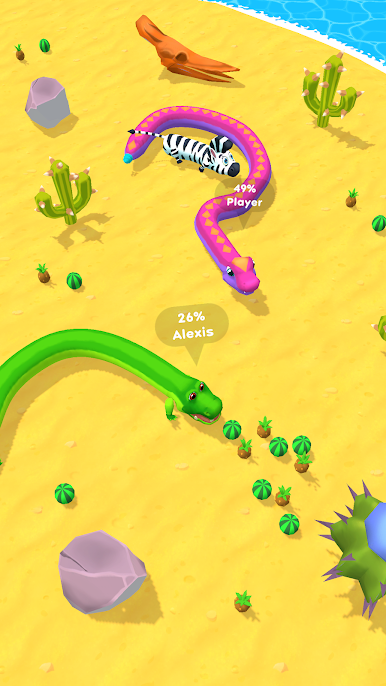
- Cute animal skins
- Cool boosters helping you to better hunt other snakes and worms
- Relaxing way to pass the time
Try to beat all opponents, grow the biggest snake, and dominate the leaderboard in this fun slither io game.
========================
COMPANY COMMUNITY:
========================
Facebook: https://www.facebook.com/AzurGamesOfficial
Instagram: https://www.instagram.com/azur_games
YouTube: https://www.youtube.com/AzurInteractiveGames



Play Snake Arena: Snake Game 3D on PC. It’s easy to get started.
-
Download and install BlueStacks on your PC
-
Complete Google sign-in to access the Play Store, or do it later
-
Look for Snake Arena: Snake Game 3D in the search bar at the top right corner
-
Click to install Snake Arena: Snake Game 3D from the search results
-
Complete Google sign-in (if you skipped step 2) to install Snake Arena: Snake Game 3D
-
Click the Snake Arena: Snake Game 3D icon on the home screen to start playing

