


Escape Game Tulip
Play on PC with BlueStacks – the Android Gaming Platform, trusted by 500M+ gamers.

Page Modified on: Oct 13, 2025
Play Escape Game Tulip on PC or Mac
From the innovators and creators at TRISTORE, Escape Game Tulip is another fun addition to the World of Adventure games. Go beyond your mobile screen and play it bigger and better on your PC or Mac. An immersive experience awaits you.
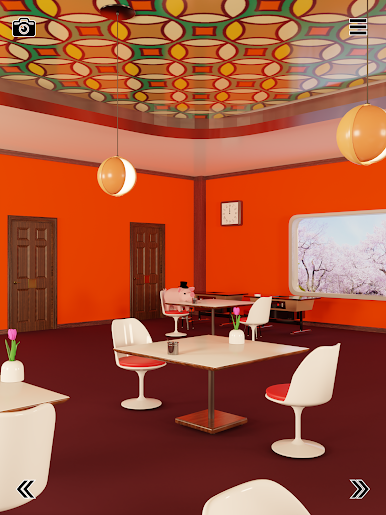
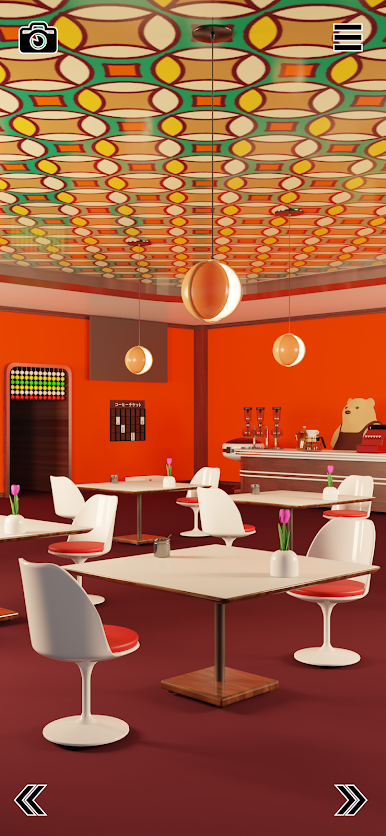
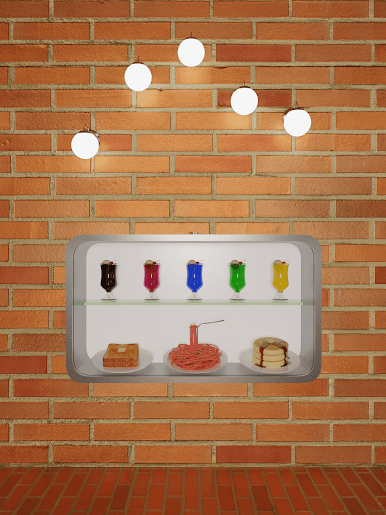
Escape Game Tulip is a calm little escape puzzler set inside a tulip themed coffee shop, and it sticks to the classic tap to look, tap to use flow. The whole place feels tidy and cozy, with lots of small details to poke at. You tap shelves, tables, and flower pots to inspect them, move with simple arrows, pick up items, then tap an item again to zoom in and figure out where it fits. It is less about speed and more about noticing patterns and combining clues, like matching colors, counting petals, or reading a tiny label in the corner that looked useless a minute ago.
The game autosaves, so it is fine to step away mid puzzle. If a clue is stubborn, there is a built in hint and even full answers, unlocked by watching a quick ad. There is also a neat capture tool that lets you take a limited number of in game photos after an ad, which helps a lot when a code is in one corner and the lock is in another. Ads mostly sit behind help features, so the pace stays relaxed.
Playing on PC with BlueStacks works well since everything is just clicks, and the bigger screen makes tiny details way easier to spot. Difficulty lands in that comfortable zone where solutions feel fair once they click, and the café theme keeps it gentle rather than stressful.
Make your gaming sessions memorable with precise controls that give you an edge in close combats and visuals that pop up, bringing every character to life.

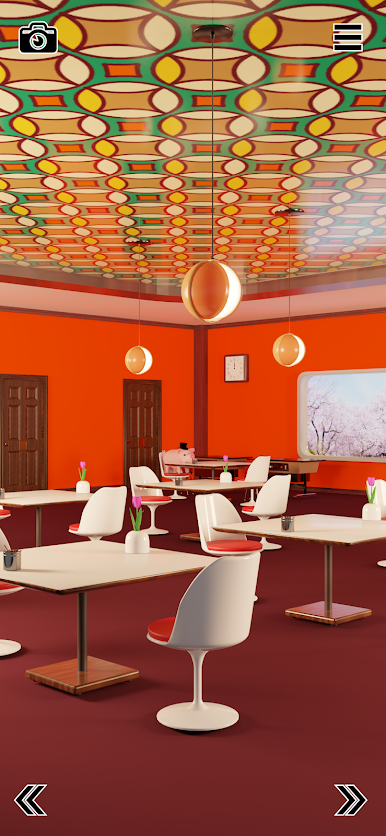


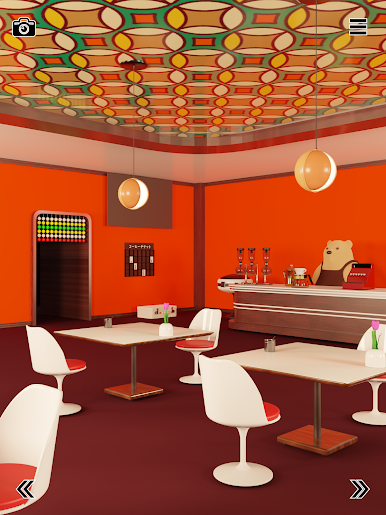
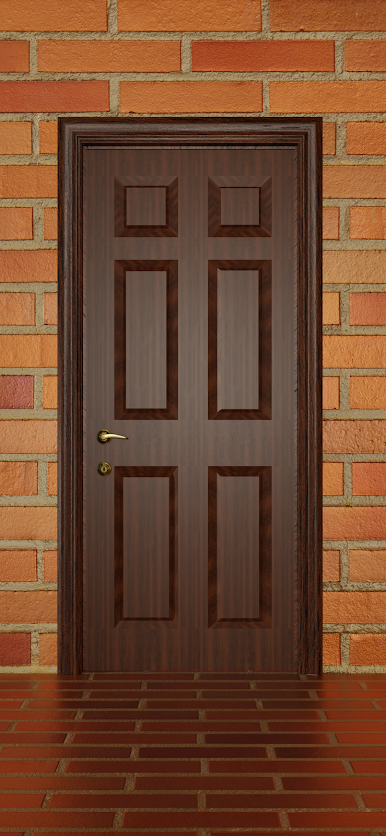

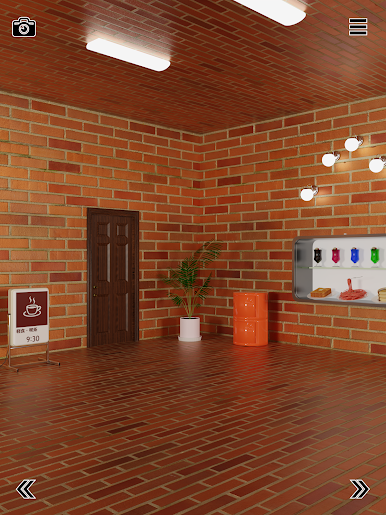



Play Escape Game Tulip on PC. It’s easy to get started.
-
Download and install BlueStacks on your PC
-
Complete Google sign-in to access the Play Store, or do it later
-
Look for Escape Game Tulip in the search bar at the top right corner
-
Click to install Escape Game Tulip from the search results
-
Complete Google sign-in (if you skipped step 2) to install Escape Game Tulip
-
Click the Escape Game Tulip icon on the home screen to start playing

