


Russian-german dictionary
Play on PC with BlueStacks – the Android Gaming Platform, trusted by 500M+ gamers.

Page Modified on: Oct 8, 2025
Play Russian-german dictionary on PC
🔹 NEW: AI Features
• 🤖 AI Assistant – Tap the AI button to get smart explanations, definitions, and examples for any word.
• 🪄 AI-generated Descriptions – When adding or editing words, let AI generate or improve word definitions.
💡 Core Features:
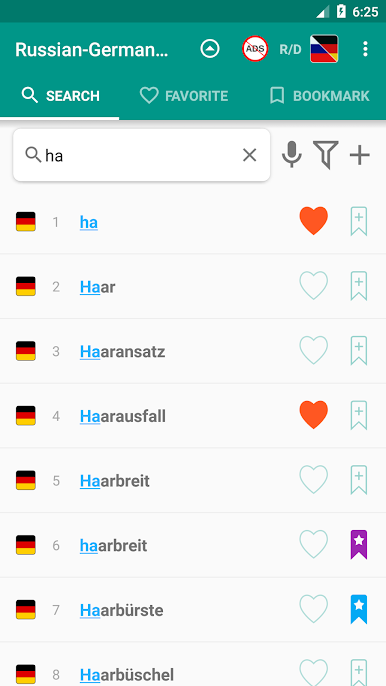
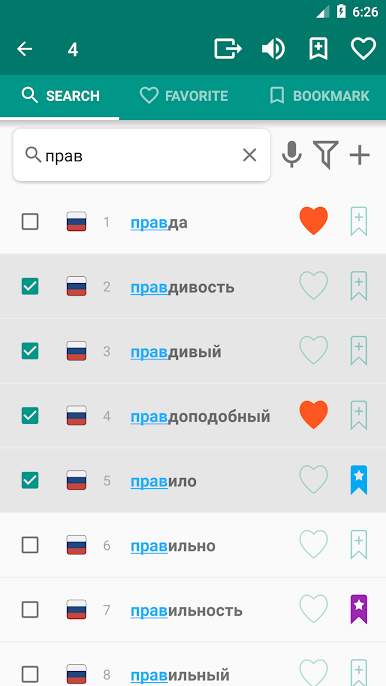
• Fast word search with filters (prefix/suffix)
• Voice recognition for quick input
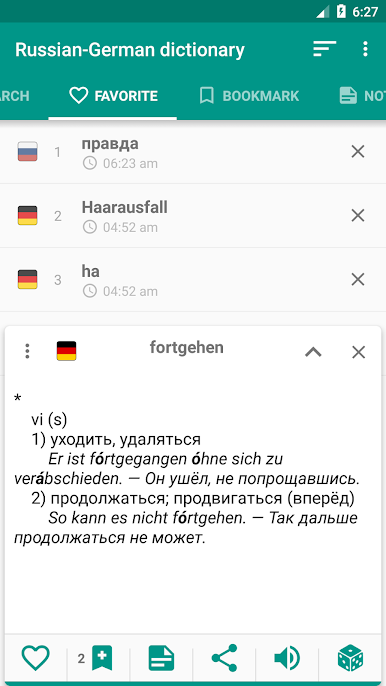
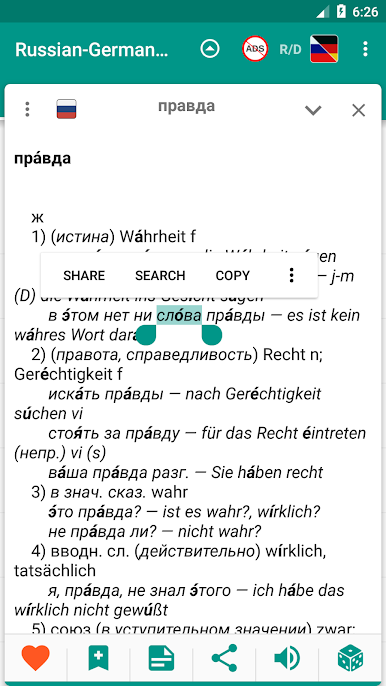
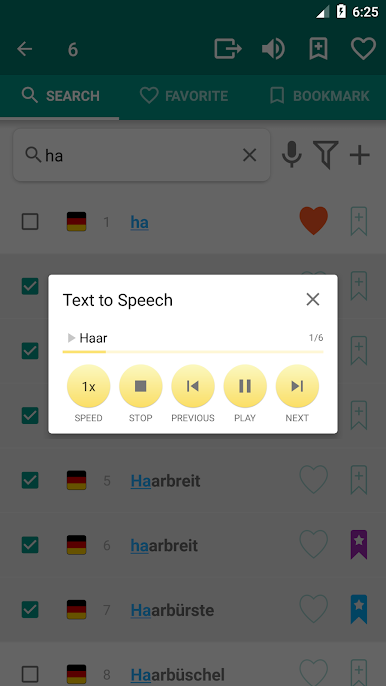
• Text-to-Speech – hear word pronunciations
• Favorites – save important words
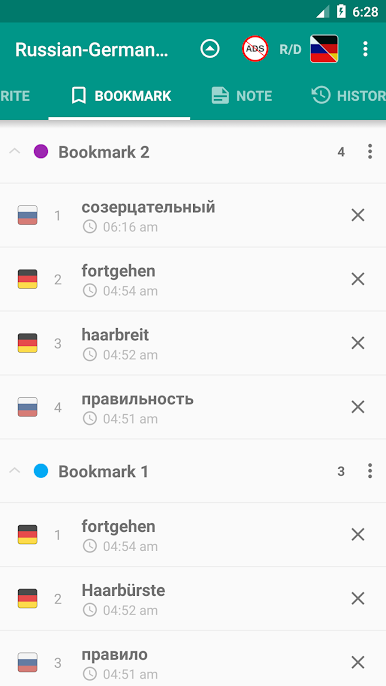
• Bookmarks – organize your vocabulary
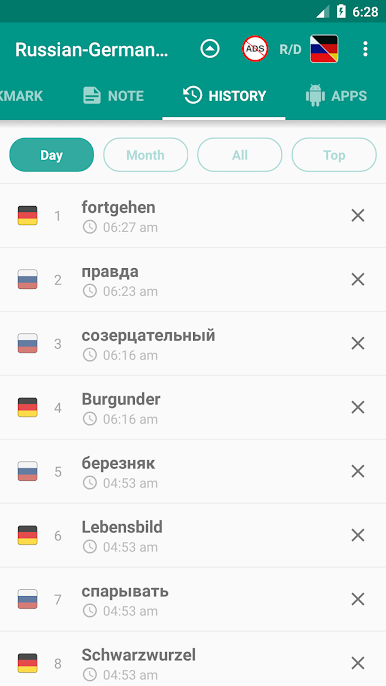
• History – track viewed words
• Notes – add personal comments to words
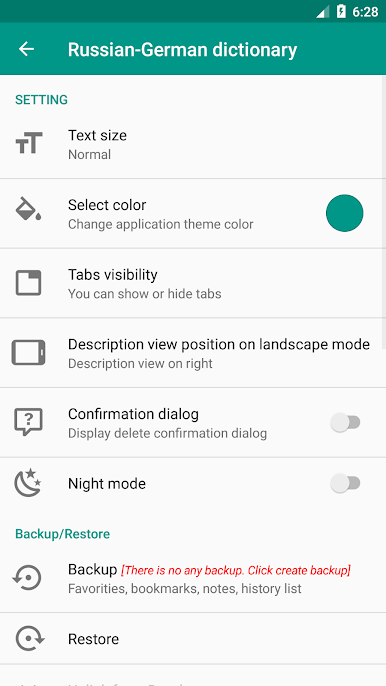
• Backup & Restore via local storage or Dropbox
• 100% Offline – no internet required
⚙️ More Features:
• Add and edit your own words
• Random word feature
• Share words with other apps
• Export your word list
• Context-based search and pronunciation
• Multi-select mode for bulk actions
• Sort and rename bookmarks
• Change language direction anytime
• Tablet & landscape mode support
• Works on Android 7+ (Nougat and higher)
🎨 Customization Settings:
• Dark mode
• Adjustable font size
• Interface color themes
• Show/hide tabs for a clean look
• Manage Favorites, History, Bookmarks, Notes
Ideal for students, travelers, language learners, and professionals looking for a powerful and fast Russian-German translator app.
📩 Send us suggestions, feedback or legal questions at: ttdicpro@gmail.com
Play Russian-german dictionary on PC. It’s easy to get started.
-
Download and install BlueStacks on your PC
-
Complete Google sign-in to access the Play Store, or do it later
-
Look for Russian-german dictionary in the search bar at the top right corner
-
Click to install Russian-german dictionary from the search results
-
Complete Google sign-in (if you skipped step 2) to install Russian-german dictionary
-
Click the Russian-german dictionary icon on the home screen to start playing

