


Fortress Merge: Puzzle Defense
Play on PC with BlueStacks – the Android Gaming Platform, trusted by 500M+ gamers.

Page Modified on: Jan 23, 2026
Play Fortress Merge: Puzzle Defense on PC or Mac
From the innovators and creators at TapNation, Fortress Merge: Puzzle Defense is another fun addition to the World of Strategy games. Go beyond your mobile screen and play it bigger and better on your PC or Mac. An immersive experience awaits you.
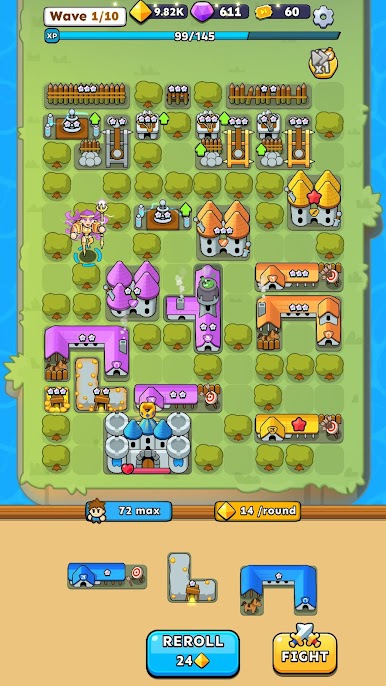
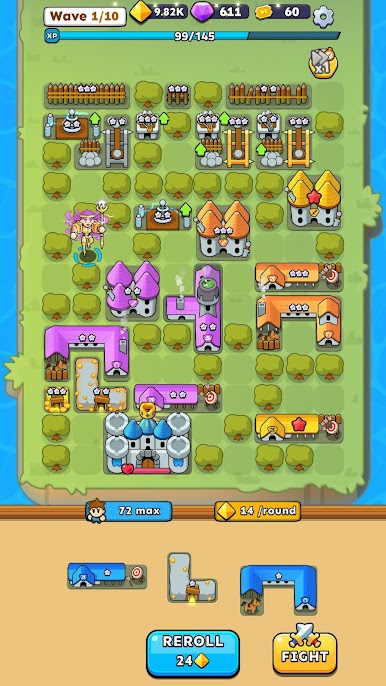
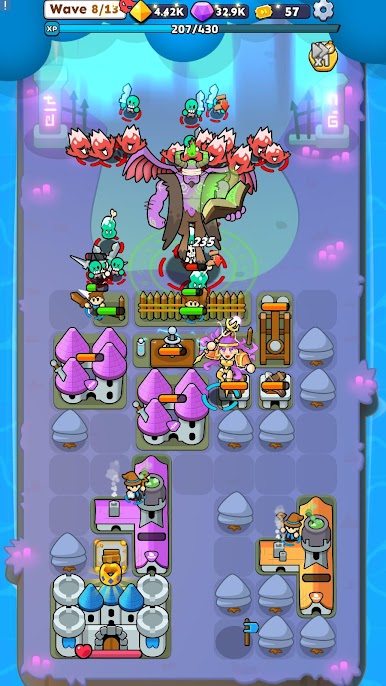
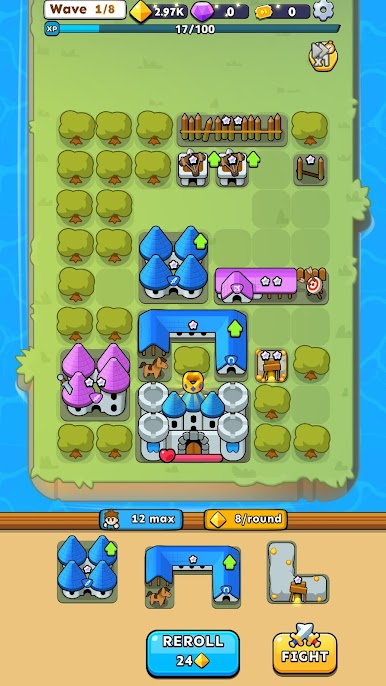
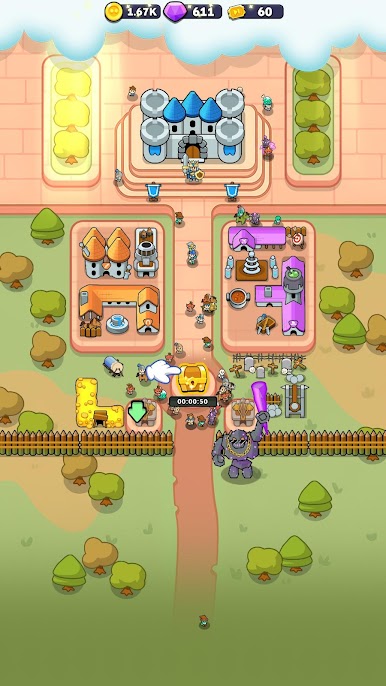
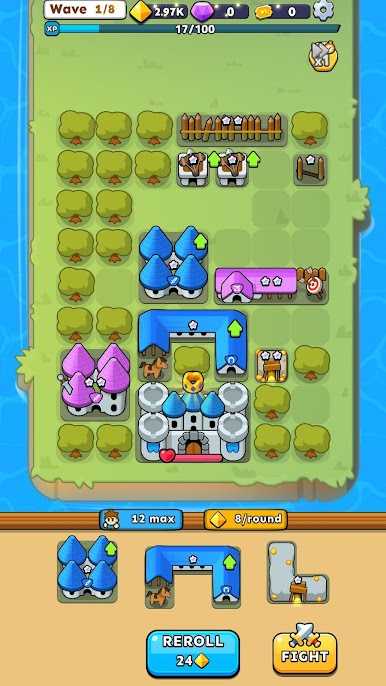
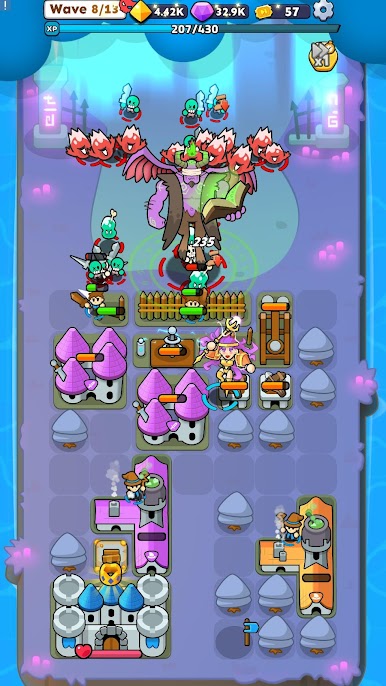
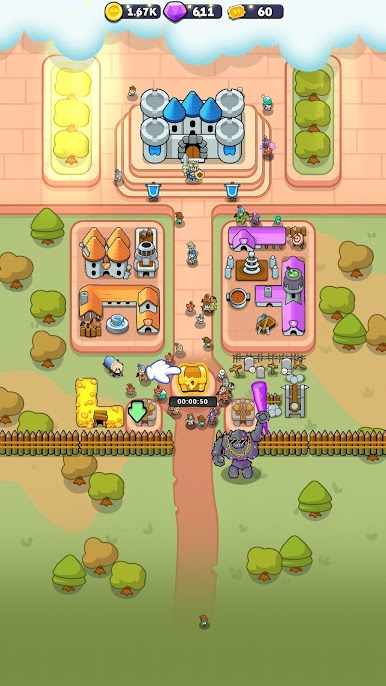
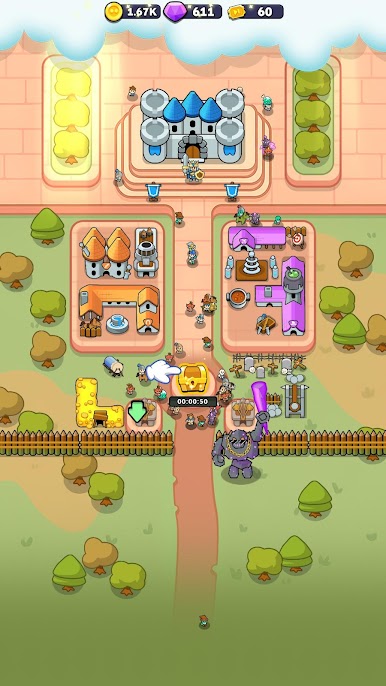
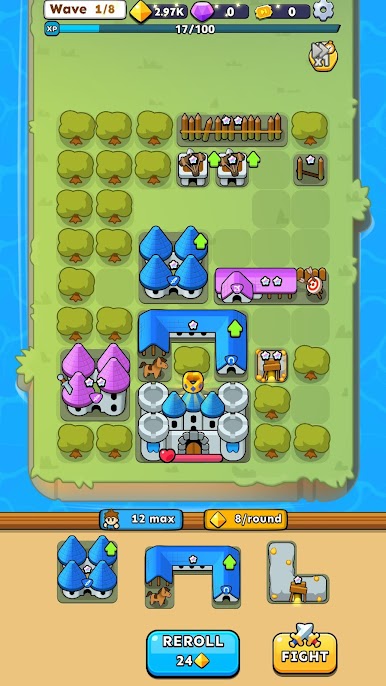
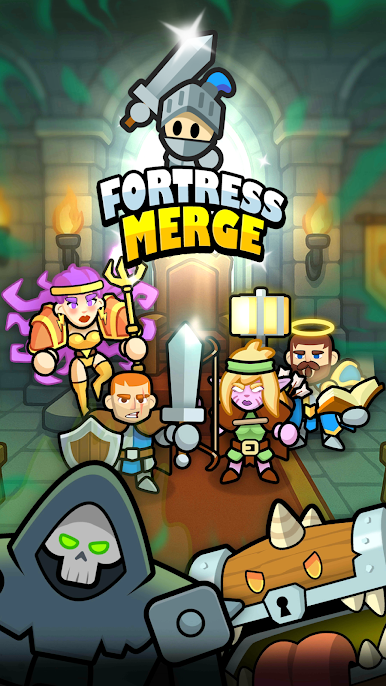
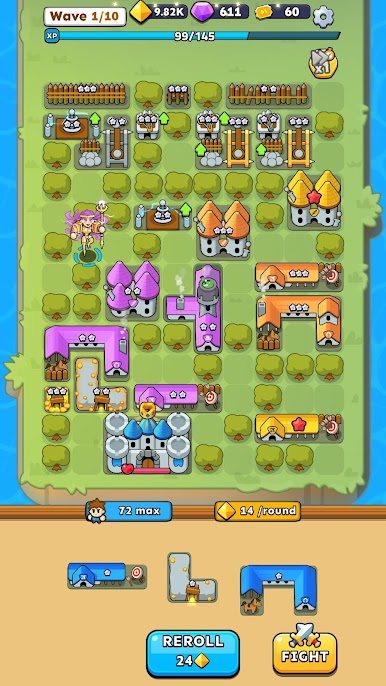
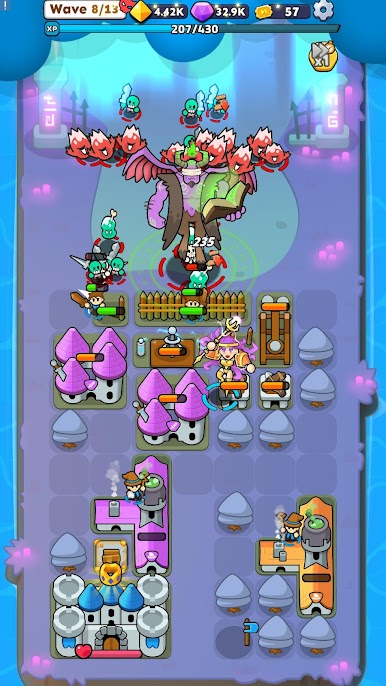
Fortress Merge: Puzzle Defense is a chill but tense blend of tower defense and merge puzzle, where players keep a fortress standing while zombie waves keep pushing in. The main loop is simple to grasp and hard to master. Merge buildings on a grid to evolve them, place upgrades that tweak how each piece attacks or supports, and choose perks between waves that shape the whole run. One session might lean into slow traps and choke points, another goes all in on knights and heavy turrets that shred lanes. It feels tactical without getting overly fiddly, and when a merge chain lines up just right, the board suddenly clicks and the defense spikes in power.
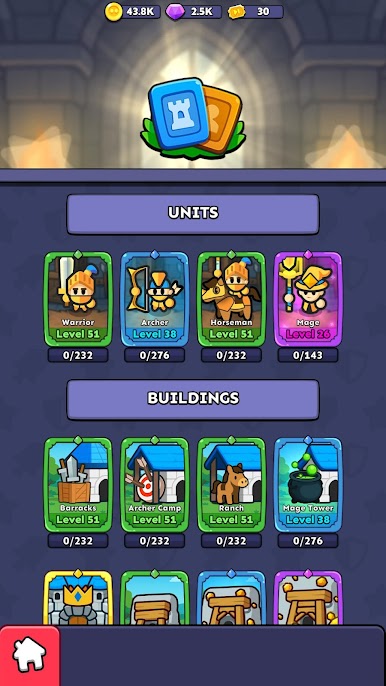
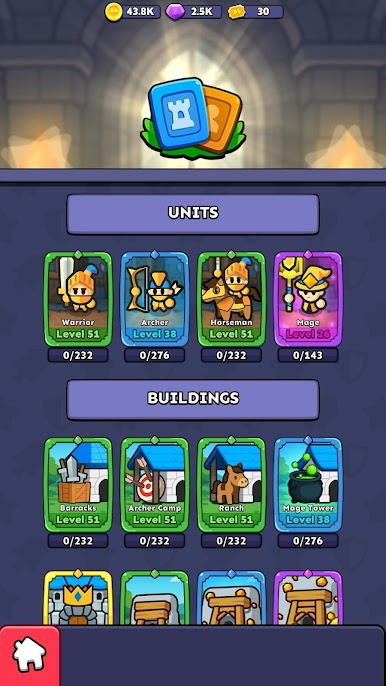
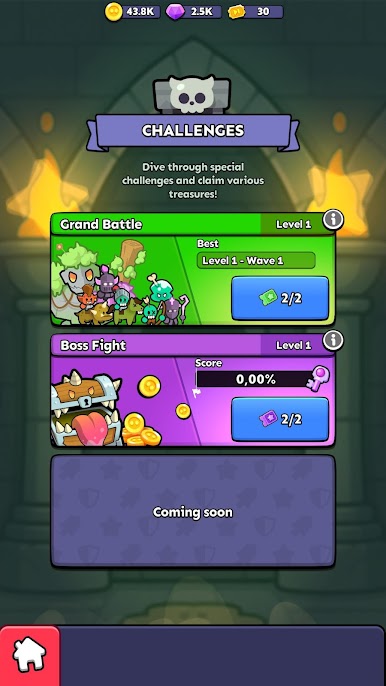
Runs have that roguelike shuffle, so enemies, perks, and available structures change often, which keeps planning fresh. Resources are tight, so picking between a stronger turret or a broader wall line actually matters, and a single greedy upgrade can cost the gate three waves later. The difficulty ramps in a clean arc, hectic but not cheap, with enough room to recover if a lane slips. On PC with BlueStacks, dragging pieces with a mouse is smooth and quick, and having the whole field visible on a bigger screen makes it easier to plan merges and funnel paths. New stuff unlocks as players survive longer, so there is always another build idea to test, whether someone wants a short run on a break or a longer grindy night of tweaking defences and traps.
Ready to top the leaderboard? We bet you do. Let precise controls and sharp visuals optimized on BlueStacks lead you to victory.



Play Fortress Merge: Puzzle Defense on PC. It’s easy to get started.
-
Download and install BlueStacks on your PC
-
Complete Google sign-in to access the Play Store, or do it later
-
Look for Fortress Merge: Puzzle Defense in the search bar at the top right corner
-
Click to install Fortress Merge: Puzzle Defense from the search results
-
Complete Google sign-in (if you skipped step 2) to install Fortress Merge: Puzzle Defense
-
Click the Fortress Merge: Puzzle Defense icon on the home screen to start playing

