


Business Empire: RichMan
Play on PC with BlueStacks – the Android Gaming Platform, trusted by 500M+ gamers.

Page Modified on: Feb 26, 2026
Overview
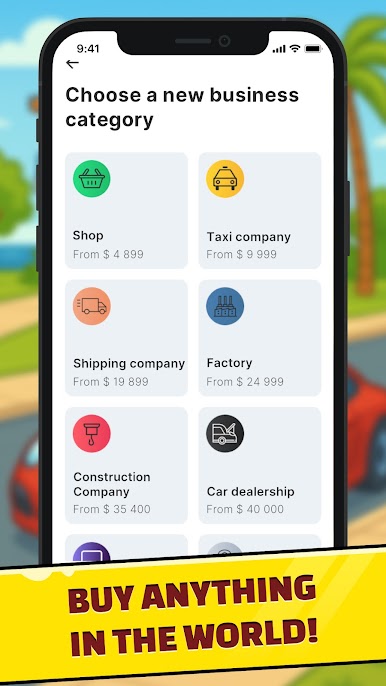
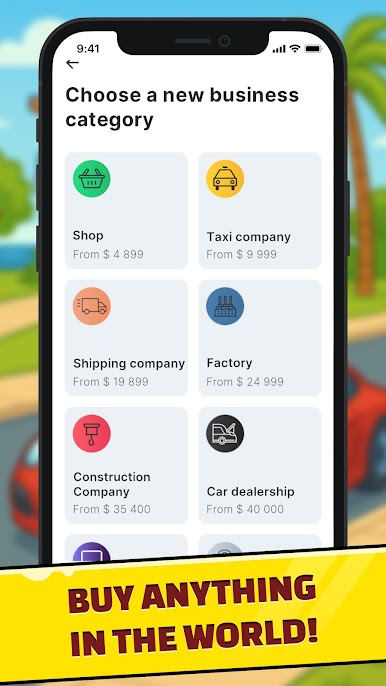
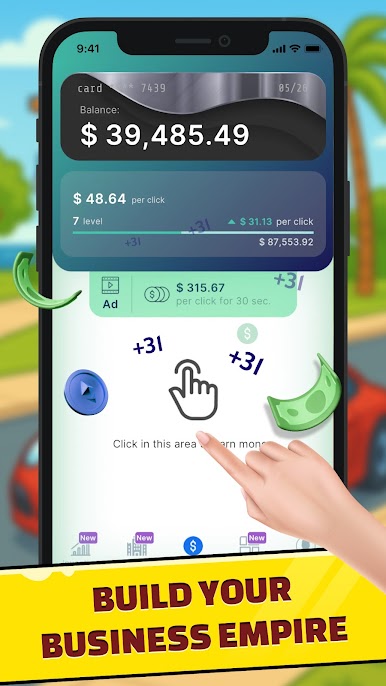
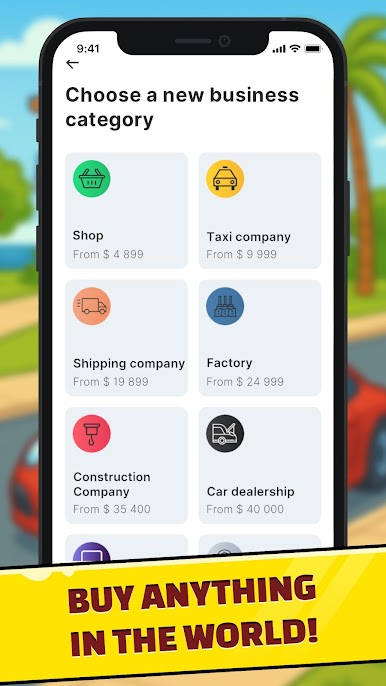
Install Business Empire: RichMan and discover a variety of options to build your empire and reach new heights of success. You can choose to open businesses in six different categories, including retail stores, restaurants, and banks. With the ability to hire employees and make strategic decisions, you can grow your businesses and increase profits.
For those of you who prefer to invest in the stock market, Business Empire: RichMan allows players to buy virtual shares in famous companies and monitor their investments to maximize their virtual earnings. Alternatively, players can invest in real estate in the most elite areas of the world, generating passive income and increasing their net worth. Other than buy and sell stocks, players are welcome to also invest in cryptocurrencies.
Luxury items are also available for purchase in the game, including high-end vehicles and private jets. With the ability to expand your own fleet and hangar, you can travel in style and enhance your status and prestige.
Overall, Business Empire: RichMan is a highly interactive game that provides players with a realistic and engaging business management experience.
Whether you want to open your own business - a store or a bank, become an investor, or purchase luxury items, Business Empire: RichMan has something for everyone. The simulation game's immersive and interactive gameplay provides endless possibilities for players like you to build your empire and become a true RichMan.





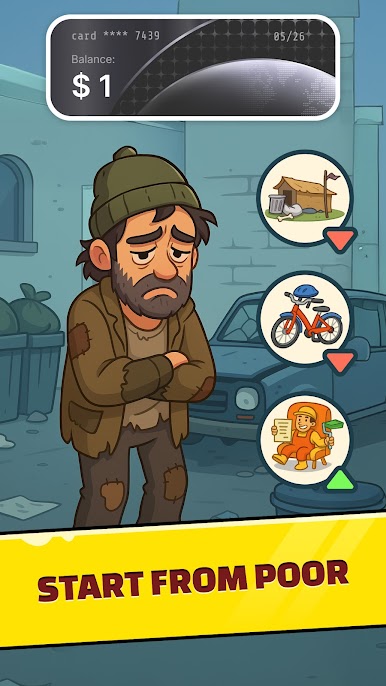



Play Business Empire: RichMan on PC. It’s easy to get started.
-
Download and install BlueStacks on your PC
-
Complete Google sign-in to access the Play Store, or do it later
-
Look for Business Empire: RichMan in the search bar at the top right corner
-
Click to install Business Empire: RichMan from the search results
-
Complete Google sign-in (if you skipped step 2) to install Business Empire: RichMan
-
Click the Business Empire: RichMan icon on the home screen to start playing

