


Tubi: Free Movies & Live TV
Play on PC with BlueStacks – the Android Gaming Platform, trusted by 500M+ gamers.

Page Modified on: Sep 21, 2026
Play Tubi: Free Movies & Live TV on PC or Mac
What’s better than using Tubi: Free Movies & Live TV by Tubi TV? Well, try it on a big screen, on your PC or Mac, with BlueStacks to see the difference.
About the App
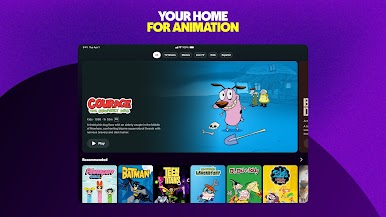
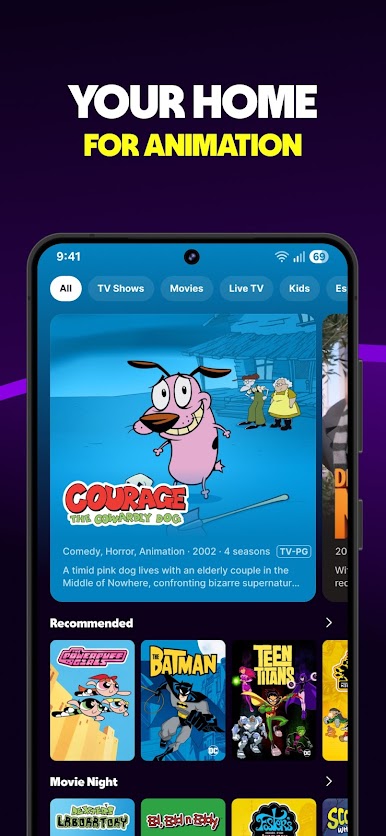
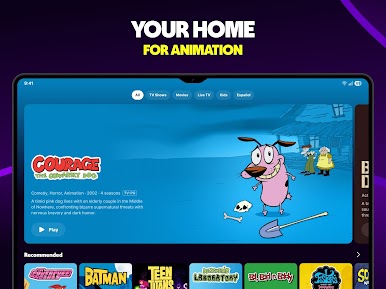
Tubi: Free Movies & Live TV is a chill, no-subscription way to watch tons of shows, movies, and 24/7 channels in one place. It’s an Entertainment app that lets you flip from breaking news to a comfort sitcom to late-night horror without paying a dime. Open it, pick a mood, and you’re watching in seconds.
App Features
- Free streaming, no strings: It’s ad-supported, not paywalled. No sign-ups required to start, and no credit card needed—ever.
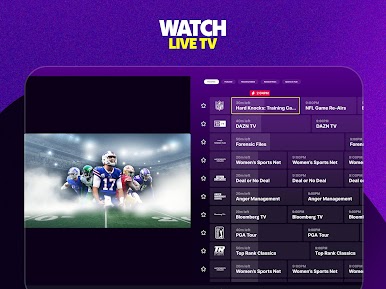
- Live TV that’s always on: Catch news, weather, sports, and pop-culture channels any time. Check local updates, enjoy pre-game buzz, or unwind with reality competitions.
- Big movie selection: From major studio hits to indie favorites, with new titles rolling in regularly. Comedy, action, horror, drama—you’ll find a lane.
- Binge-ready series: Queue up cooking competitions, evening soaps, and laugh-out-loud sitcoms for marathon sessions.
- Tubi Originals: Watch exclusive series and movies you won’t find elsewhere, including titles like Boarders and Big Mood, plus fresh reality picks.
- Superhero central: Classic and modern comic-inspired shows and films for your caped-crusader cravings.
- Tubi Español: Stream in Spanish—telenovelas, Spanish-first favorites, and dubbed blockbusters included.
- Global picks: A stacked anime lineup, Korean dramas and thrillers, and a splash of Bollywood energy with plenty of music and dance.
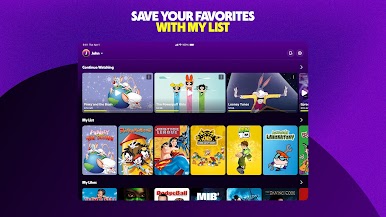
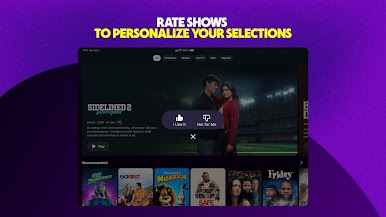
- Smart discovery: Swipe to browse, build a watchlist, save progress, and get better suggestions when you create an account.
- Watch anywhere: Works across many devices—and if you prefer a computer, it runs great on BlueStacks for a comfortable big-screen setup.
- Always something new: Fresh arrivals drop every week so your queue stays full.
Eager to take your app experience to the next level? Start right away by downloading BlueStacks on your PC or Mac.





Play Tubi: Free Movies & Live TV on PC. It’s easy to get started.
-
Download and install BlueStacks on your PC
-
Complete Google sign-in to access the Play Store, or do it later
-
Look for Tubi: Free Movies & Live TV in the search bar at the top right corner
-
Click to install Tubi: Free Movies & Live TV from the search results
-
Complete Google sign-in (if you skipped step 2) to install Tubi: Free Movies & Live TV
-
Click the Tubi: Free Movies & Live TV icon on the home screen to start playing

