


Tu Latino TV
Play on PC with BlueStacks – the Android Gaming Platform, trusted by 500M+ gamers.

Page Modified on: Oct 28, 2026
Overview
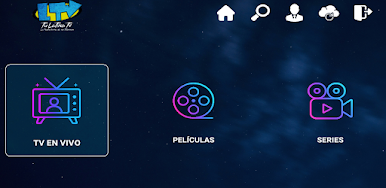
Main features:
- Fast and stable video playback.
- Clear and easy-to-use interface on any Android device.
- Compatible with phones, tablets, and TVs/Firesticks.
- Support for remote controls and optimized navigation on large screens.
- Category organization for more convenient content access.
- Optimization for efficient resource consumption.
Our goal is to provide you with a stable, secure, and convenient experience so you can enjoy your favorite content without complications.
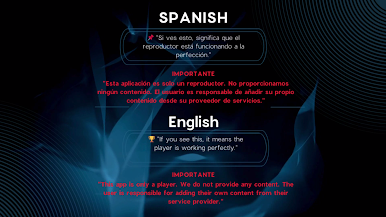
Note: This application functions as a multimedia player. It does not include or distribute its own content.
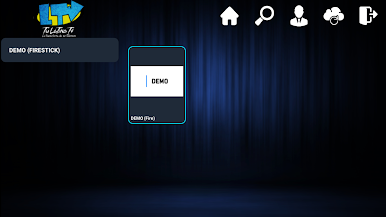
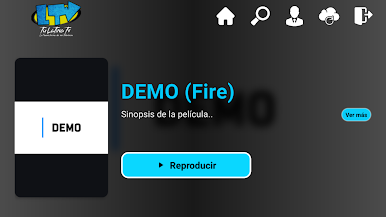
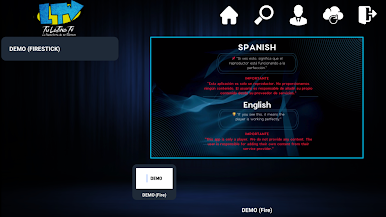
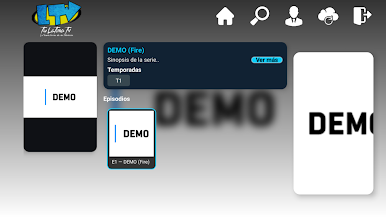
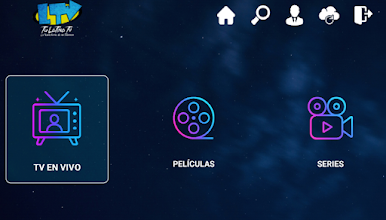
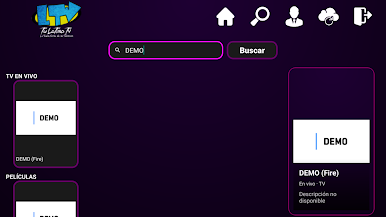
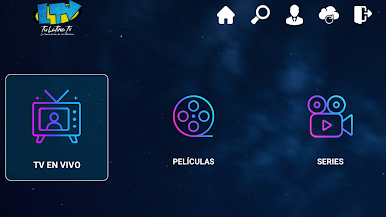
Play Tu Latino TV on PC. It’s easy to get started.
-
Download and install BlueStacks on your PC
-
Complete Google sign-in to access the Play Store, or do it later
-
Look for Tu Latino TV in the search bar at the top right corner
-
Click to install Tu Latino TV from the search results
-
Complete Google sign-in (if you skipped step 2) to install Tu Latino TV
-
Click the Tu Latino TV icon on the home screen to start playing

