


Chicken Road 2
Play on PC with BlueStacks – the Android Gaming Platform, trusted by 500M+ gamers.

Page Modified on: Mar 9, 2026
Play Chicken Road 2 on PC
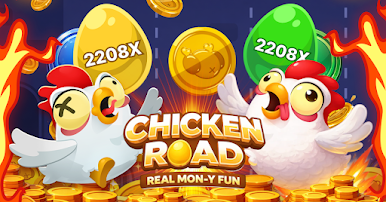
Whether you are a fan of the original or looking for the enhanced chicken road 2.0 experience, this is the definitive chicken roll game that tests your reflexes against speeding cars, tricky obstacles, and unpredictable paths.
Why Play Chicken Road?
This isn't just another walk in the park. In this chicken road game, you need to navigate through chaotic environments. From the classic chicken rode challenges to the new mechanics in the chicken road 2 game, every tap counts.
Game Features:
The Ultimate Roll: Master the unique chicken roll mechanic to outmaneuver traffic.
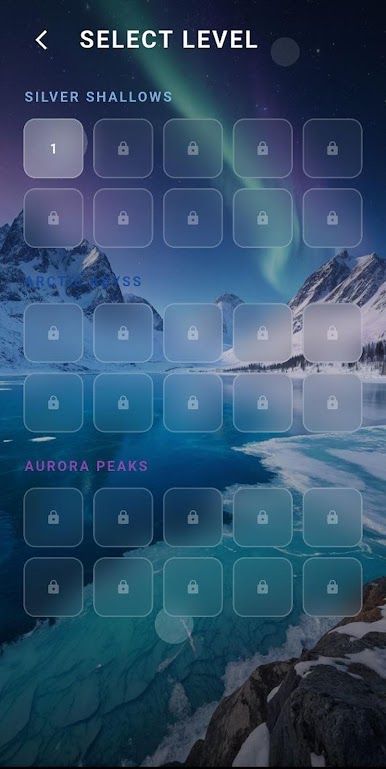
Multiple Levels: Experience the evolution from the basic chicken rod mechanics to the advanced chicken road 2.0 landscapes.
Global Competition: See how you rank against others in this intense chicken road app.
Simple Controls: Easy to pick up for a quick chicken rod game session, but hard to master the perfect run.
The Chicken Road Guide to Survival:
Timing is Key: Don't just rush; watch the traffic patterns.
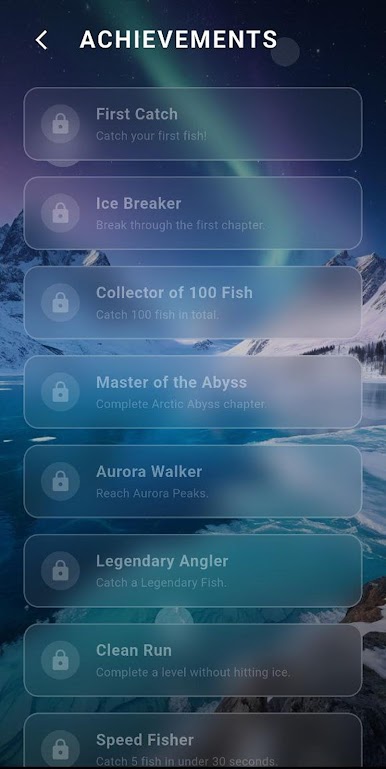
Collect Rewards: Use your points to unlock new features in the chicken road 2 game download version.
Stay Focused: Whether you call it chikan road or chicken road to glory, focus is your best friend.
Ready to take the leap? Don’t settle for clones. Get the official chicken road 2 download today and join millions of players in the ultimate road-crossing frenzy.
Get rolling. Get across. Don't get flattened.



Play Chicken Road 2 on PC. It’s easy to get started.
-
Download and install BlueStacks on your PC
-
Complete Google sign-in to access the Play Store, or do it later
-
Look for Chicken Road 2 in the search bar at the top right corner
-
Click to install Chicken Road 2 from the search results
-
Complete Google sign-in (if you skipped step 2) to install Chicken Road 2
-
Click the Chicken Road 2 icon on the home screen to start playing

