


Postern
Play on PC with BlueStacks – the Android Gaming Platform, trusted by 500M+ gamers.

Page Modified on: Sep 16, 2026
Overview
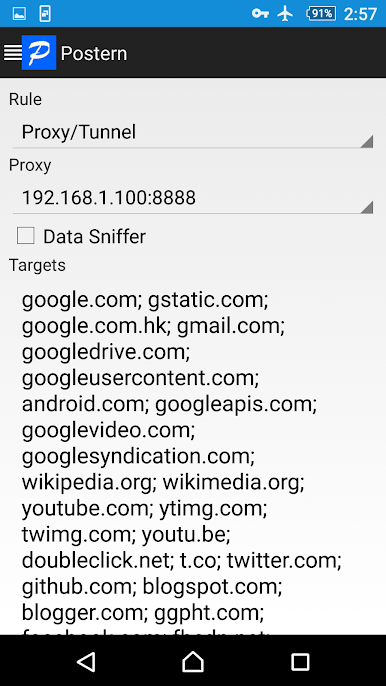
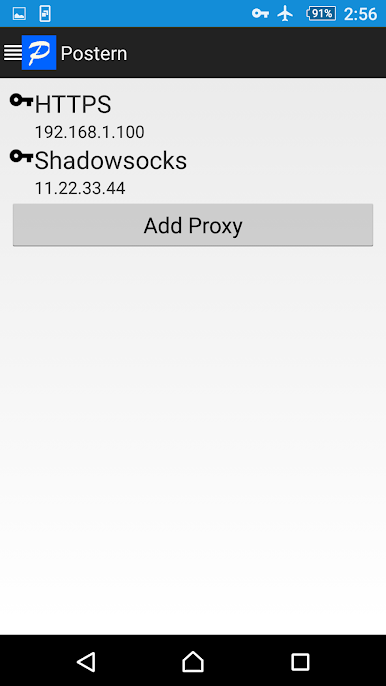
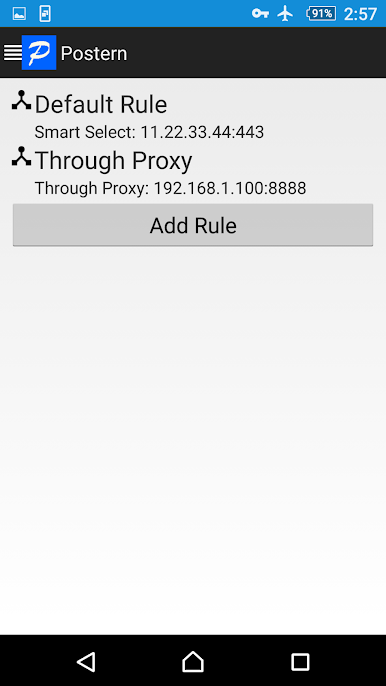
1. Network traffic can be redirected through your configured proxy servers. You don't need to configure proxy for each App and Apps that do not support proxy also will honor proxy configuration. All you need to do is put your proxy server in Postern and specify which hosts/destinations should be visited through the proxy. Postern supports all popular proxy servers, like no other Android Apps do, as below:
SSH Tunnel
Shadowsocks
SOCKS5 Proxy
HTTPS/HTTP CONNECT method Tunnel
gfw.press
And it naturally can be used to by-pass Internet censorship(for Chinese users especially and in corporate networks that have firewalls to block you from certain sites), and a perfect tool to hide your IP address/identify.
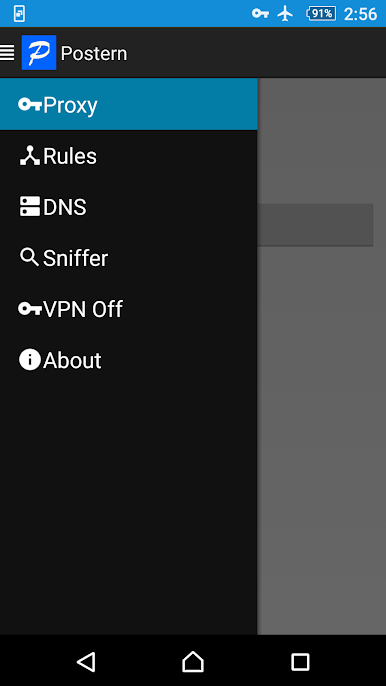
2. You can also use Postern as a sniffer, to capture data packets from all Apps. And analyze these packets for your own purpose.
Visit our site for Postern tutorials and configuration samples : https://github.com/postern-overwal/postern-stuff
Play Postern on PC. It’s easy to get started.
-
Download and install BlueStacks on your PC
-
Complete Google sign-in to access the Play Store, or do it later
-
Look for Postern in the search bar at the top right corner
-
Click to install Postern from the search results
-
Complete Google sign-in (if you skipped step 2) to install Postern
-
Click the Postern icon on the home screen to start playing

