


Chess Stars Multiplayer Online
Play on PC with BlueStacks – the Android Gaming Platform, trusted by 500M+ gamers.

Page Modified on: Nov 10, 2025
Play Chess Stars Multiplayer Online on PC or Mac
Bring your A-game to Chess Stars Multiplayer Online, the Board game sensation from Turbo Labz (Pvt) Ltd.. Give your gameplay the much-needed boost with precise game controls, high FPS graphics, and top-tier features on your PC or Mac with BlueStacks.
About the Game
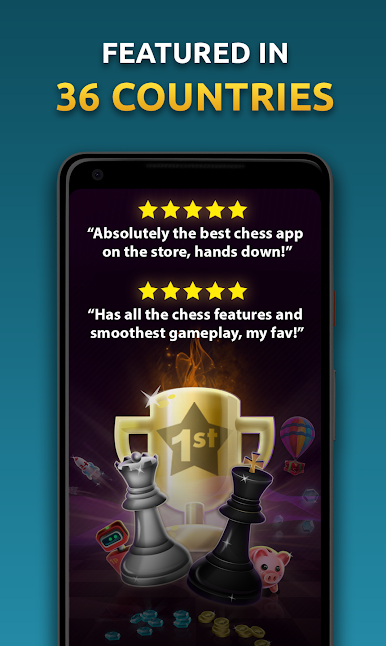
Whether you’re learning your first openings or chasing blitz checkmates, Chess Stars Multiplayer Online keeps real chess fast, friendly, and always within reach. It’s a polished Board game from Turbo Labz (Pvt) Ltd. that lets you play the way you like—quick clashes, thoughtful long games, or a quiet session against a smart computer—while helping you improve along the way.
Game Features
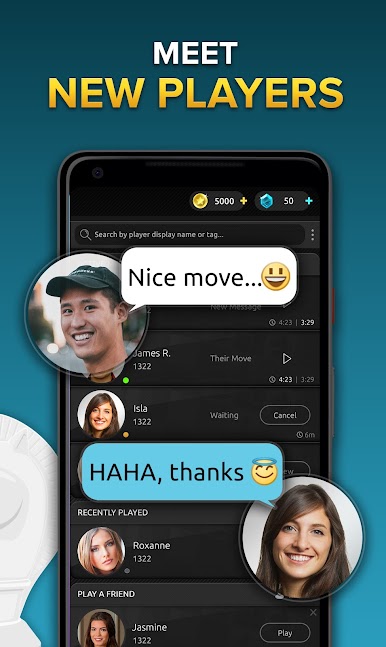
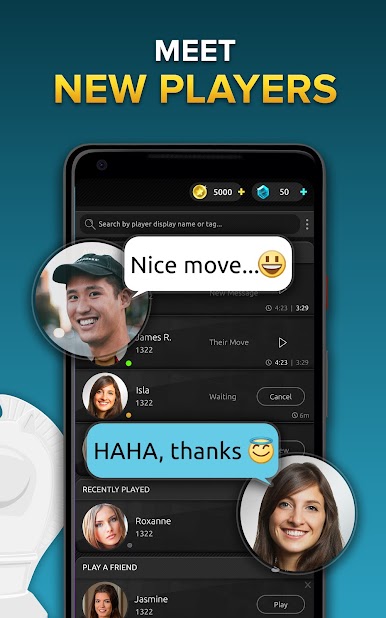
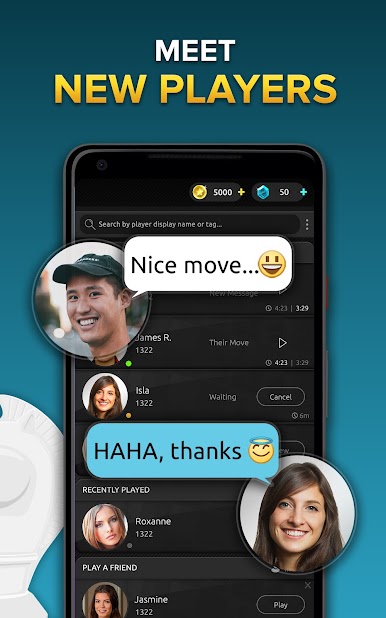
- Quick Matches: Jump into a speedy 1v1 and test your tactics against players from around the world. No waiting, just play.
- Play at Your Pace: Prefer slower time controls or turn-based play? Set a comfortable rhythm and think through every plan.
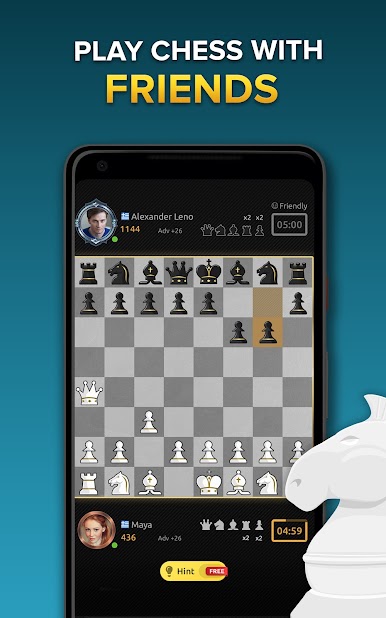
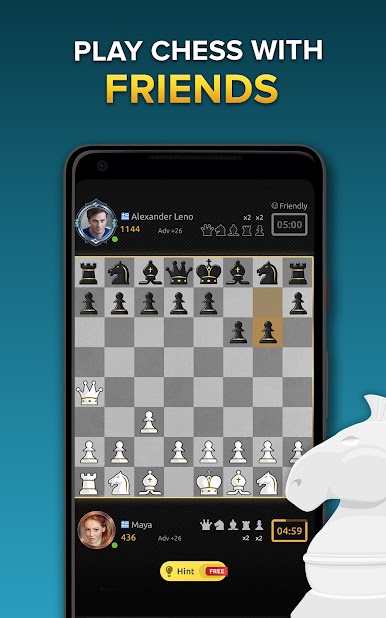
- Challenge Friends: Send invites, create private games, and settle those “best-of-three” debates with people you know.
- Versus AI: Practice against a computer across multiple difficulty levels, great for warm-ups or learning new ideas.
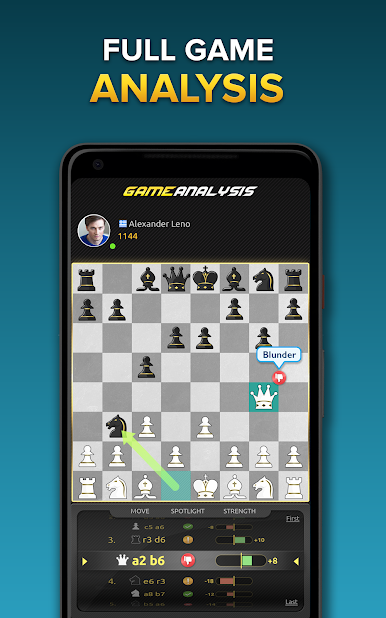
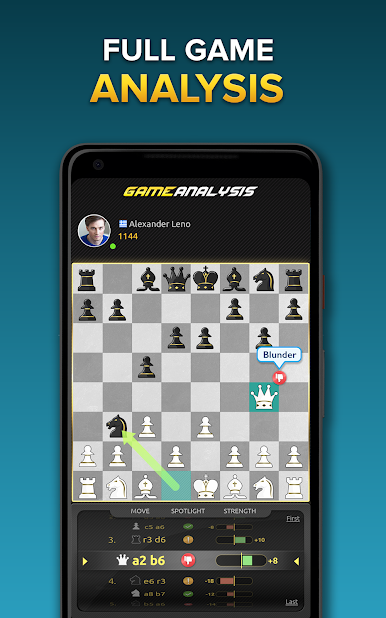
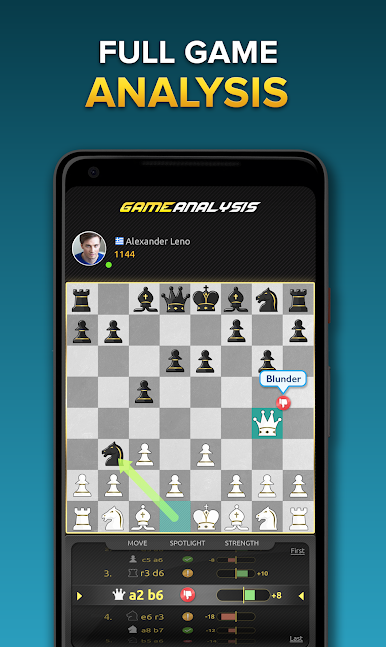
- Post-Game Analysis: Review your moves, spot blunders, and learn what you missed with easy-to-read insights.
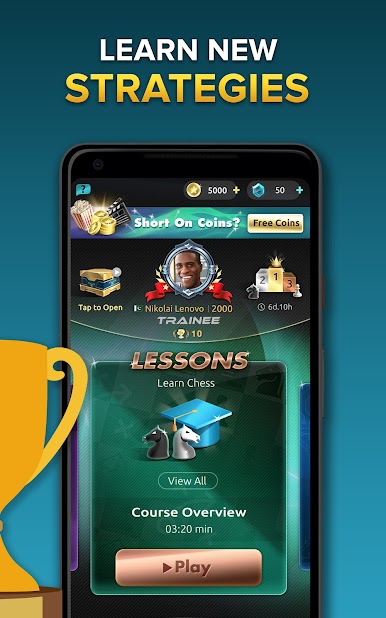
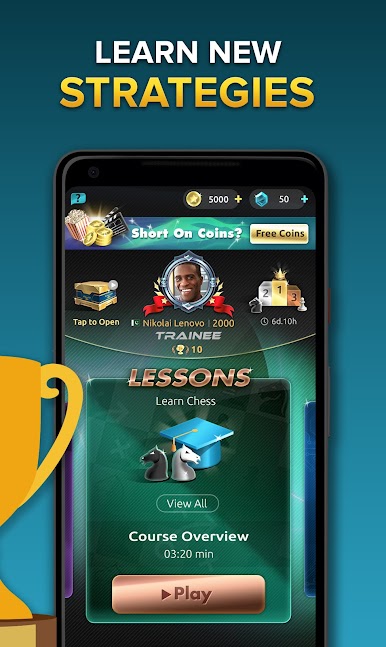
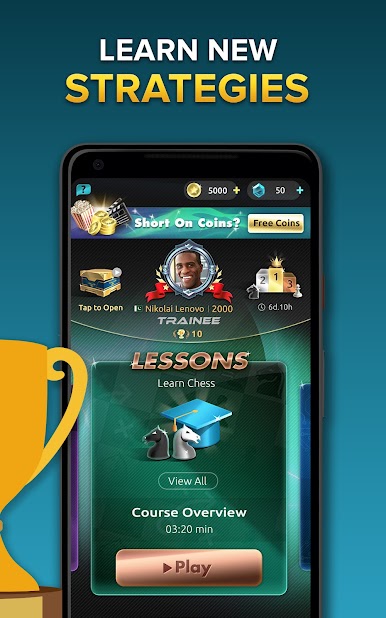
- Lessons & Tutorials: Watch bite-sized videos and interactive lessons that nudge you from basic tactics to stronger strategies.
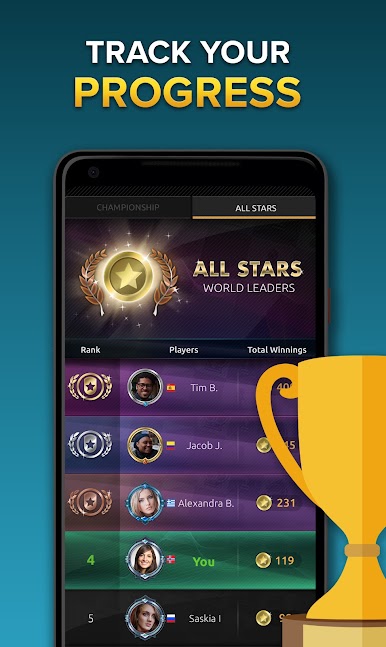
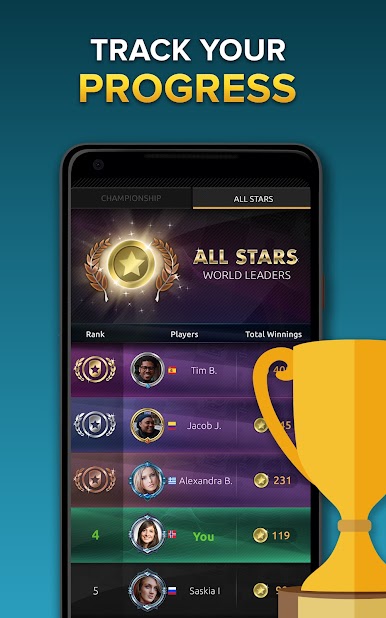
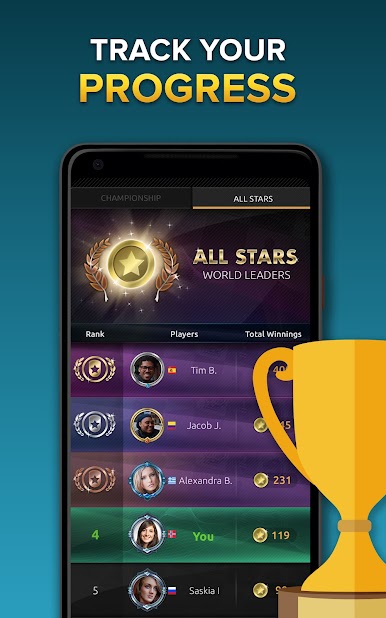
- Weekly Events: Climb league leaderboards, join regular championships, and earn your bragging rights.
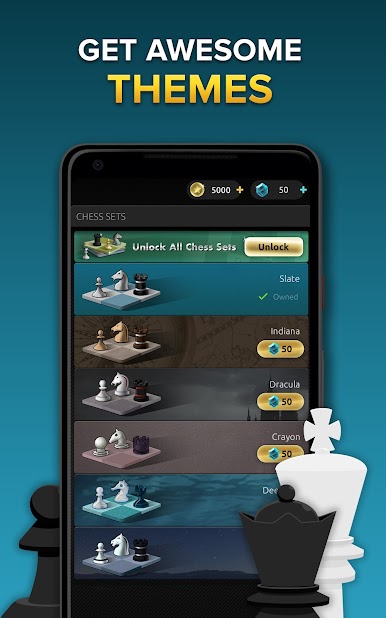
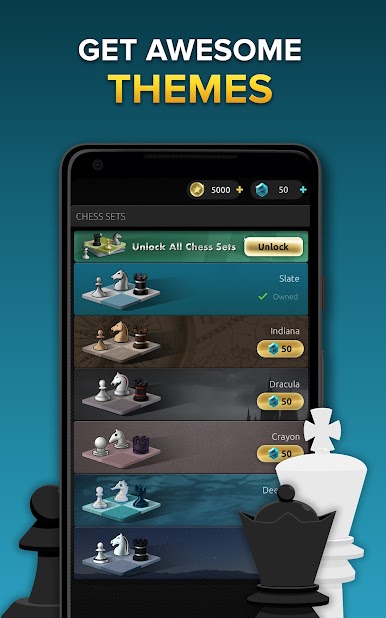
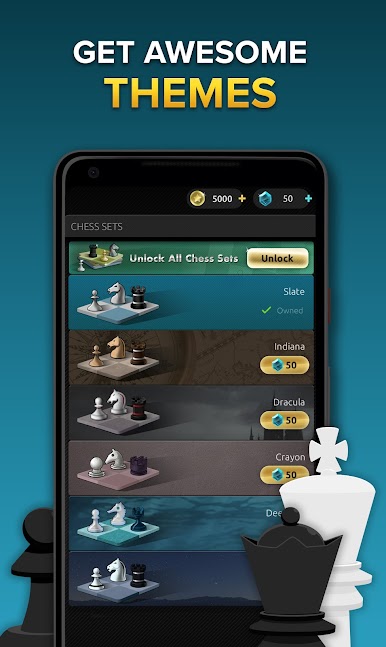
- Boards & Themes: Personalize your setup with stylish piece sets and eye-catching boards—classic or quirky, your call.
- Chat & Emojis: Talk to opponents and react to moves with playful emojis. It keeps things friendly, even after a surprise fork.
- Subscription Perks: Get more lessons, remove ads, unlock extra themes, and expand your friends list for a fuller experience.
- Play on BlueStacks: Prefer the bigger screen? You can also run Chess Stars Multiplayer Online on BlueStacks for comfy, desktop-style play.
Make your gaming sessions memorable with precise controls that give you an edge in close combats and visuals that pop up, bringing every character to life.

Play Chess Stars Multiplayer Online on PC. It’s easy to get started.
-
Download and install BlueStacks on your PC
-
Complete Google sign-in to access the Play Store, or do it later
-
Look for Chess Stars Multiplayer Online in the search bar at the top right corner
-
Click to install Chess Stars Multiplayer Online from the search results
-
Complete Google sign-in (if you skipped step 2) to install Chess Stars Multiplayer Online
-
Click the Chess Stars Multiplayer Online icon on the home screen to start playing

