

Pony Sisters Christmas
Play on PC with BlueStacks – the Android Gaming Platform, trusted by 500M+ gamers.

Page Modified on: Jan 7, 2026
Play Pony Sisters Christmas - Secret Santa Gifts on PC or Mac
Step into the World of Pony Sisters Christmas – Secret Santa Gifts, a thrilling Educational game from the house of TutoTOONS. Play this Android game on BlueStacks App Player and experience immersive gaming on PC or Mac.
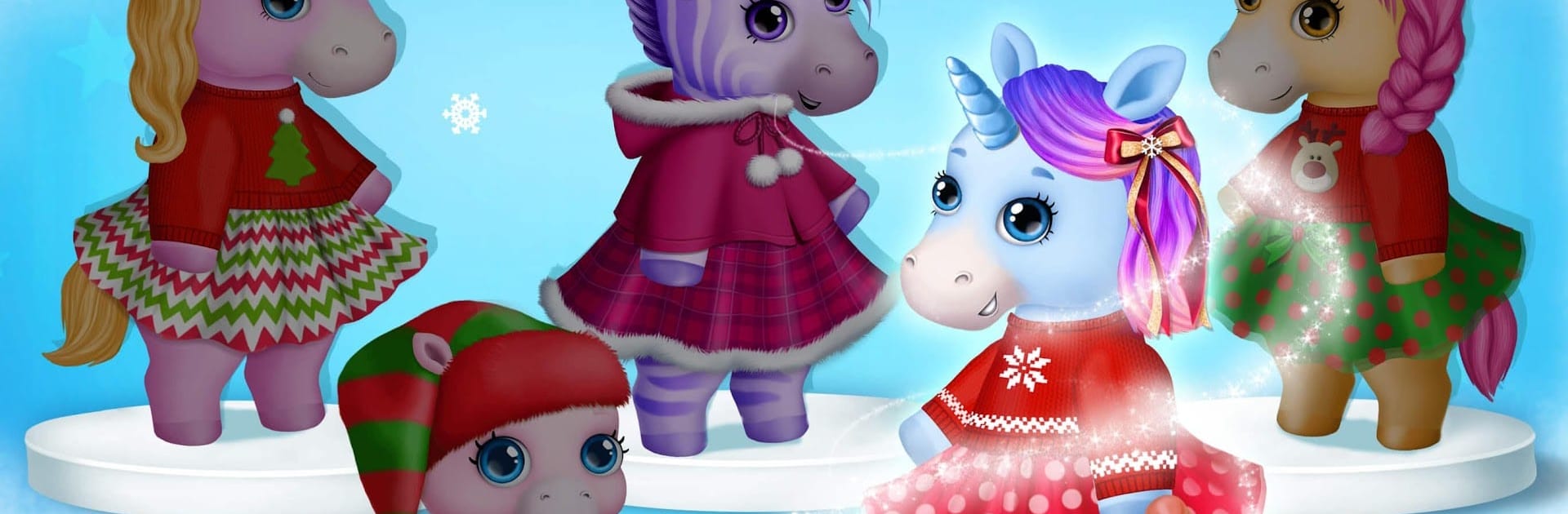
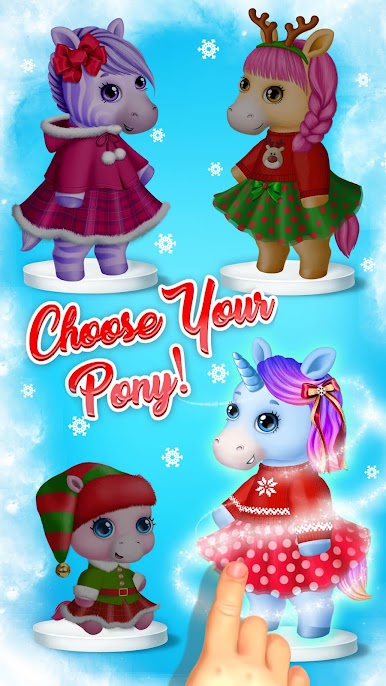
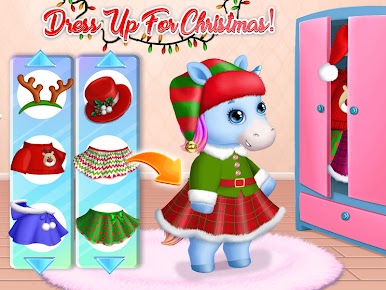
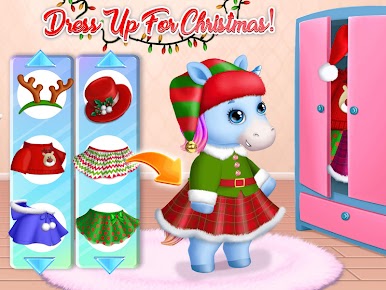
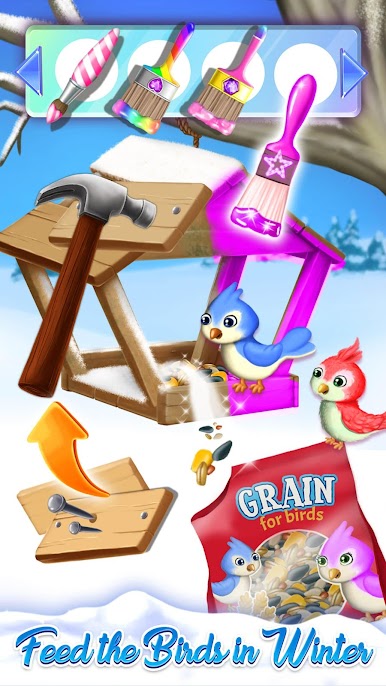
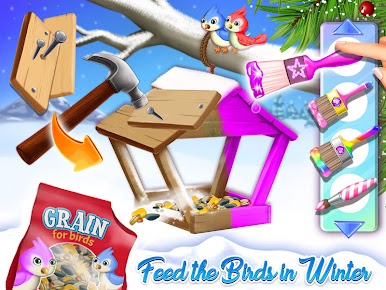
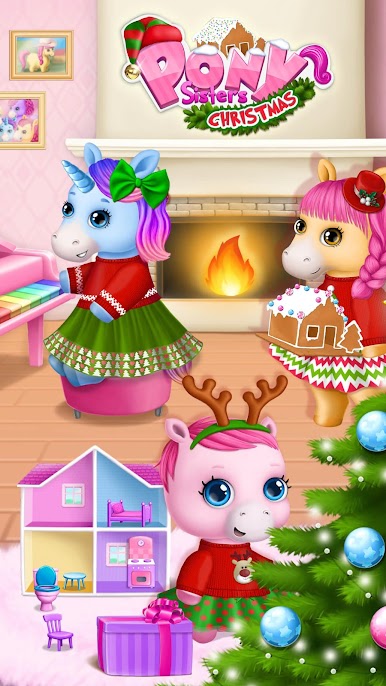
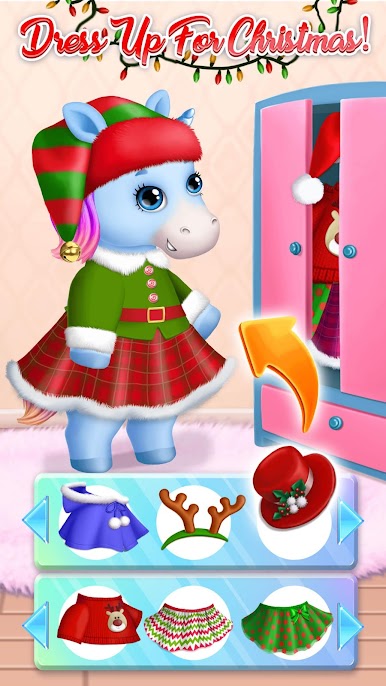
Pony Sisters Christmas feels like a little holiday playroom that keeps handing out simple activities one after another. It follows a pony family getting ready for Christmas, so it is all about cozy tasks instead of pressure. Players bounce between baking cookies, building a big candy-covered gingerbread house, decorating a tree with lights and ornaments, and picking cute winter outfits for five sisters and a baby pony. There is a tiny piano lesson where Jingle Bells is taught note by note, a quick guitar strum with Britney, plus puzzles, coloring, and a doll house makeover with Rosie. Even a small good-deed moment shows up, fixing a bird feeder and filling it with seeds. Most actions are drag, tap, and hold, nothing tricky, which fits younger kids really well.
On PC with BlueStacks, the bigger screen makes all the dragging and dressing feel easier, and it is simpler for kids to click exact spots without missing. The pace is calm, no big fail states or countdowns, just a to-do list of cheerful chores, then opening gifts by the fireplace and making a wish. Expect bright colors, lots of glitter, and looped holiday music that can stick after a while. Some costumes, decorations, or mini-games may ask for real-money unlocks, but there is still a decent set of free activities to rotate through. If someone wants a gentle Christmas sandbox full of short, tactile mini-games, this does exactly that.
Start your journey now. Download the game on BlueStacks, invite your friends, and march on a new adventure.

















Play Pony Sisters Christmas on PC. It’s easy to get started.
-
Download and install BlueStacks on your PC
-
Complete Google sign-in to access the Play Store, or do it later
-
Look for Pony Sisters Christmas in the search bar at the top right corner
-
Click to install Pony Sisters Christmas from the search results
-
Complete Google sign-in (if you skipped step 2) to install Pony Sisters Christmas
-
Click the Pony Sisters Christmas icon on the home screen to start playing

