


SmartLife - Smart Living
Play on PC with BlueStacks – the Android Gaming Platform, trusted by 500M+ gamers.

Page Modified on: Feb 23, 2026
Run Smart Life - Smart Living on PC or Mac
Upgrade your experience. Try SmartLife – Smart Living, the fantastic Lifestyle app from Volcano Technology Limited, from the comfort of your laptop, PC, or Mac, only on BlueStacks.
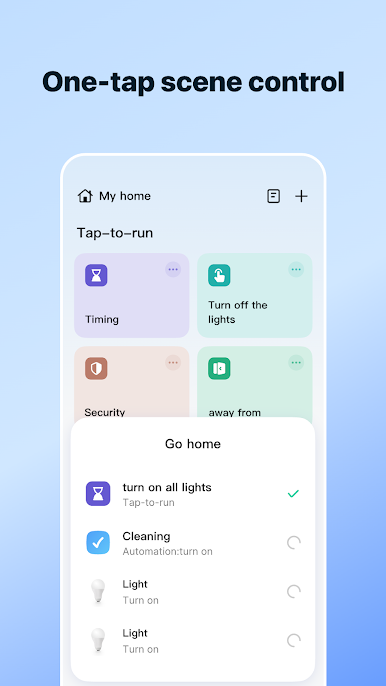
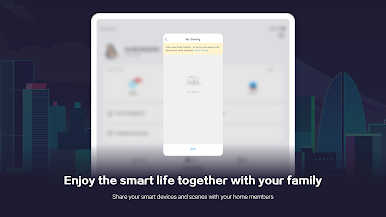
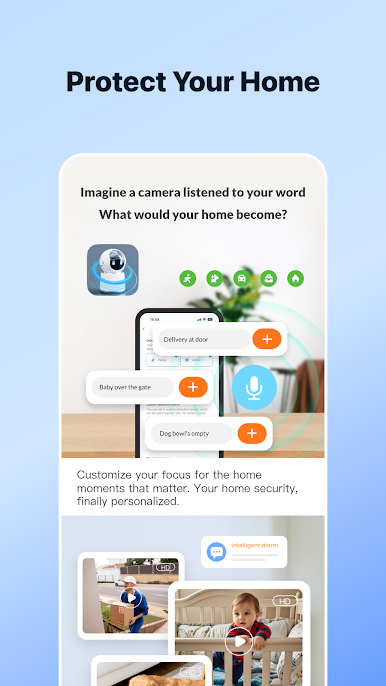
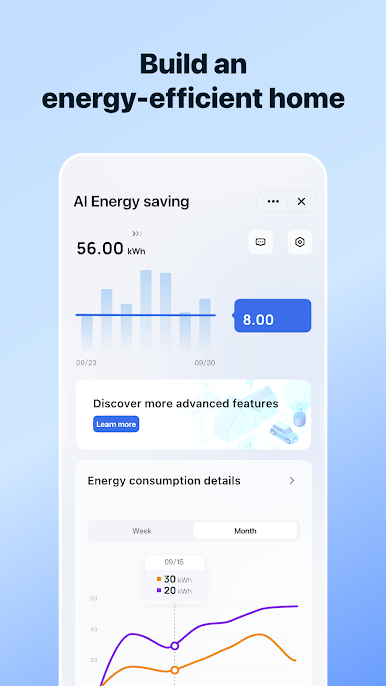
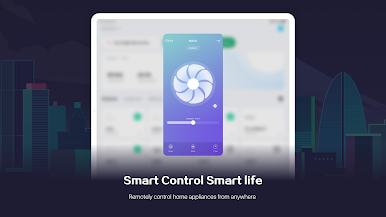
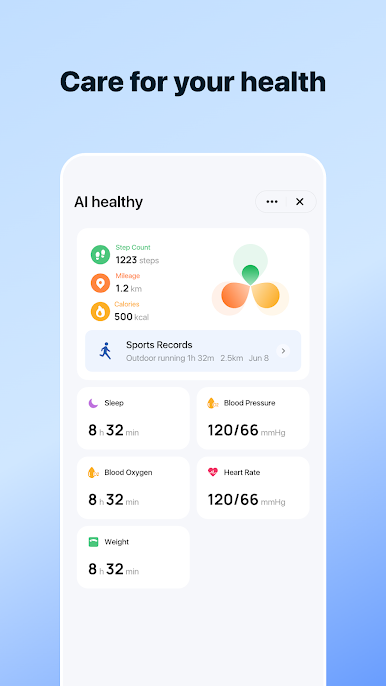
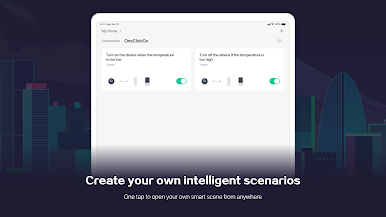
SmartLife feels like a simple home base for a lot of smart stuff, without a ton of fiddling. It pulls in plugs, bulbs, switches, sensors, cameras, even doorbells, and lines them up in one clean dashboard. Adding devices is straightforward, it can look for them over Wi Fi or Bluetooth, and there is a quick QR scan when needed. Scenes and automations are the standout, since they can react to time, location, weather, or another device’s status, so lights can flip on at sunset, the heater can pause when a window opens, that kind of thing. Voice control hooks into smart speakers too, and alerts land fast so motion, door opens, or low battery warnings do not get missed. Sharing the home with family is easy, so everyone gets the same comfort without handing over a pile of passwords.
On a PC with BlueStacks, it is nicer to build scenes and rename devices, typing on a keyboard and seeing more at once helps a lot, especially if cameras are involved. Permissions make sense here, location to find nearby networks and run presence rules, camera for QR codes, microphone for talk-through on cameras and doorbells, storage to save snapshots or custom icons, notifications for real-time alerts, and nearby devices to set up Bluetooth gear. It is not flashy, just steady and practical, which is what a smart home app should be.
Eager to take your app experience to the next level? Start right away by downloading BlueStacks on your PC or Mac.
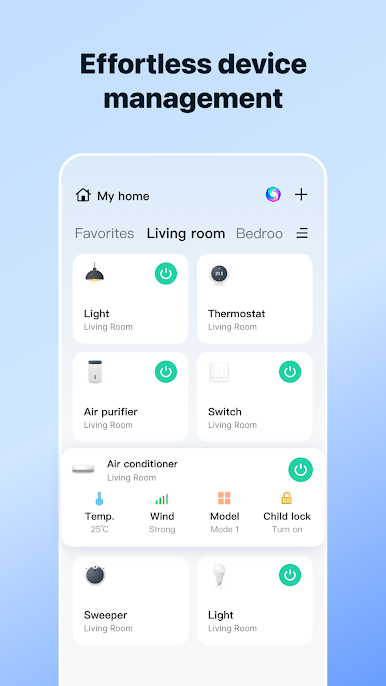
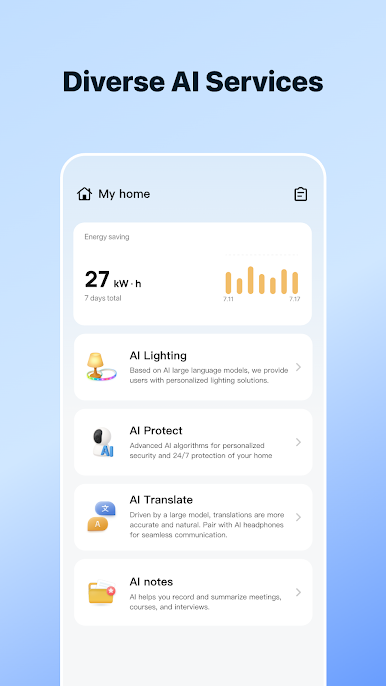
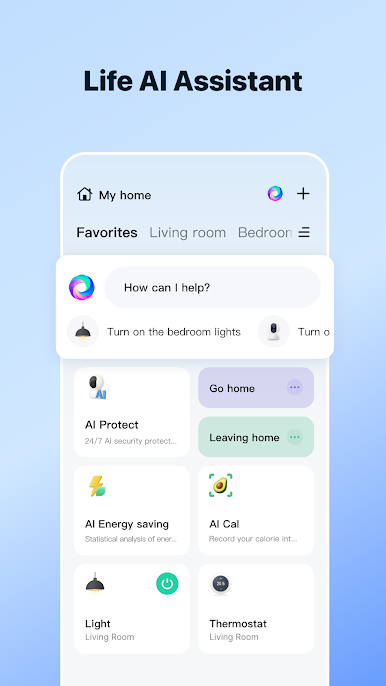
Play SmartLife - Smart Living on PC. It’s easy to get started.
-
Download and install BlueStacks on your PC
-
Complete Google sign-in to access the Play Store, or do it later
-
Look for SmartLife - Smart Living in the search bar at the top right corner
-
Click to install SmartLife - Smart Living from the search results
-
Complete Google sign-in (if you skipped step 2) to install SmartLife - Smart Living
-
Click the SmartLife - Smart Living icon on the home screen to start playing

