

Mini Games: Brainrot Challenge
Play on PC with BlueStacks – the Android Gaming Platform, trusted by 500M+ gamers.

Page Modified on: Dec 31, 2025
Play Mini Games: Calm & Relax on PC or Mac
Bring your A-game to Mini Games: Brainrot Challenge, the Casual game sensation from Unicorn Studio Official. Give your gameplay the much-needed boost with precise game controls, high FPS graphics, and top-tier features on your PC or Mac with BlueStacks.
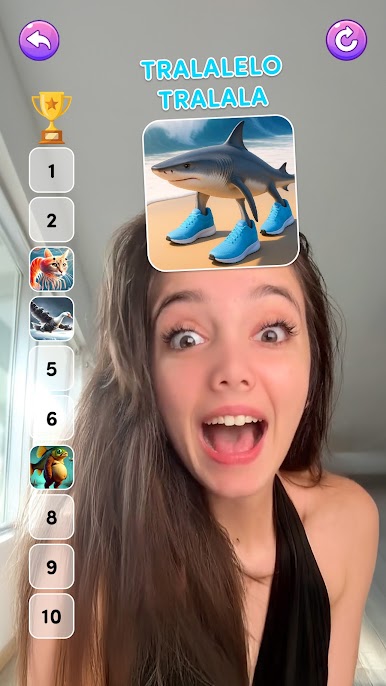
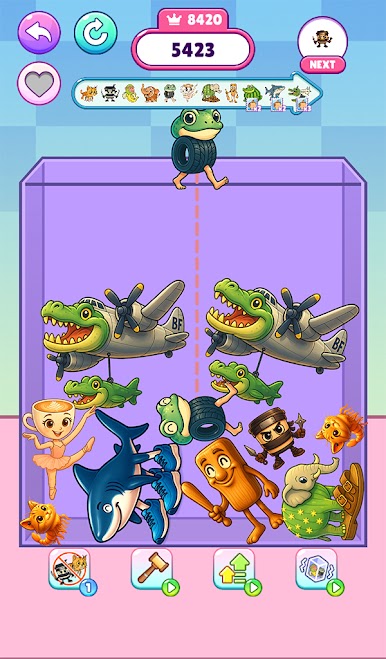
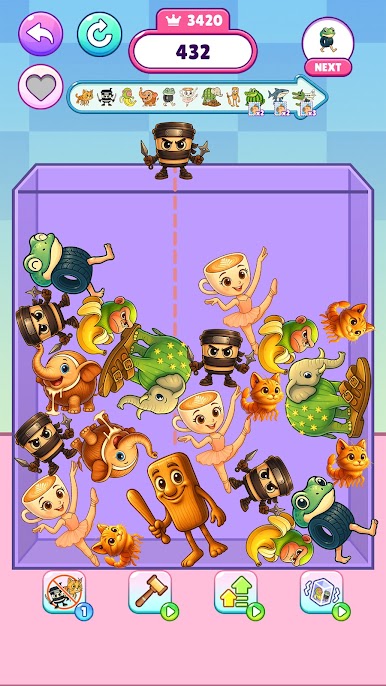
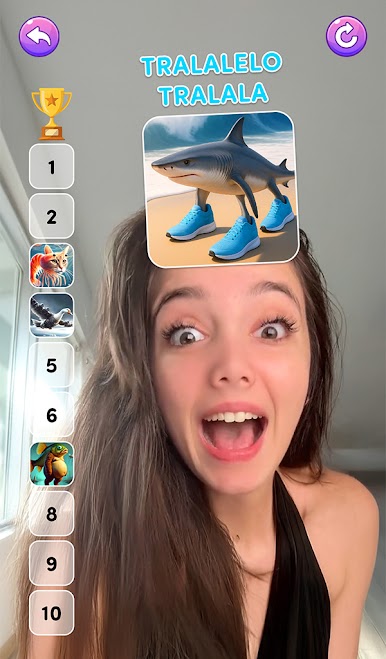
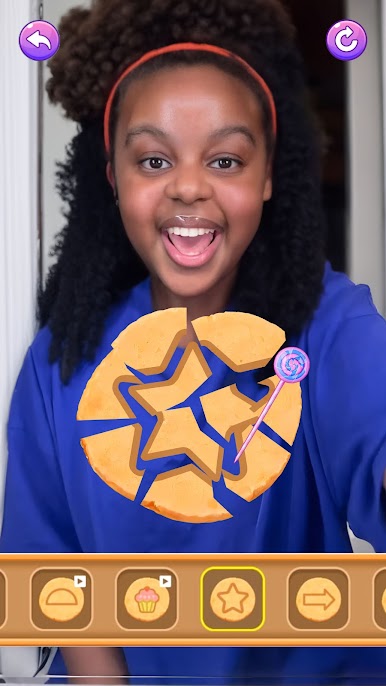
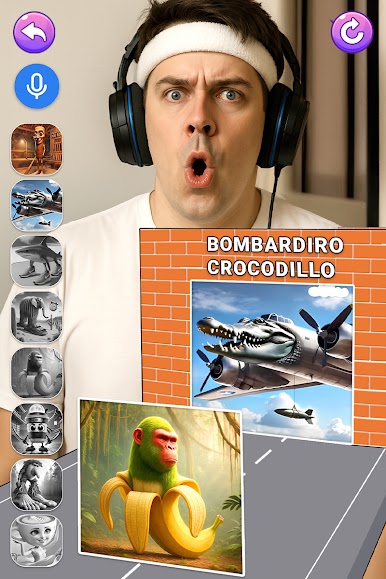
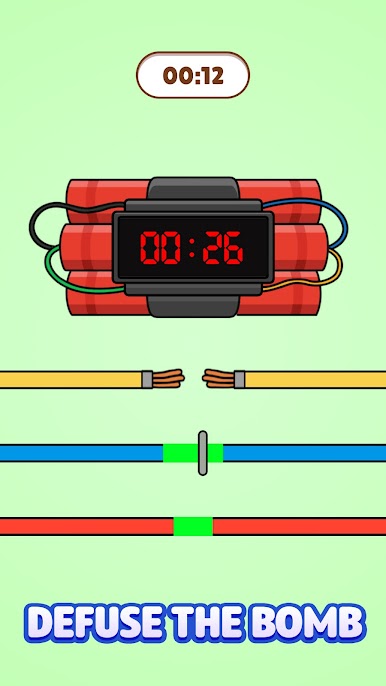
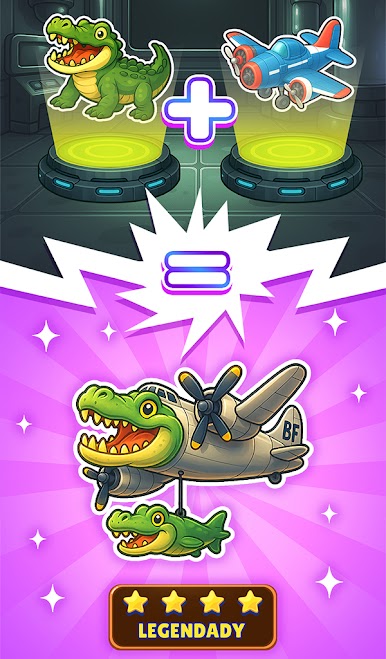
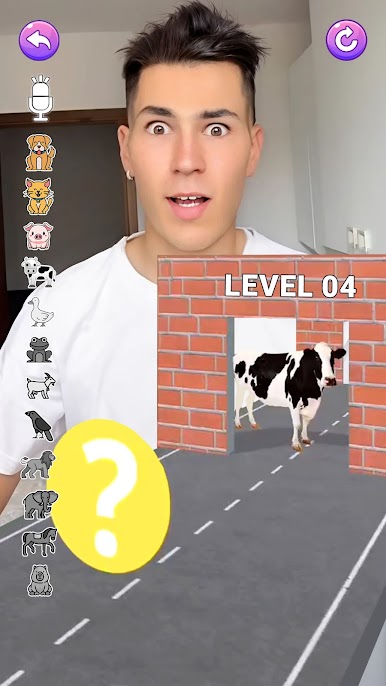
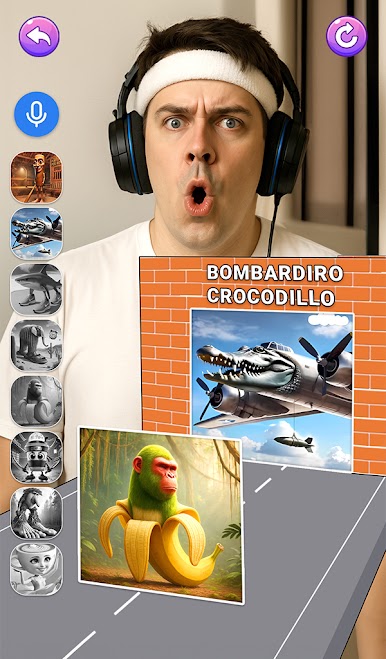
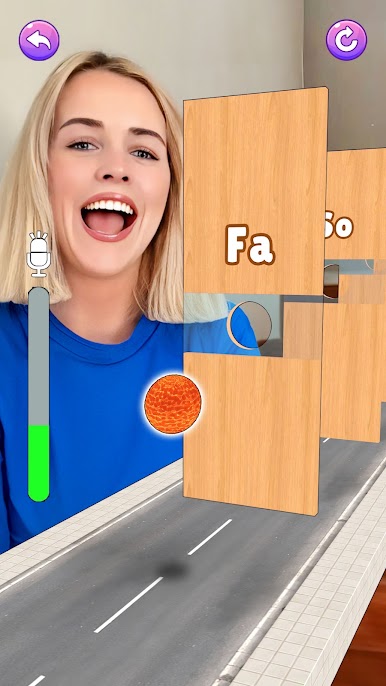
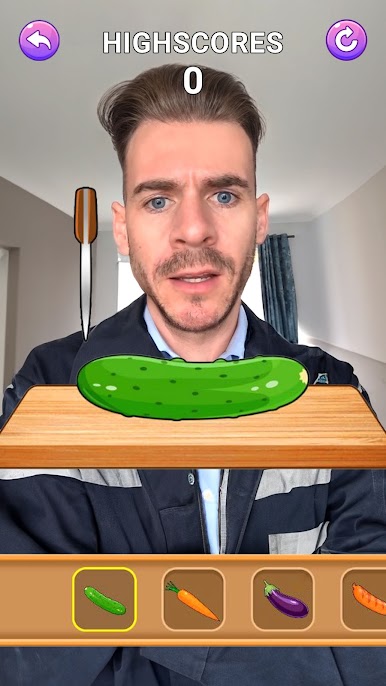
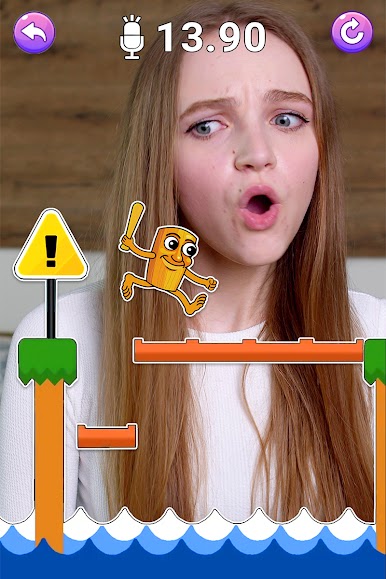
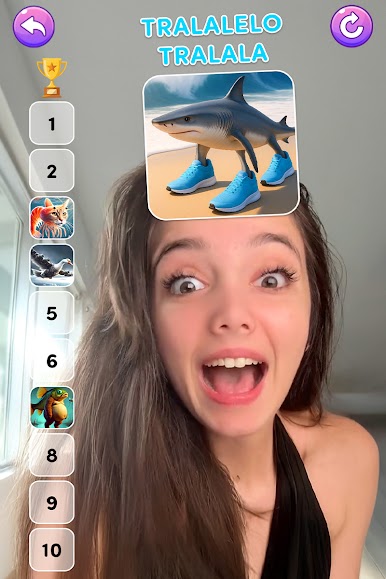
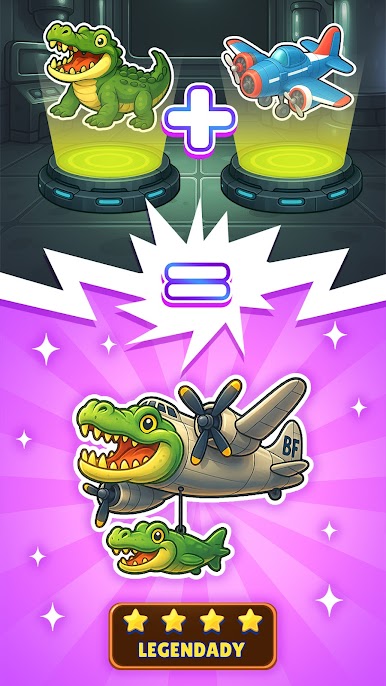
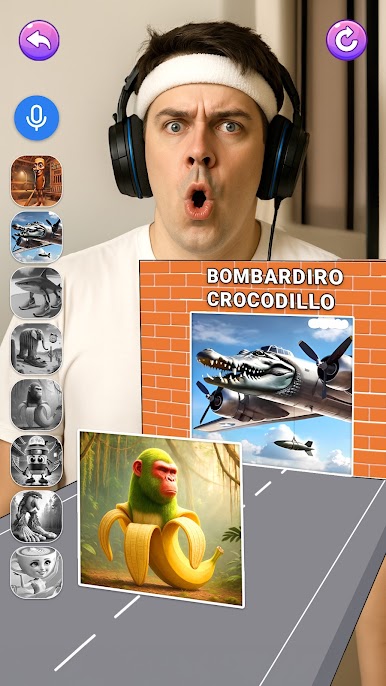
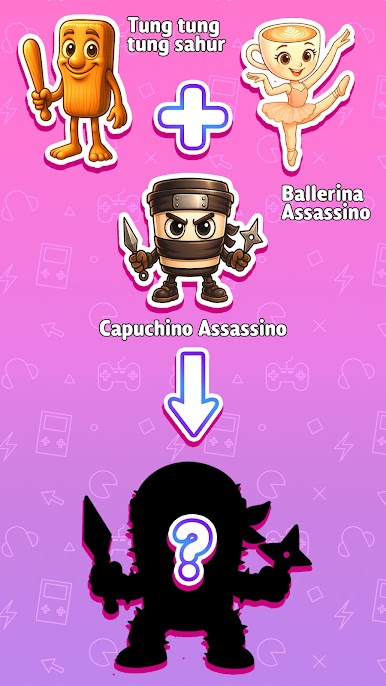
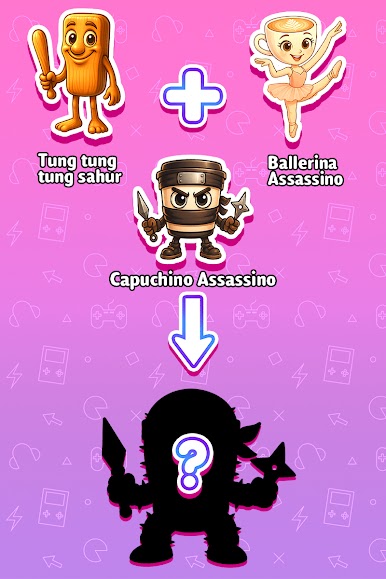
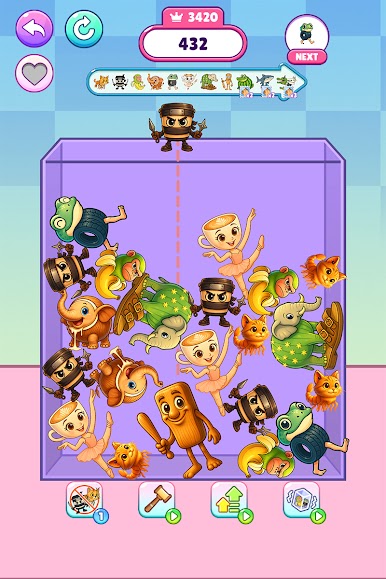
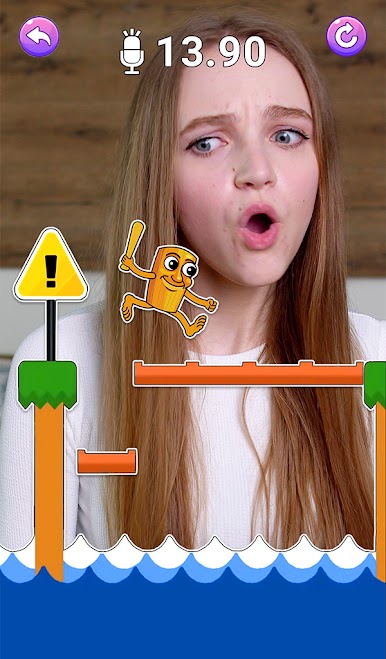
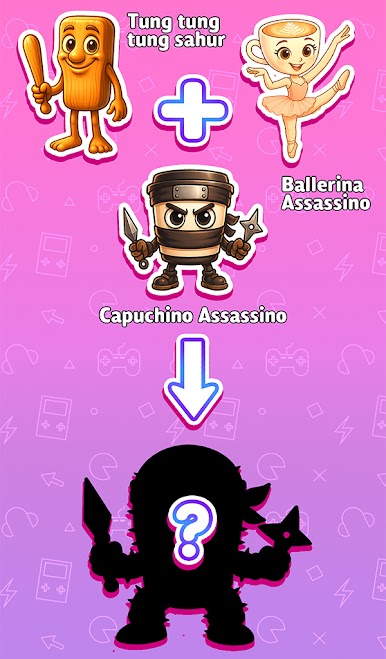
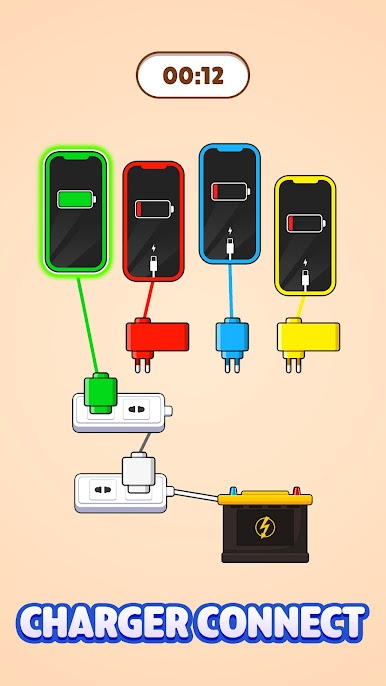
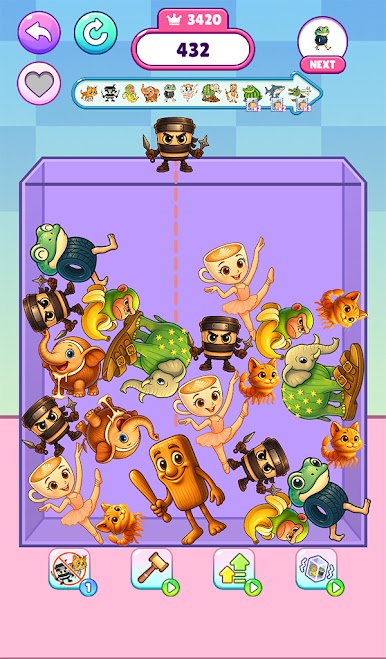
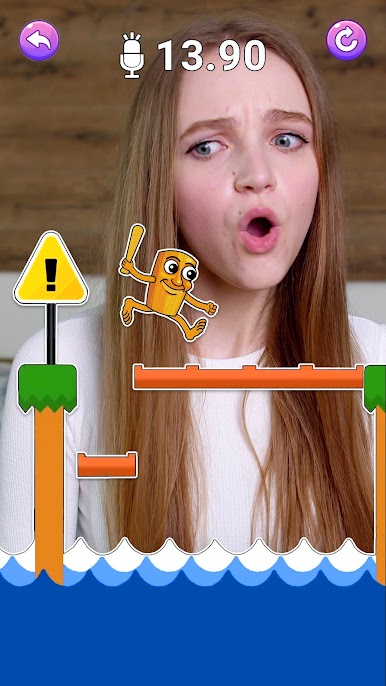
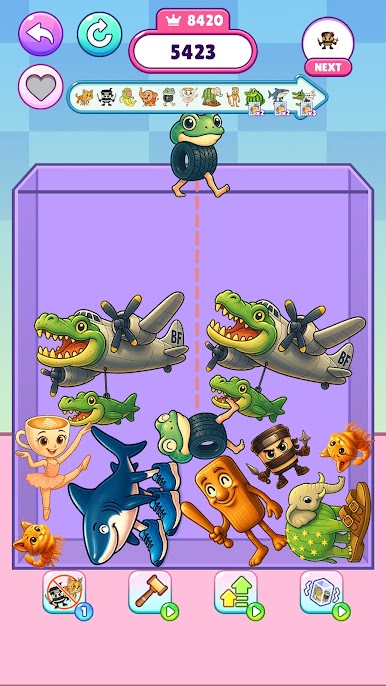
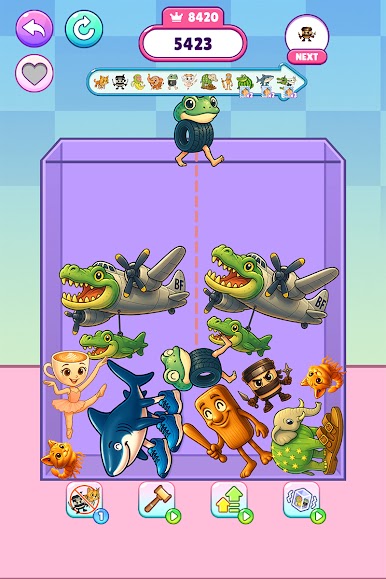
Mini Games: Brainrot Challenge is a fast mix of tiny games built around the goofy filters and meme trends everyone keeps seeing, especially the Italian Brainrot stuff. It plays like a rapid stream of quick tasks that pop in and out before the brain can settle. One moment a player is tapping to keep a squeaky chicken howling, then it shifts to copying animal sounds, then a Do Re Mi pitch check, then a merge puzzle with Brainrot characters, then a little ranking game that sorts meme faces. Controls stay simple with tap, swipe, hold, or speak, and the game barely pauses between rounds, so it feels like harmless chaos in a colorful package. The sound design leans into silly squeals and bops, which makes misses feel funny instead of annoying.
The look is clean and bright 2D, big buttons, chunky icons, not a lot of text. It is easy to pick up for a five minute break or let it roll for longer since it keeps shuffling new prompts. No heavy rules to memorize, just reaction time and a bit of ear for the voice bits. On PC with BlueStacks, quick mouse clicks help on the tap-heavy games, and a normal mic handles the sound challenges fine. It suits players who want stress relief without a long session, puzzle fans who enjoy bite sized tasks, and anyone who likes seeing social filters turned into actual games.
Ready to top the leaderboard? We bet you do. Let precise controls and sharp visuals optimized on BlueStacks lead you to victory.
Play Mini Games: Brainrot Challenge on PC. It’s easy to get started.
-
Download and install BlueStacks on your PC
-
Complete Google sign-in to access the Play Store, or do it later
-
Look for Mini Games: Brainrot Challenge in the search bar at the top right corner
-
Click to install Mini Games: Brainrot Challenge from the search results
-
Complete Google sign-in (if you skipped step 2) to install Mini Games: Brainrot Challenge
-
Click the Mini Games: Brainrot Challenge icon on the home screen to start playing

