


Udemy - Online Courses
Play on PC with BlueStacks – the Android Gaming Platform, trusted by 500M+ gamers.

Page Modified on: Sep 8, 2026
Run Udemy - Online Courses on PC or Mac
Multitask effortlessly on your PC or Mac as you try out Udemy – Online Courses, a Education app by Udemy on BlueStacks.
About the App
Udemy – Online Courses makes learning feel approachable and flexible, whether you’re refreshing core skills or exploring a new career path. This Education app blends expert-led courses with smart guidance and real practice, so you build abilities you can actually use. Prefer a desktop setup? It runs smoothly on a larger screen with BlueStacks.
App Features
- Personal Plan: Map out a tailored learning path that adjusts as your goals evolve, so you always know the next best step.
- Career Accelerators: Follow curated collections designed to speed up progress in high-impact areas like tech, business, and leadership.
- AI Role Play simulations: Rehearse real workplace scenarios—think conflict resolution or team collaboration—to turn knowledge into confident action.
- Smart recommendations: Get AI-driven suggestions that surface the right course or resource at the right moment.
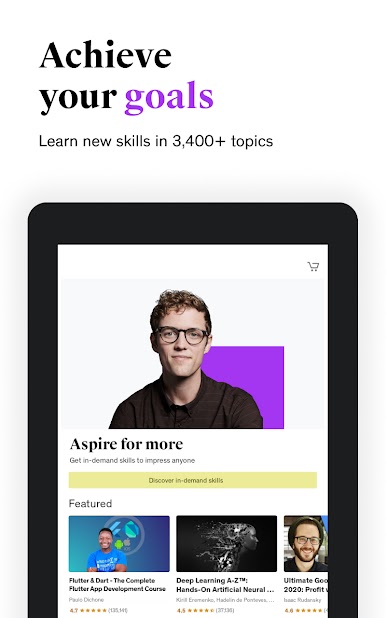
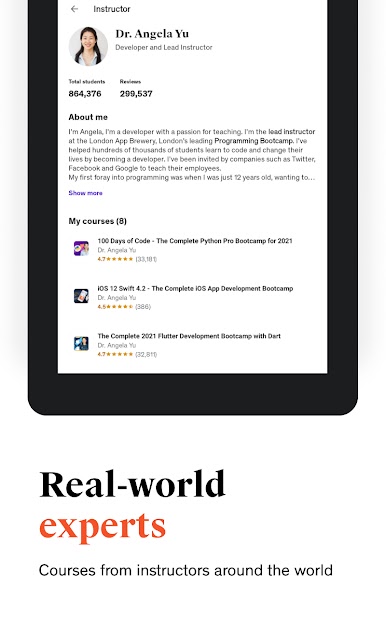
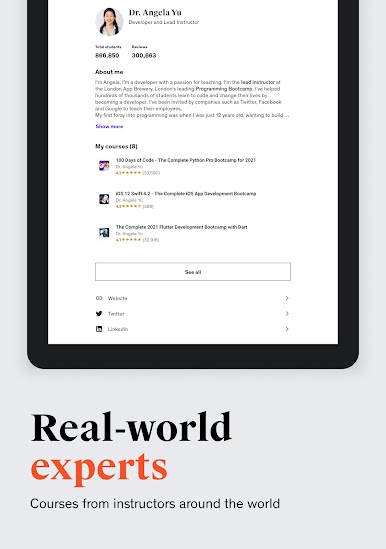
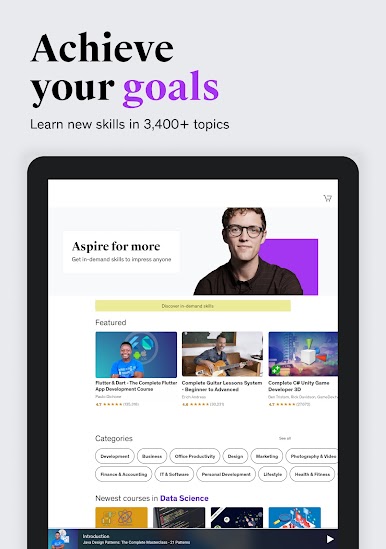
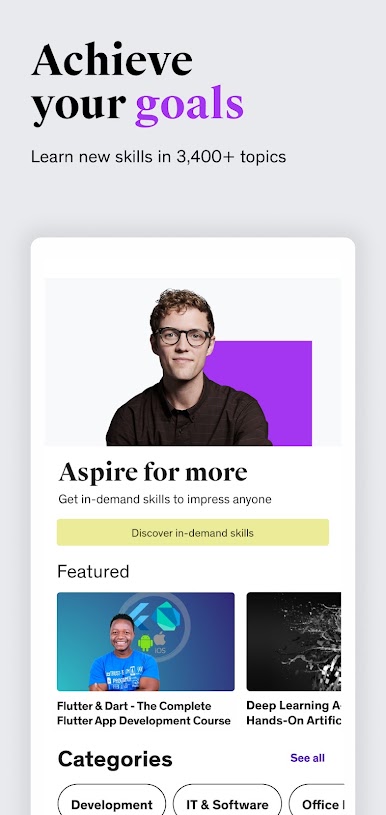
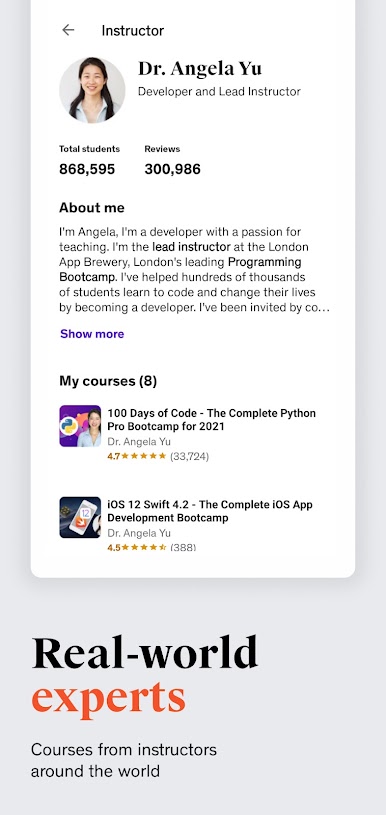
- Learn from experts: Take classes taught by practitioners across technology, business, creative thinking, and personal growth.
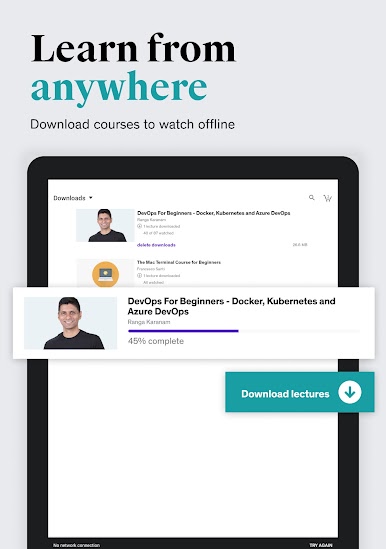
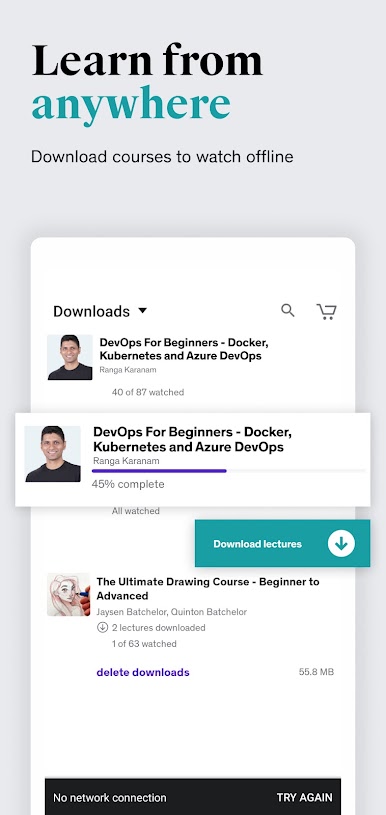
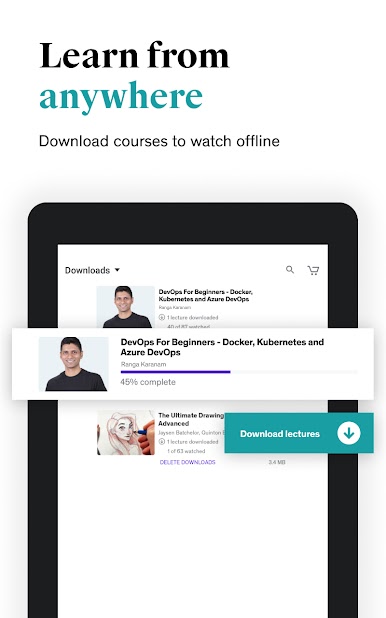
- Offline access: Download lessons and resources to keep learning even when you’re unplugged.
- Big-screen ready: Cast to Chromecast for a more comfortable view during longer study sessions.
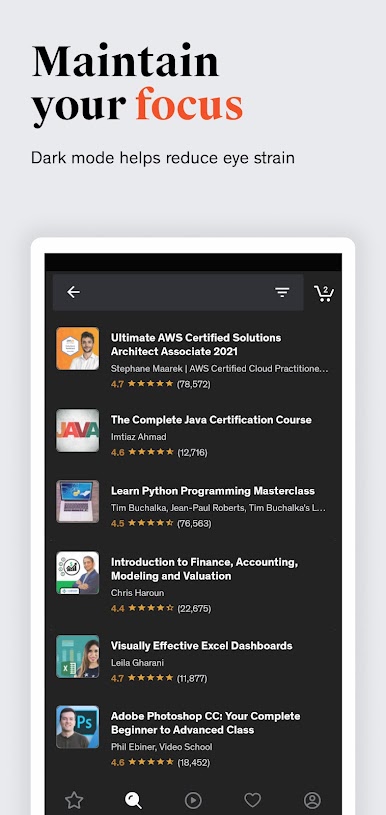
- Dark Mode: Reduce eye strain and stay focused in low light or late-night study windows.
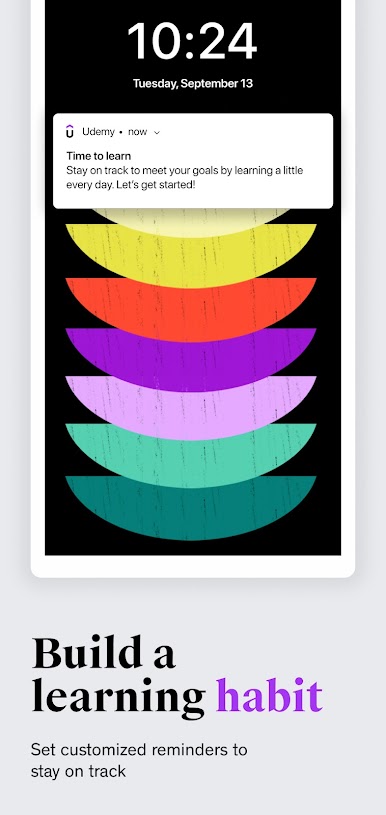
- Skill reminders: Set gentle nudges to keep momentum without overwhelming your schedule.
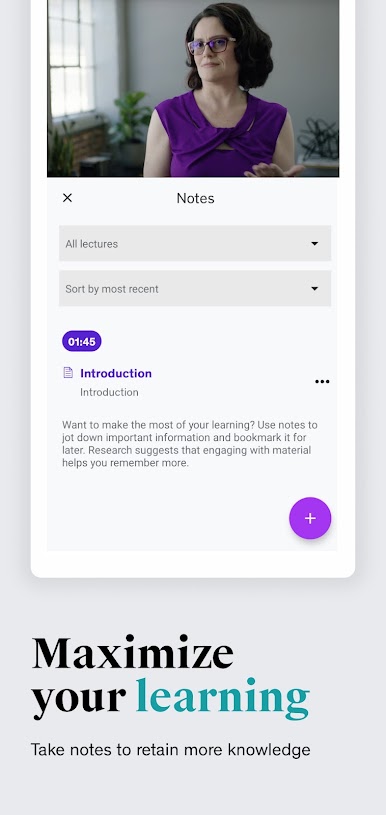
- Notes & bookmarks: Highlight key moments and tag sections you want to revisit quickly.
- Quick quizzes: Check your understanding with short assessments that reinforce what you’ve learned.
- Q&A with instructors: Ask questions and get timely guidance when you need clarity.
- Lifetime access: Revisit completed courses anytime for refreshers or quick references.
- Always up to date: Explore content refreshed to match new tools, technologies, and workplace needs.
Switch to BlueStacks and make the most of your apps on your PC or Mac.




Play Udemy - Online Courses on PC. It’s easy to get started.
-
Download and install BlueStacks on your PC
-
Complete Google sign-in to access the Play Store, or do it later
-
Look for Udemy - Online Courses in the search bar at the top right corner
-
Click to install Udemy - Online Courses from the search results
-
Complete Google sign-in (if you skipped step 2) to install Udemy - Online Courses
-
Click the Udemy - Online Courses icon on the home screen to start playing

