


Smash & Fall Ragdoll:Kick Doll
Play on PC with BlueStacks – the Android Gaming Platform, trusted by 500M+ gamers.

Page Modified on: Jul 14, 2026
Play Smash & Fall Ragdoll:Kick Doll on PC
💥 Play, Interact & Enjoy Ragdoll Fall Game
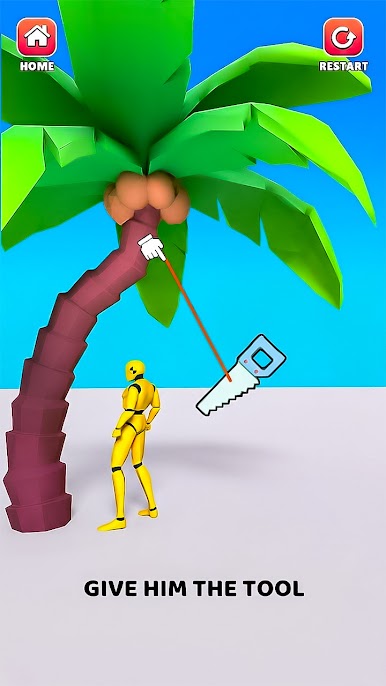
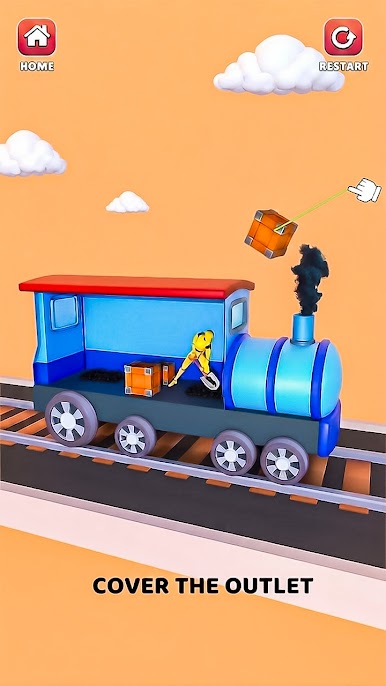
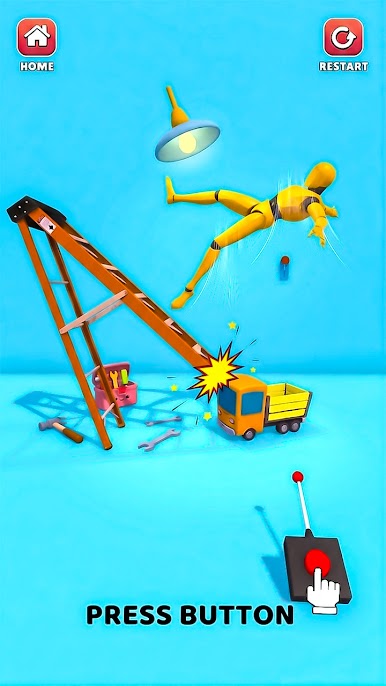
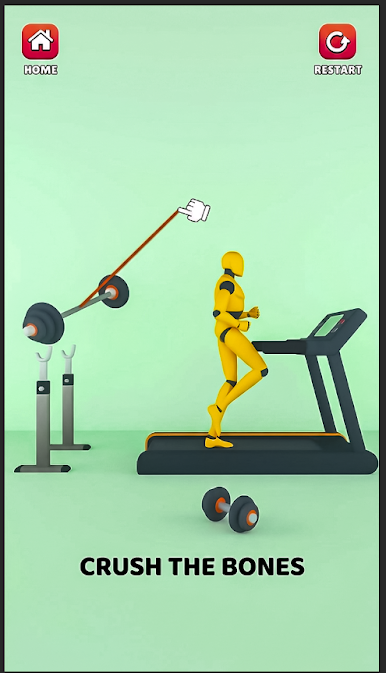
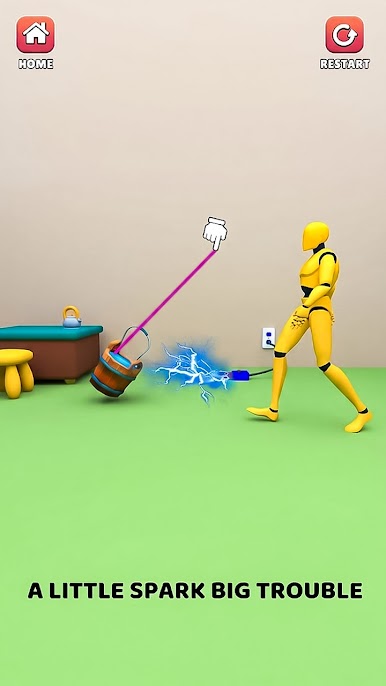
Control a flexible ragdoll character using a variety of tools, objects, and actions in Smash & Fall Ragdoll: Kick Doll. Push, throw, flip, and experiment to create funny and unexpected reactions in Break Ragdoll Games. The smooth and realistic physics system makes every interaction feel lively and entertaining in Ragdoll Simulator Games.
🎮 Explore Multiple Levels
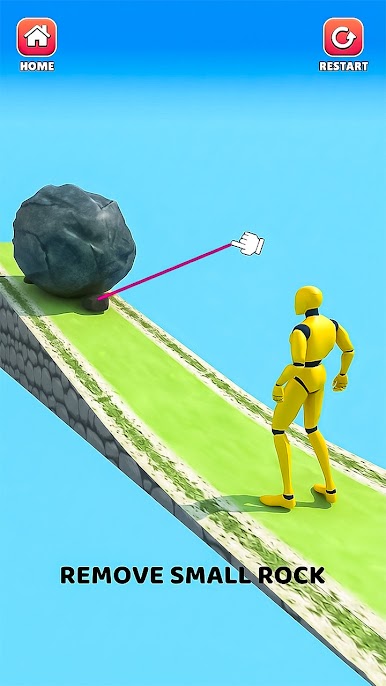
Discover a wide range of levels, each featuring unique environments and creative setups in Ragdoll Simulator Games. Every stage introduces new elements and challenges, giving you fresh ways to play, explore, and experiment in Break Ragdoll Games.
😄 Relaxing & Fun Gameplay
Enjoy a stress-free experience where you can play at your own pacing Break Ragdoll Games. Whether you're testing different actions or simply watching the ragdoll react, every moment is designed to be fun and relaxing in Smash & Fall Ragdoll: Kick Doll.
🎯 Play Anytime, Anywhere Ragdoll Fall Game
Perfect for quick sessions or long playtime in Break Ragdoll Games, this game lets you enjoy lighthearted fun whenever you want in Ragdoll Fall Game. No pressure, no limits, just pure entertainment in Ragdoll Simulator Games & Smash & Fall Ragdoll: Kick Doll.
✨ Key Features
• Realistic ragdoll physics for dynamic and amusing reactions in Ragdoll Fall Game
• Variety of tools and interactive objects to experiment with Break Ragdoll Games
• Multiple unique levels with creative challenges in Ragdoll Fall Game
• Simple and easy-to-learn controls in Smash & Fall Ragdoll: Kick Doll
• Smooth and engaging gameplay experience in Break Ragdoll Games
• Fun sound effects that enhance the overall experience in Ragdoll Fall Game
• Suitable for all ages Ragdoll Simulator Games
If you enjoy casual games with humor, physics-based mechanics, and interactive environments, Smash & Fall Ragdoll: Kick Doll is your go-to choice for endless fun!

Play Smash & Fall Ragdoll:Kick Doll on PC. It’s easy to get started.
-
Download and install BlueStacks on your PC
-
Complete Google sign-in to access the Play Store, or do it later
-
Look for Smash & Fall Ragdoll:Kick Doll in the search bar at the top right corner
-
Click to install Smash & Fall Ragdoll:Kick Doll from the search results
-
Complete Google sign-in (if you skipped step 2) to install Smash & Fall Ragdoll:Kick Doll
-
Click the Smash & Fall Ragdoll:Kick Doll icon on the home screen to start playing

